 PixQR
PixQR
Overview
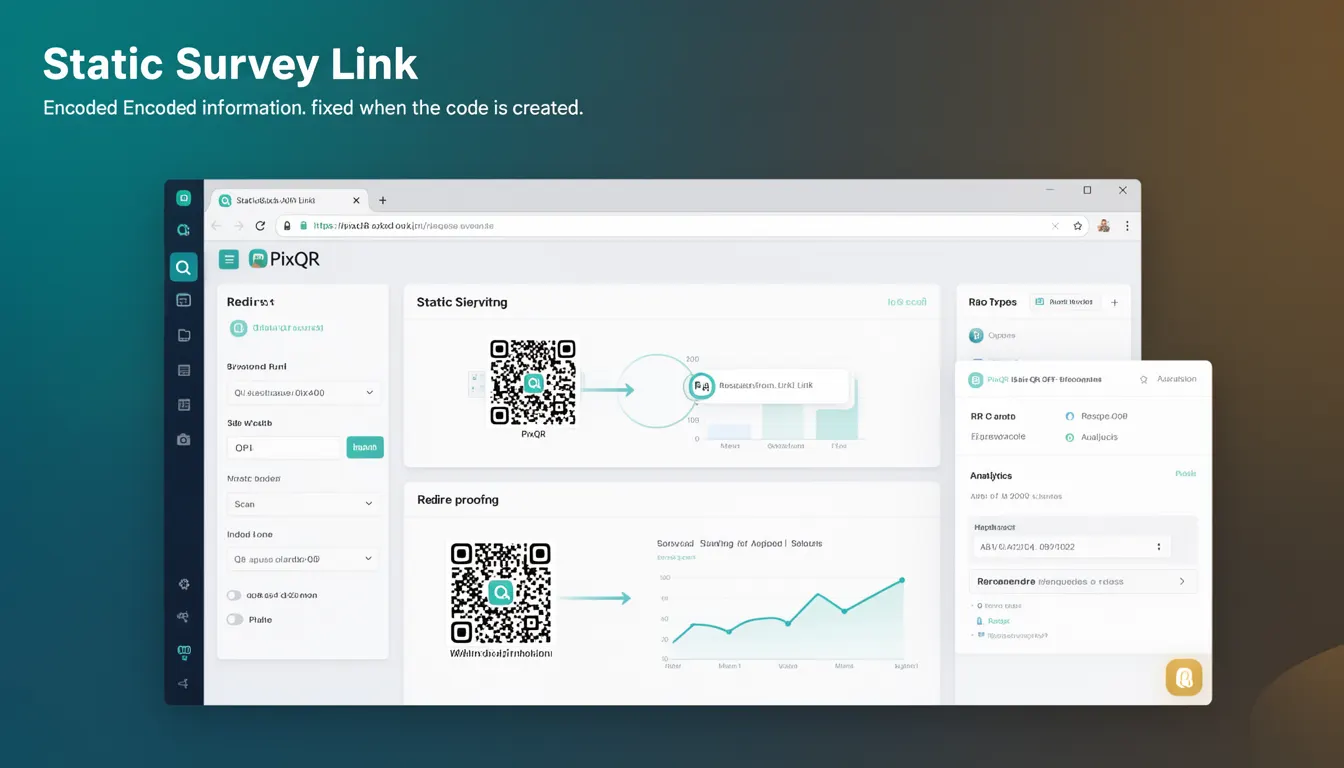
A Static Survey Link in the context of PixQR refers to a QR code that encodes a fixed URL or resource, typically used for directing users to a survey or form. Once the QR code is generated, the target link remains unchanged regardless of how many times it is scanned or how long it exists. This static nature makes it ideal for consistent tracking, analytics, and reliable redirection to fixed endpoints.
Developers and marketers using PixQR often create Static Survey Links to ensure that every scan of a QR code leads to the same destination, which is particularly useful when integrating with analytics platforms, campaign tracking, or survey tools that require stable URLs for data collection. These QR codes are commonly used in print materials, events, or physical signage where the link must not change over time.
Why It Matters
For developers and product teams, Static Survey Links are essential for maintaining data integrity and ensuring predictable behavior in tracking and analytics systems. Because the URL is fixed, any data collected through scans can be reliably attributed to a single endpoint, which is crucial for accurate reporting and campaign performance analysis.
From a security perspective, static links help prevent accidental misdirection or tampering, especially in controlled environments like corporate events or public campaigns. Additionally, for privacy compliance, static links make it easier to audit and manage what data is being collected and where it is being sent. The fixed nature also supports accessibility standards by ensuring consistent behavior across different scanning tools and platforms.
How It Works
When a Static Survey Link is created in PixQR, the system encodes a fixed URL into the QR code structure. This URL typically points to a survey or form hosted on a web server, and it does not change after the QR code is generated. The QR code itself is a visual representation of this encoded URL, which can be scanned by any QR code reader.
- The QR code encodes a Uniform Resource Identifier (URI) that points to a specific survey endpoint.
- Once generated, the encoded URI remains immutable, meaning no changes can be made to the target link.
- Scans of the QR code consistently redirect to the same URL, ensuring predictable behavior.
- Static Survey Links support standard HTTP/HTTPS protocols and can be configured to use custom domains if needed.
- Analytics and tracking systems can reliably attribute all scans to a single URL, enabling accurate reporting.
Quick Reference
| Item | Purpose | Notes |
|---|---|---|
| Encoded URI | Fixed target URL for survey | Immutable after QR generation |
| QR Code Format | Visual representation of URI | Standard QR code structure |
| Redirect Behavior | Consistent destination on scan | No dynamic redirection |
| Analytics Support | Accurate campaign tracking | Single endpoint for data collection |
| Domain Configuration | Optional custom domain support | Enhances branding and trust |
Basic Example
PixQR Example QR
This QR links directly to this glossary page, so printed notes, onboarding docs, and support material can bring scanners back to the current reference.

This example demonstrates a basic Static Survey Link structure in PixQR. The QR code encodes a fixed URL that points to a survey hosted on a domain.
https://survey.example.com/12345The URL is encoded into a QR code and scanned. Each scan redirects to the same endpoint, ensuring consistent data flow and tracking.
Production Example
In a production environment, a Static Survey Link may include additional configuration to support branding, analytics, and security.
https://survey.pixqr.com/survey/abc123?utm_source=poster&utm_campaign=product_launchThis version includes UTM parameters for campaign tracking and uses a PixQR domain for branding. The structure ensures that all scans lead to the same survey with consistent analytics and branding.
Common Mistakes
- Using a dynamic link instead of a static one, leading to inconsistent tracking and data loss.
- Not validating the target URL before QR code generation, which can cause broken links or misdirection.
- Ignoring UTM parameters or analytics tracking, reducing the value of scan data.
- Creating multiple static links for the same survey without proper version control, causing confusion.
- Using unbranded or generic domains, which may reduce trust or analytics clarity.
Security And Production Notes
- Ensure the target URL uses HTTPS to protect data in transit and maintain trust.
- Validate all URLs before encoding to prevent accidental misdirection or exposure of sensitive endpoints.
- Use custom domains or subdomains to align with branding and improve trustworthiness.
- Monitor analytics to detect any unexpected changes in scan behavior or traffic patterns.
- Implement access controls or authentication for sensitive surveys to prevent unauthorized access.
Related Concepts
Static Survey Links are closely related to several other QR code and link management concepts:
- Dynamic QR Codes: Unlike static links, dynamic QR codes can be updated after creation, which may be useful for campaigns that require flexibility.
- URL Shorteners: While similar in function, URL shorteners often introduce variability that static links avoid.
- Link Tracking: Static links are ideal for tracking because they ensure consistent attribution.
- QR Code Analytics: Static links provide reliable data for analyzing scan behavior and campaign performance.
- Scan Reliability: Static links ensure that scans consistently reach the intended destination, improving user experience.