 PixQR
PixQR
Overview
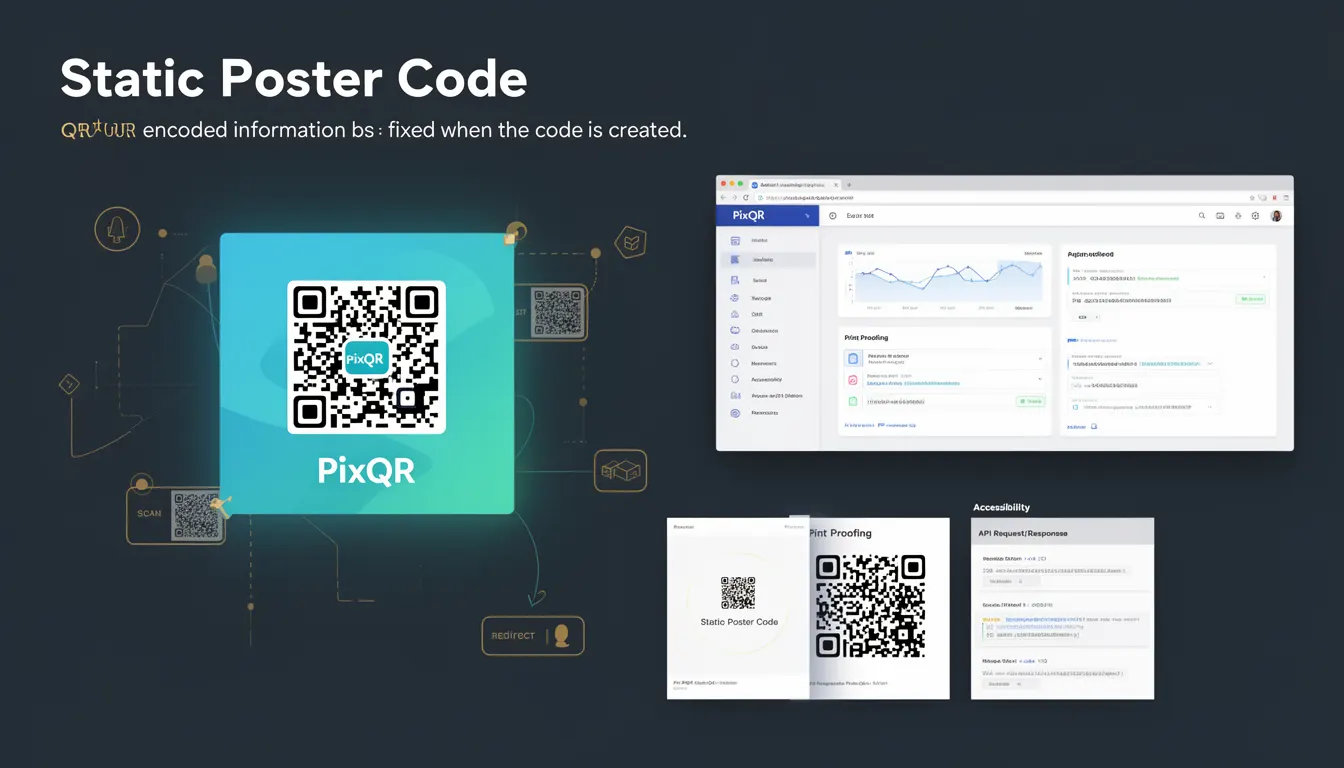
A Static Poster Code in the context of PixQR refers to a QR code where the encoded data is permanently fixed at the time of generation. Unlike dynamic QR codes, which can be updated after creation, static poster codes cannot be modified once they are generated. This makes them ideal for scenarios where the target URL or content must remain unchanged, such as marketing materials, printed signage, or physical product labels.
Developers using PixQR often choose static poster codes when they need to ensure that a QR code always points to the same destination, regardless of any future changes to the underlying link or content. This is especially important in environments where physical media is involved, such as posters, billboards, or product packaging, where updating the QR code would require reprinting the physical item.
Why It Matters
Static Poster Codes are significant for developers because they offer a predictable and consistent behavior for QR code scanning. This predictability is essential in production environments where a QR code must reliably redirect to the same resource over time. For example, in a marketing campaign, if a QR code is intended to lead to a specific landing page, a static code ensures that users will always be directed to that page, even if the page content or URL structure changes elsewhere.
Additionally, static codes are beneficial for compliance and security purposes. They allow organizations to control the exact data encoded within the QR code, preventing unauthorized modifications or redirects. In PixQR, this is especially relevant when creating brand-safe QR codes for use in high-traffic or sensitive environments where maintaining integrity is critical.
How It Works
When generating a static poster code in PixQR, the system encodes a fixed payload into the QR code structure. The payload is typically a URL or a short text string, and once the QR code is created, the data within it is immutable. The QR code's structure is designed to support this immutability, ensuring that it scans correctly and reliably across various devices and platforms.
- The encoded data is stored in a non-editable format within the QR code matrix.
- Static codes are generated using a one-time process that does not support updates post-creation.
- Once generated, the QR code's URL or content cannot be changed, making it suitable for long-term use.
- Static codes are ideal for print-based applications where physical media is involved.
- They support standard QR code scanning protocols and are compatible with most QR code readers.
Quick Reference
| Item | Purpose | Notes |
|---|---|---|
| QR Code Payload | Fixed data encoded in the QR code | Immutable after generation |
| Generation Process | One-time creation of QR code | No updates allowed post-creation |
| Scan Reliability | Consistent scanning behavior | Compatible with all standard readers |
| Use Case | Print media, product labels, signage | Long-term stability required |
| Dynamic vs Static | Difference in update capability | Static codes are fixed; dynamic can be modified |
Basic Example
PixQR Example QR
This QR links directly to this glossary page, so printed notes, onboarding docs, and support material can bring scanners back to the current reference.

The following example shows how a static poster code might be generated in PixQR using a simple URL. The code is fixed and will always redirect to the same destination.
const staticCode = pixqr.createStaticCode({
  url: "https://example.com/product-page",
  size: 256
});
This example demonstrates a basic static code creation with a fixed URL. The size parameter defines the QR code's dimensions in pixels, and the URL is encoded directly into the code at generation time.
Production Example
In a production environment, developers may need to validate and securely configure static codes. The following example shows how to generate a static QR code with input validation and error handling, suitable for use in a backend or API context.
const generateStaticPoster = (url, size = 256) => {
  if (!url || !isValidUrl(url)) {
    throw new Error("Invalid URL provided");
  }

  try {
    const code = pixqr.createStaticCode({
      url: url,
      size: size,
      errorCorrection: "M"
    });

    return code;
  } catch (error) {
    console.error("Failed to generate static QR code:", error);
    throw error;
  }
};
This version includes URL validation and error handling to ensure that only valid inputs are processed. The error correction level is set to "M" for medium correction, improving the code's robustness against damage or scanning issues.
Common Mistakes
- Assuming that static codes can be updated after creation, leading to unexpected behavior when the QR code is scanned.
- Using static codes in environments where the target content changes frequently, causing outdated links.
- Not validating the URL before generating the code, resulting in invalid QR codes that fail to scan.
- Ignoring error correction settings, which can lead to QR codes that fail to scan under certain conditions.
- Using static codes for dynamic content that may require frequent updates, such as promotional campaigns or event details.
Security And Production Notes
- Static codes are inherently secure because their content cannot be altered after creation, reducing the risk of tampering.
- Ensure that URLs used in static codes are validated to prevent malicious redirects or phishing attempts.
- Static codes are ideal for print and physical media, where they can be scanned reliably across different devices and lighting conditions.
- Use error correction levels to enhance scanning reliability, especially in environments with potential damage to the QR code.
- Implement logging or analytics for static codes to monitor usage and detect any anomalies in scan behavior.
Related Concepts
Static Poster Codes are closely related to several other QR code concepts and technologies:
- Dynamic QR Codes – Unlike static codes, dynamic QR codes can be updated after creation, offering flexibility but less predictability.
- QR Code Generation APIs – The process of creating static codes often involves interacting with APIs that manage QR code encoding and output.
- URL Shortening – Static codes can encode shortened URLs, but unlike dynamic shorteners, the final destination is fixed.
- Scan Analytics – While static codes do not change, analytics can still be collected to track how often they are scanned.
- Print Quality Standards – Static codes are often used in print environments, where resolution and clarity are important for scanning.