 PixQR
PixQR
Overview
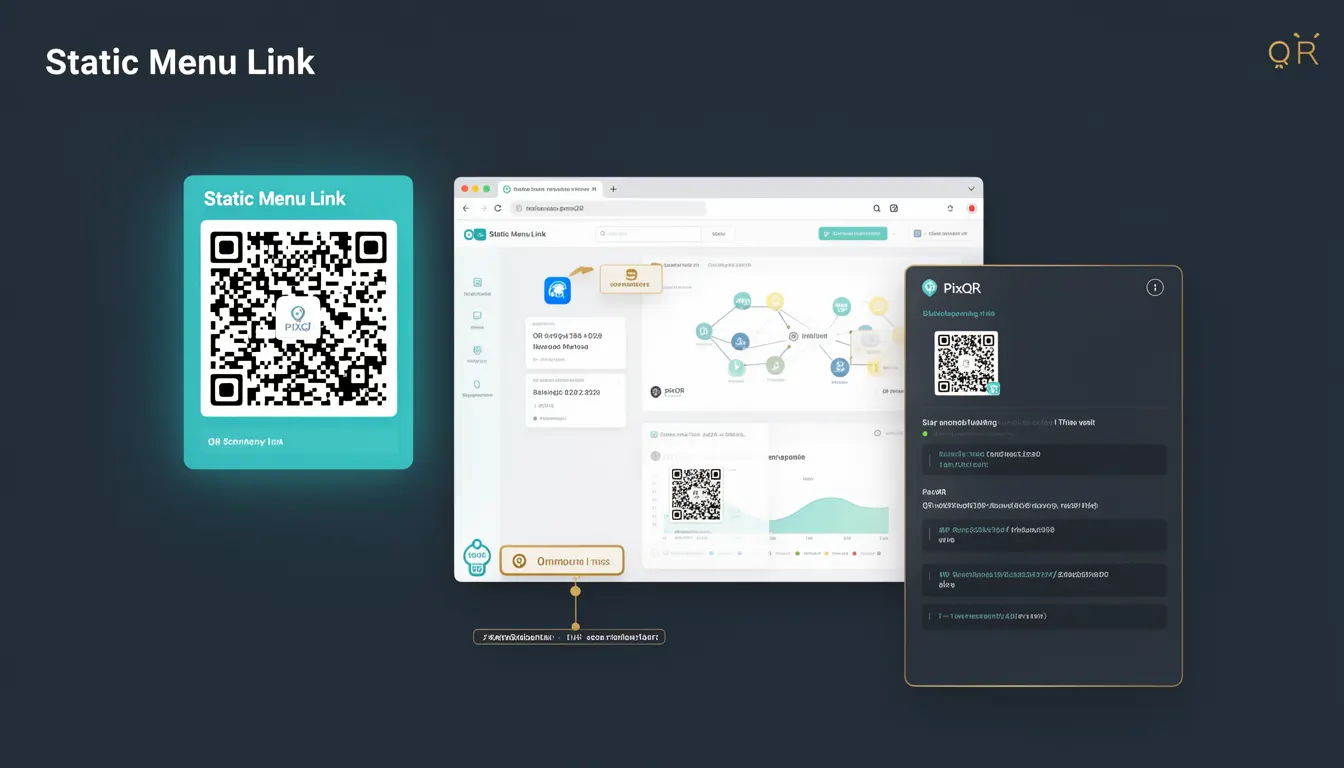
A Static Menu Link in the context of PixQR refers to a QR code configuration where the encoded data is fixed at the time of generation and does not change regardless of how many times the code is scanned or how long it remains active. This type of link is often used for branding, promotional materials, or static content that should remain unchanged over time.
Static Menu Links are particularly useful in environments where consistency is critical, such as physical product labels, printed marketing collateral, or fixed asset tracking. The QR code itself does not dynamically update its target URL or content, which means that once the code is generated and deployed, it will always point to the same destination.
Why It Matters
Static Menu Links are essential for maintaining consistent user experience and data integrity across various platforms and use cases. In production environments, especially those involving physical assets or long-term branding efforts, a static link ensures that the intended destination remains unchanged, avoiding confusion or misdirection.
From a security standpoint, static links provide predictability, which helps in preventing accidental exposure of sensitive content or unintended redirections. For analytics, static links ensure that all scan data corresponds to a single, unchanging destination, allowing for accurate tracking and reporting.
For operational workflows, static links simplify maintenance by removing the need for ongoing updates or real-time modifications. This is particularly beneficial in scenarios where frequent changes could lead to errors or inconsistencies in scan behavior.
How It Works
When a Static Menu Link is created within PixQR, the system encodes a fixed URL or content into the QR code. This encoded data is immutable and remains consistent across all scans. The following mechanisms and attributes define how Static Menu Links operate:
- The encoded payload is generated at the time of QR creation and stored as a fixed value within the QR code's data structure.
- Each scan of the code retrieves the same static destination, regardless of the scanning environment or time of use.
- Static Menu Links do not support dynamic parameters or URL rewriting, which ensures that the target remains unchanged.
- These links are typically used in scenarios where the destination must not be altered, such as for permanent product identifiers or brand assets.
- Static Menu Links are compatible with all standard QR code readers and do not require additional software or services for decoding.
Quick Reference
| Item | Purpose | Notes |
|---|---|---|
| Static Link Payload | Fixed URL or content encoded in the QR code | Immutable after creation |
| Scan Behavior | Always returns the same destination | No dynamic changes allowed |
| Use Case | Branding, fixed asset tracking | Consistency across environments |
| Dynamic Updates | Not supported | Requires new QR code generation |
| Compatibility | Standard QR readers | No special decoding required |
Basic Example
PixQR Example QR
This QR links directly to this glossary page, so printed notes, onboarding docs, and support material can bring scanners back to the current reference.

This basic example demonstrates how a Static Menu Link is configured in PixQR, showing a simple fixed URL encoded into a QR code.
const staticLink = {
  url: "https://example.com/product-info",
  type: "static"
};

// QR code generated with fixed URL
const qrCode = pixqr.generate(staticLink);
The example shows a configuration object with a fixed URL and a type set to "static". This ensures that the QR code will always point to the same URL, regardless of how many times it is scanned.
Production Example
In a production environment, a Static Menu Link must be carefully configured to ensure consistency and reliability. This example includes validation and configuration steps that are essential for maintaining operational integrity.
const config = {
  url: "https://brand.example.com/menu",
  type: "static",
  label: "Product Menu",
  tags: ["branding", "static"],
  analytics: false
};

const qrCode = pixqr.generate(config);

if (qrCode && qrCode.id) {
  console.log("Static QR code generated with ID:", qrCode.id);
} else {
  console.error("Failed to generate QR code");
}
This version includes additional configuration options such as labeling, tagging, and analytics control. It also includes error handling to ensure that the QR code is successfully generated and can be tracked in production workflows.
Common Mistakes
- Assuming that static links can be updated after creation, leading to confusion when scans do not redirect as expected.
- Using static links for dynamic content that changes frequently, which undermines the purpose of static encoding.
- Not validating the target URL before generating the QR code, resulting in broken links or misdirected scans.
- Ignoring the need for unique identifiers for static links, causing conflicts in tracking or management systems.
- Overlooking the importance of accessibility or scan reliability when deploying static QR codes in physical environments.
Security And Production Notes
- Static links should always be validated to ensure that the target URL is secure and accessible to all intended users.
- Ensure that static QR codes do not expose sensitive data or internal system URLs.
- Static links should be tested across various scanning environments to confirm consistent behavior.
- Implement logging or monitoring for static link scans to detect anomalies or unexpected usage patterns.
- Static links are not suitable for scenarios requiring frequent updates or dynamic content, as they must be regenerated for any changes.
Related Concepts
Static Menu Links are closely related to several other concepts in QR code management and digital asset workflows:
- Dynamic Redirects – These are links that can change over time or based on parameters, offering flexibility but requiring real-time updates.
- QR Code Generation – The process of creating QR codes with specific payloads, which includes choosing between static and dynamic options.
- Scan Analytics – Static links simplify tracking since all scans point to a single destination, making analytics more predictable.
- Asset Tracking – Static links are often used for identifying physical assets with fixed identifiers, ensuring consistency in tracking systems.
- Brand Safety – Static links ensure that branding assets remain consistent and unaltered, supporting brand integrity.