 PixQR
PixQR
Overview
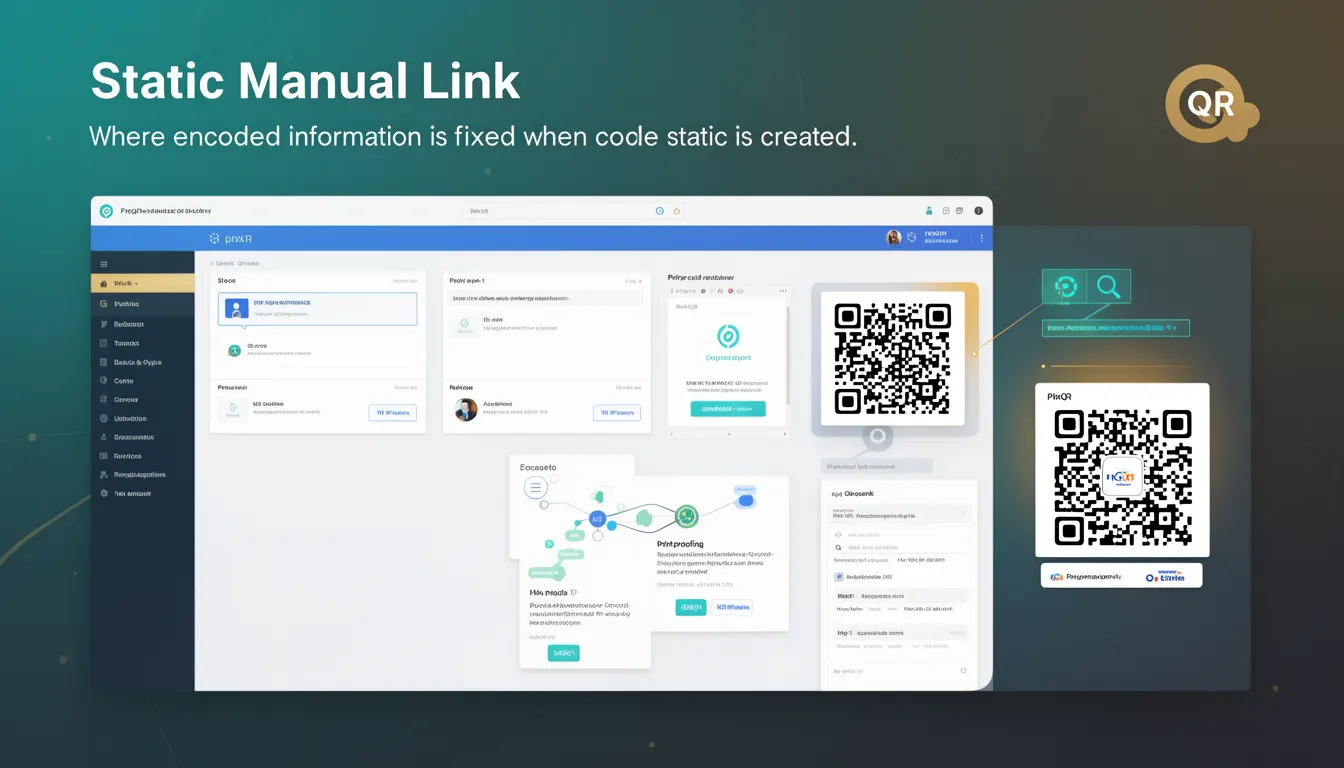
A Static Manual Link in the context of PixQR refers to a QR code that encodes a fixed URL or destination, which does not change after the QR code is generated. This is the most basic form of QR code, where the payload is immutable once the code is created. It is used when a developer or content manager wants to ensure that a QR code always points to the same resource, regardless of how many times it is scanned or how long it exists.
Static Manual Links are commonly used in marketing campaigns, print materials, physical product labels, and any scenario where a consistent destination is required. Unlike dynamic QR codes, which can be updated post-generation, Static Manual Links provide a fixed and predictable outcome for every scan. This makes them ideal for situations where the destination must remain unchanged for legal, branding, or tracking purposes.
Why It Matters
For developers working with PixQR, understanding Static Manual Links is crucial because they form the foundational building block for QR code functionality. These links are used in environments where stability and predictability are essential, such as in product packaging, event signage, or compliance-driven systems. Unlike dynamic links, which may change over time, Static Manual Links ensure that a user scanning a QR code will always reach the same destination, which is critical for tracking, analytics, and brand integrity.
From a security standpoint, Static Manual Links reduce the risk of unintended redirection or tampering, as the destination is hardcoded and cannot be altered post-creation. This is particularly important in scenarios involving sensitive data or regulated environments where consistency and traceability are required. Additionally, for operational workflows, Static Manual Links simplify the management process, as there is no need to update or monitor the destination link after QR code generation.
How It Works
When a Static Manual Link is created in PixQR, the system encodes a fixed URL into the QR code’s payload. This URL is stored as a literal string within the QR code’s data structure, and the code is generated using a standard QR code encoding algorithm, such as QR Code Model 2 (ISO/IEC 18004). The resulting QR code is then rendered with a fixed visual representation that encodes the static URL.
- The encoded URL is stored in the QR code's data matrix and is read directly by any QR code scanner without requiring additional processing or network calls.
- Once generated, the QR code’s destination is immutable and cannot be modified, even if the original URL is updated elsewhere.
- Static Manual Links are generated using a deterministic algorithm, ensuring consistent output for identical inputs.
- Scanning a Static Manual Link will always result in the same destination, providing predictable behavior for both end users and analytics systems.
- PixQR supports a range of URL formats including HTTP, HTTPS, and custom protocols, but does not support dynamic or parameterized links unless they are fully resolved at generation time.
Quick Reference
| Item | Purpose | Notes |
|---|---|---|
| Static URL Encoding | Fixed destination in QR code payload | Cannot be updated post-generation |
| QR Code Model | Standard QR Code Model 2 | ISO/IEC 18004 compliant |
| Scan Reliability | Consistent destination for every scan | Ensures predictable user experience |
| Update Policy | No updates allowed post-creation | Requires regeneration for changes |
| Analytics Support | Tracking scan behavior | Static data ensures reliable metrics |
Basic Example
PixQR Example QR
This QR links directly to this glossary page, so printed notes, onboarding docs, and support material can bring scanners back to the current reference.

This example shows a simple Static Manual Link generated with a fixed URL. The QR code is created using a standard PixQR API call, and the destination is defined at the time of generation.
const qrCode = pixqr.create({
  type: 'static',
  url: 'https://example.com/product/12345'
});
The type parameter is set to 'static', indicating that the QR code will be a Static Manual Link. The url field specifies the destination. Once generated, this QR code will always redirect to the same URL regardless of how many times it is scanned.
Production Example
In a production environment, a Static Manual Link might be part of a larger workflow that includes validation, error handling, and integration with an analytics system. This example demonstrates how a developer might safely generate a Static Manual Link in a system that ensures the URL is valid and properly formatted before QR code generation.
const validateUrl = (url) => {
  try {
    new URL(url);
    return true;
  } catch (e) {
    return false;
  }
};

const generateStaticQR = (inputUrl) => {
  if (!validateUrl(inputUrl)) {
    throw new Error('Invalid URL provided');
  }

  return pixqr.create({
    type: 'static',
    url: inputUrl,
    analytics: true
  });
};
This version is more suitable for production because it includes input validation to ensure that only valid URLs are encoded into the QR code. Additionally, it enables analytics tracking, which allows developers to monitor how many times the QR code is scanned, while still maintaining the static nature of the link.
Common Mistakes
- Assuming that a Static Manual Link can be updated after generation. This is a common misconception, as Static Manual Links are immutable by design.
- Using an invalid or malformed URL, which can cause the QR code to fail during scanning or redirect to an unintended location.
- Not validating the URL before QR code generation, leading to runtime errors or broken links in production.
- Confusing Static Manual Links with Dynamic Links, which can result in unnecessary complexity or incorrect implementation.
- Ignoring analytics capabilities, which may limit the ability to monitor or optimize QR code performance post-deployment.
Security And Production Notes
- Static Manual Links do not support dynamic parameters or redirects, which reduces the risk of injection or unintended behavior.
- All URLs must be validated before encoding to prevent invalid or malicious links from being embedded in QR codes.
- Static QR codes are inherently more secure than dynamic ones in terms of tampering, as the destination is fixed and cannot be altered.
- Ensure that the destination URL is HTTPS to maintain secure communication, especially in public or untrusted environments.
- For compliance or audit purposes, maintain logs of QR code generation to track which static links were created and when.
Related Concepts
Static Manual Links are closely related to several other QR code concepts. Dynamic Links are the opposite, where the destination can be updated post-generation. QR Code Models define the structure and encoding method used. Scan Tracking refers to how the QR code is monitored and analyzed after deployment. Brand Safety ensures that the content and destination are aligned with brand guidelines. Finally, Print Reliability ensures that the QR code is scannable in physical formats like print media or signage.