 PixQR
PixQR
Overview
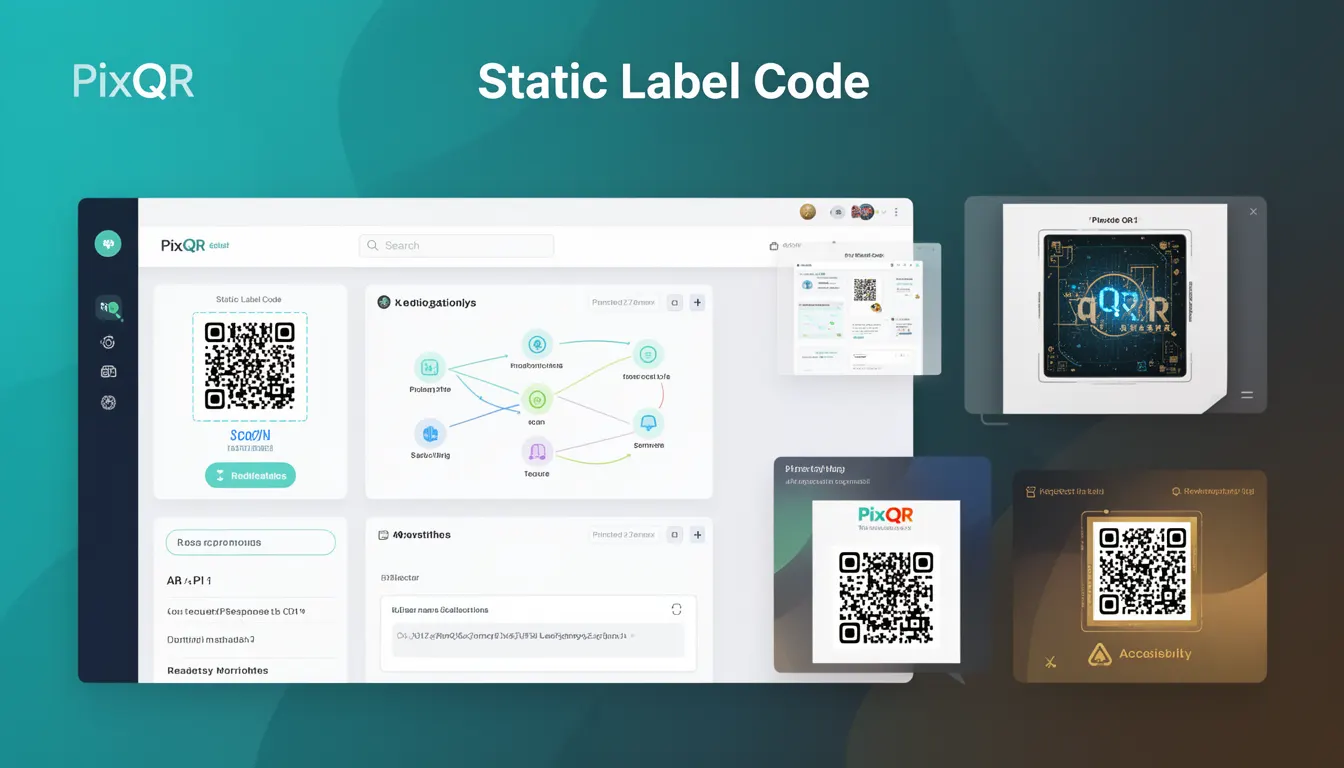
A Static Label Code in the context of PixQR refers to a QR code variant where the encoded data is fixed at the time of generation and cannot be modified afterward. This type of QR code is used when the target information—such as a URL, text, or contact details—must remain constant and unchanging, regardless of how many times the code is scanned or accessed.
Unlike dynamic QR codes, which can redirect to different destinations or update content over time, static label codes ensure consistency and reliability for scenarios where the integrity of the data is critical. For example, a product packaging QR code that links to a fixed product page or a company branding QR code that always points to the same landing page would be static label codes.
Why It Matters
Static label codes are essential in environments where data integrity and consistency are paramount. For instance, in print marketing, product packaging, or compliance-driven industries, changing QR code content after deployment could lead to confusion, fraud, or legal issues. A static label code ensures that every scan leads to the same reliable destination, which is especially important for tracking, analytics, and brand safety.
From a developer's perspective, static label codes simplify integration with backend systems and analytics tools because the endpoint remains fixed. This reduces complexity in redirect handling and makes it easier to audit or monitor scan behavior. Additionally, static codes are less prone to errors during deployment and scanning, as they avoid the risk of misconfigurations or unexpected redirects that can occur with dynamic alternatives.
How It Works
When a static label code is generated, the data payload is embedded directly into the QR code matrix. This process is deterministic and does not rely on external databases or dynamic lookup mechanisms. The resulting QR code is immutable, meaning its content cannot be altered after generation.
- The encoded data is typically stored in the QR code's payload using standard encoding formats like UTF-8 or base64.
- Static label codes are generated using a fixed input, such as a URL, text, or binary data, and do not involve any dynamic redirection logic.
- Once generated, the QR code can be scanned and decoded by any standard QR reader without requiring network access or API calls.
- Scan analytics for static codes are limited to basic metrics like scan count and geographic data, as the code itself does not support dynamic tracking or updates.
- Static label codes are compatible with all standard QR code readers and platforms, including those used in mobile apps, web browsers, and physical print materials.
Quick Reference
| Item | Purpose | Notes |
|---|---|---|
| Encoding Format | Defines how data is stored in the QR code | UTF-8, base64, or binary |
| Immutable Content | Ensures data cannot be changed post-generation | Enforced at generation time |
| Scan Tracking | Limited analytics for static codes | Basic count and location data |
| Redirect Logic | No dynamic redirect support | Direct access to fixed data |
| Compatibility | Works with all QR readers | Standard QR code libraries |
Basic Example
PixQR Example QR
This QR links directly to this glossary page, so printed notes, onboarding docs, and support material can bring scanners back to the current reference.

The following example demonstrates the creation of a basic static label code using a fixed URL. This illustrates how the QR code is generated with an immutable payload.
const staticLabelCode = pixqr.generate({
  type: 'static',
  payload: 'https://example.com/product/12345',
  size: 256
});
This code creates a QR code with a fixed URL. The payload is embedded directly into the QR matrix, and no dynamic logic is involved. Scanning this code will always lead to the same URL, regardless of how many times it is scanned or accessed.
Production Example
In a production environment, a static label code may be part of a larger workflow involving validation, access control, and logging. This example shows how a static code is generated and validated before deployment.
const payload = 'https://company.com/branding/2024';
const code = pixqr.generate({
  type: 'static',
  payload: payload,
  size: 300,
  options: {
    errorCorrection: 'M',
    margin: 1
  }
});

if (pixqr.validate(code)) {
  console.log('Static label code is valid and ready for deployment.');
} else {
  console.error('Static label code validation failed.');
}
This version includes validation and configuration options, ensuring that the generated code meets production standards. It also demonstrates how static label codes can be integrated into systems that require strict control over content and output quality.
Common Mistakes
- Assuming static label codes support dynamic updates, which they do not. This can lead to confusion during deployment or analytics.
- Using static codes for scenarios requiring frequent content changes, which can result in outdated or incorrect information being distributed.
- Not validating the payload before generating the code, which can introduce errors or malicious content into the QR code.
- Choosing a size that is too small for reliable scanning, especially in print or physical environments.
- Ignoring analytics limitations of static codes, which can cause issues when tracking user behavior or campaign performance.
Security And Production Notes
- Static label codes are inherently secure because they do not involve external lookups or dynamic data sources that could be manipulated.
- Always validate payloads before generation to prevent injection of malicious content into QR codes.
- Use appropriate error correction levels (e.g., M or H) to ensure codes scan reliably in various conditions.
- Static codes should not be used for sensitive or confidential data, as they are not encrypted and can be decoded by anyone.
- When deploying static codes in print, ensure the size and resolution are optimized for scanning by common mobile apps and readers.
Related Concepts
Static label codes are closely related to several other QR code concepts. Dynamic QR codes, for example, allow content to be updated post-generation, making them suitable for campaigns or promotions that require flexibility. QR code size and margin settings affect scannability, while error correction levels determine how robust a code is against damage. Additionally, PixQR's analytics features are more limited for static codes compared to dynamic ones, and access control or encryption may be needed for sensitive applications.