 PixQR
PixQR
Overview
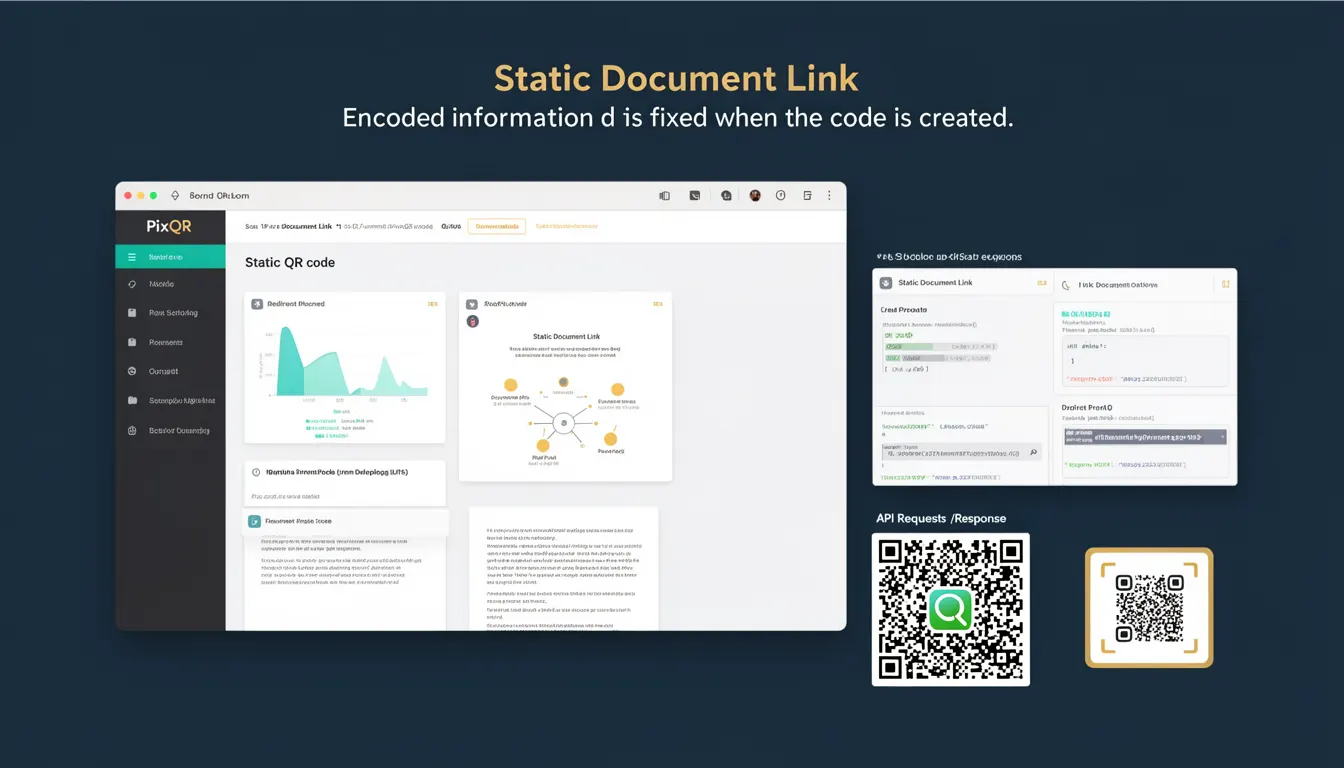
A Static Document Link (SDL) in the context of PixQR refers to a QR code configuration where the encoded information is fixed at the time of generation. Unlike dynamic QR codes, which can be updated post-creation, a static document link embeds a specific URL or resource identifier that remains unchanged regardless of how many times the QR code is scanned or used.
This term is frequently used in PixQR’s API and user interface when configuring QR codes for scenarios such as product labels, marketing materials, or branded assets where content stability is required. The SDL approach ensures consistent delivery of content, preventing unexpected redirects or broken links that could occur with dynamic alternatives.
Why It Matters
For developers working with PixQR, understanding Static Document Links is critical for ensuring predictable behavior in production environments. SDLs are particularly valuable when integrating QR codes into physical products, printed materials, or systems where updating content after deployment is either impractical or unsafe. For example, a product QR code that links to a product manual or support page should remain stable to avoid user confusion or broken access paths.
From a security standpoint, SDLs reduce the risk of unauthorized content changes, as the encoded link cannot be modified after creation. This makes them ideal for brand-safe environments where content integrity is paramount. Additionally, for analytics and tracking purposes, static links simplify attribution and prevent data inconsistencies that might occur with dynamic links.
How It Works
The mechanism behind a Static Document Link in PixQR is straightforward. When a developer generates a QR code using the PixQR API, they provide a fixed URL or resource identifier. This identifier is encoded into the QR code’s binary data, which is then rendered as a scannable image. Once the QR code is generated, the embedded link is immutable.
- The encoded link is stored in the QR code’s payload and is not influenced by external systems or updates.
- When a user scans the QR code, the scanner resolves the embedded URL directly without needing to query a backend service.
- SDLs do not support dynamic parameter updates or redirection rules, meaning the final destination is always the same.
- For analytics, PixQR can track scans of static links but cannot modify or append query parameters at runtime.
- SDLs are supported across all QR code formats within PixQR, including standard 2D codes and custom branded formats.
Quick Reference
| Item | Purpose | Notes |
|---|---|---|
| Static Document Link | Encodes a fixed URL or resource identifier | Immutable post-generation |
| QR Code Payload | Stores the encoded link | Read-only after generation |
| Link Type | Supports HTTP, HTTPS, or file paths | Must be valid and accessible |
| Scan Tracking | Analytics for static QR codes | No runtime parameter changes |
| API Field | Used in PixQR API calls | Defined in request body |
Basic Example
PixQR Example QR
This QR links directly to this glossary page, so printed notes, onboarding docs, and support material can bring scanners back to the current reference.
/glossary/qr-code-static/static-qr-codes-static-document-link
The following example demonstrates how to define a static document link in a PixQR API request for generating a QR code.
{
  "qr_type": "static",
  "data": {
    "url": "https://example.com/product/manual"
  },
  "branding": {
    "logo": "https://example.com/logo.png"
  }
}
This example specifies a static QR code type, with the embedded URL set to a product manual. The branding includes a custom logo, but the link itself is fixed and cannot be altered after this point.
Production Example
In a production environment, a developer might configure a static document link to ensure consistency across multiple channels, such as marketing campaigns or product packaging.
{
  "qr_type": "static",
  "data": {
    "url": "https://company.com/support/faq",
    "title": "Support FAQ",
    "description": "Access our frequently asked questions"
  },
  "settings": {
    "scan_tracking": true,
    "analytics": {
      "source": "print_campaign"
    }
  },
  "branding": {
    "color": "#000000",
    "size": "medium"
  }
}
This version includes metadata and tracking settings, demonstrating how static links can be used within a broader, maintainable system. The URL remains unchanged, but the surrounding configuration allows for analytics and branding customization without affecting the link’s stability.
Common Mistakes
- Assuming a static link can be updated after creation, which leads to confusion when links break or do not behave as expected.
- Using invalid or inaccessible URLs in the static link, causing broken QR codes in production.
- Confusing static and dynamic QR code types, resulting in incorrect API configurations and unexpected behavior.
- Not validating the URL format before QR code generation, which can lead to runtime errors or scan failures.
- Overlooking the importance of analytics and tracking settings when using static links, limiting insights into user engagement.
Security And Production Notes
- Static links must always point to secure, valid URLs to avoid exposing users to malicious domains or broken links.
- Because static links cannot be updated, they should be carefully tested and validated before deployment.
- Static QR codes do not support runtime parameter injection, which can be a limitation in dynamic tracking or A/B testing scenarios.
- Ensure that the destination URL is optimized for mobile access, as QR code scans often occur on mobile devices.
- When using static links, consider the implications of caching or CDN behavior, as the URL should resolve consistently across all platforms.
Related Concepts
Static Document Links are closely related to several core QR code concepts:
- Dynamic QR Code: A QR code that allows updates to its destination after creation, contrasting with static links.
- URL Encoding: The method used to encode the link data into the QR code’s binary format.
- Scan Tracking: The ability to monitor and record QR code scans, which is supported for static links.
- Branded QR Codes: Customized QR codes that include logos or colors, often used with static links for branding consistency.
- Link Management: The process of organizing, updating, and monitoring QR code destinations, which is simplified with static links.