 PixQR
PixQR
Overview
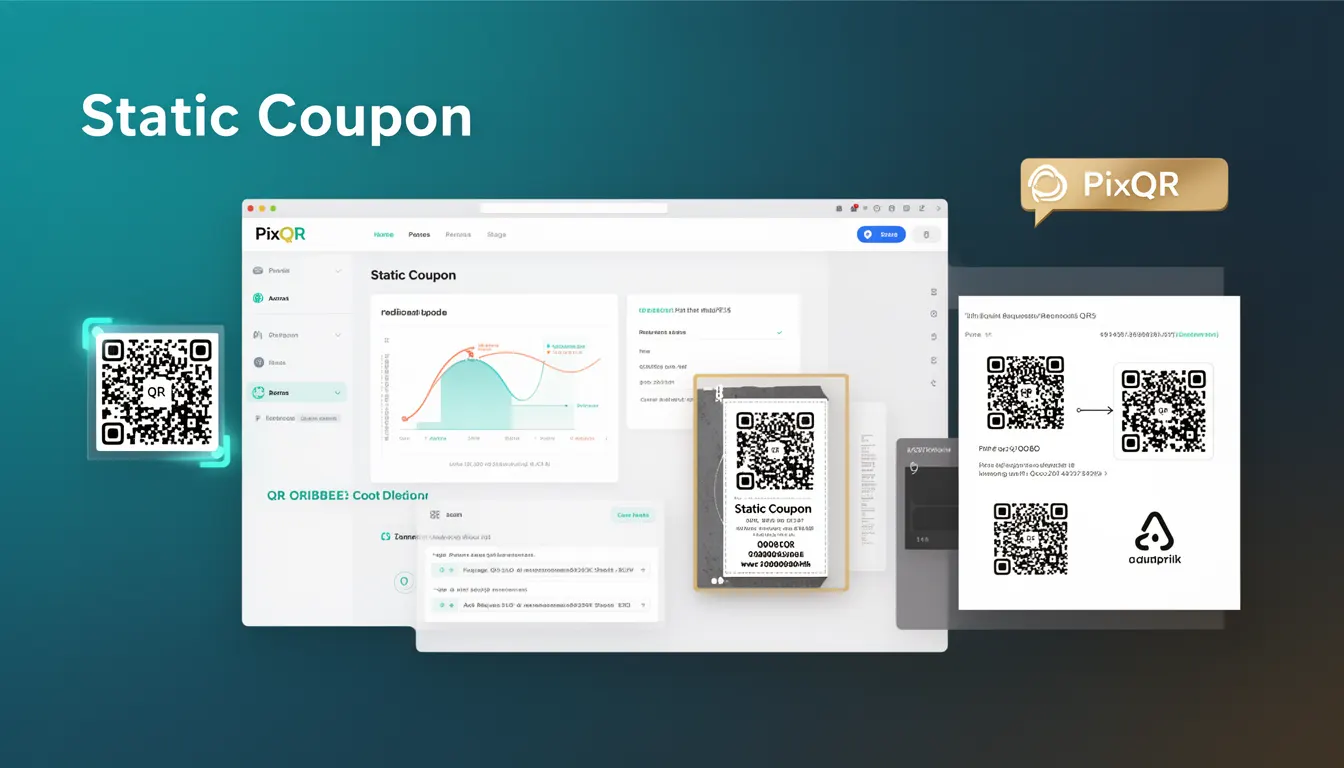
A Static Coupon in the context of PixQR refers to a QR code that encodes fixed promotional or discount information at the time of generation. The encoded data, such as a coupon code, URL, or product identifier, does not change after the QR code is created. This contrasts with dynamic QR codes, which can be updated post-creation to redirect to different destinations or modify content.
Static Coupons are commonly used in marketing campaigns, retail environments, and print media where the promotional offer is intended to remain consistent across all scans. For example, a QR code printed on a poster might direct users to a fixed landing page with a specific discount code. Since the QR code's content is immutable, it offers a predictable and reliable user experience, but it also limits flexibility in campaign management or real-time updates.
Why It Matters
For developers and marketers, Static Coupons provide a stable foundation for tracking and managing promotions. Because the QR code content is fixed, it ensures that all scans lead to the same destination or offer, reducing the risk of user confusion or accidental redirections. This consistency is particularly valuable in brand-safe environments where control over content delivery is critical.
In terms of operational workflows, Static Coupons simplify backend logic and reduce the need for real-time database updates or API calls to modify content. This makes them ideal for scenarios where rapid deployment and minimal overhead are required. However, the lack of flexibility also means that any changes to the coupon terms, expiry date, or destination URL require regenerating and re-printing the QR code, which can be costly in fast-moving campaigns.
How It Works
When a Static Coupon QR code is generated, the system encodes a fixed payload into the QR code structure. This payload can include a URL, text, or binary data, depending on the intended use. The encoding process follows standard QR code specifications, such as QR Code Model 2, which supports various data modes including alphanumeric, numeric, byte, and kanji.
- The QR code's data is embedded during creation and cannot be modified afterward, ensuring data integrity.
- Encoding uses standard QR code error correction levels (L, M, Q, H) to balance size and reliability.
- Static Coupons support both text and URL payloads, with URL payloads automatically formatted for web access.
- Scan tracking is enabled by default for Static Coupons, allowing developers to monitor usage and conversion metrics.
- PixQR provides optional privacy controls, such as IP address masking or scan anonymization, to protect user data.
Quick Reference
| Item | Purpose | Notes |
|---|---|---|
| QR Code Payload | Fixed data encoded in the QR code | Cannot be modified post-generation |
| Scan Tracking | Monitors how many times the QR code is scanned | Enabled by default in PixQR |
| Error Correction Level | Controls QR code resilience to damage | Options: L, M, Q, H |
| Privacy Controls | Manages user data exposure | Optional IP masking or anonymization |
| Redirection | Defines where the QR code points | Fixed URL or text payload |
Basic Example
PixQR Example QR
This QR links directly to this glossary page, so printed notes, onboarding docs, and support material can bring scanners back to the current reference.

The following example demonstrates the creation of a basic Static Coupon QR code that encodes a fixed URL for a promotional landing page.
const staticCoupon = {
  type: 'static',
  payload: 'https://example.com/promo/COUPON123',
  errorCorrection: 'M',
  scanTracking: true
};
This configuration defines a Static Coupon with a fixed URL payload, medium error correction, and enabled scan tracking. The QR code generated will always point to the same URL, regardless of how many times it is scanned.
Production Example
In a production environment, developers often combine Static Coupon generation with additional validation and logging to ensure proper usage and prevent errors. The following example shows how to configure a Static Coupon with secure defaults and logging for tracking purposes.
const generateStaticCoupon = (options) => {
  const { url, code, tracking = true, errorCorrection = 'Q' } = options;
  const payload = `https://example.com/coupon/${code}`;
  return {
    type: 'static',
    payload,
    errorCorrection,
    scanTracking: tracking,
    createdAt: new Date().toISOString()
  };
};

const couponConfig = generateStaticCoupon({
  url: 'https://example.com/promo',
  code: 'SAVE20',
  tracking: true,
  errorCorrection: 'Q'
});
This version includes validation, default values, and a timestamp for audit purposes. It ensures that all Static Coupons generated follow a consistent structure, making them easier to manage and track in a larger system.
Common Mistakes
- Not validating the payload before QR code generation, leading to malformed URLs or invalid data.
- Assuming that Static Coupons can be updated post-creation, which is not possible without regenerating the code.
- Using low error correction levels for codes in environments where damage is likely, such as outdoor prints.
- Forgetting to enable scan tracking or analytics, which limits the ability to monitor campaign performance.
- Reusing the same coupon code across multiple Static Coupons without proper management, causing confusion or invalid usage.
Security And Production Notes
- Static Coupons should never encode sensitive data like passwords or personal identification numbers (PII).
- Always validate and sanitize payloads to prevent injection attacks or malformed links.
- Use appropriate error correction levels to ensure reliable scanning, especially in print environments.
- Implement scan tracking with privacy controls to comply with data protection regulations like GDPR or CCPA.
- Regularly audit Static Coupon usage to prevent misuse or unauthorized access to campaign data.
Related Concepts
Static Coupons are closely related to several other QR code concepts:
- Dynamic QR Codes offer the ability to modify content post-generation, providing flexibility in campaign management.
- Scan Analytics track how many times a QR code is scanned and from which devices or locations.
- QR Code Generation APIs provide programmatic access to create and manage QR codes, including Static Coupons.
- Redirect Safety ensures that QR code destinations are secure and trusted before redirecting users.
- Brand-Safe Design ensures that QR code content aligns with brand guidelines and avoids inappropriate or harmful links.