 PixQR
PixQR
Overview
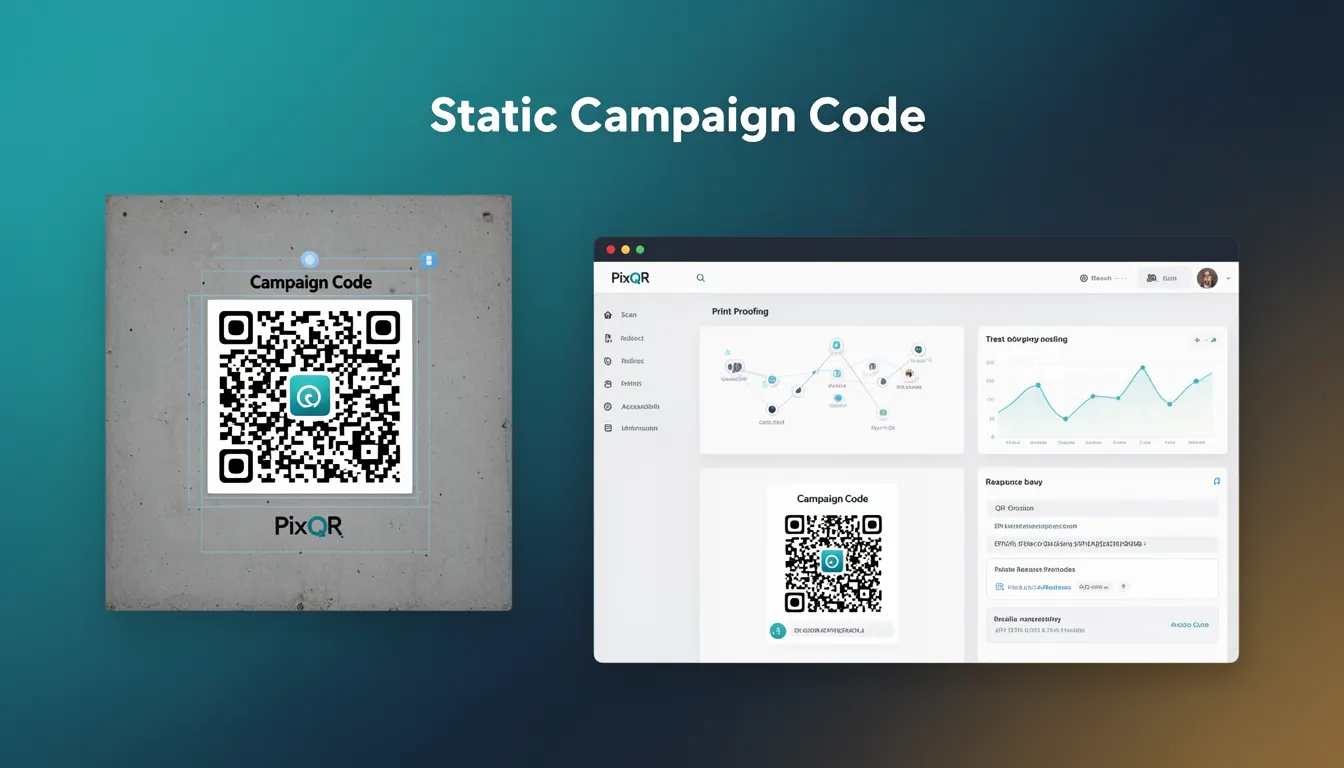
A Static Campaign Code in the PixQR platform refers to a QR code that encodes fixed information at the time of creation. Once generated, the encoded data cannot be modified without regenerating the code. This fixed nature ensures consistency, predictability, and reliability for users scanning the code, particularly in marketing, promotional, and operational contexts.
Developers and marketers using PixQR rely on Static Campaign Codes when they need a persistent identifier or link that remains unchanged across scans. This is particularly useful for print materials, branded assets, or systems where modification of QR content after deployment is either undesirable or impossible. The term is used in PixQR’s API, dashboard, and code generation workflows to denote a specific type of QR code that adheres to this fixed encoding behavior.
Why It Matters
Static Campaign Codes are critical in environments where consistency and trust are paramount. For example, in a printed marketing campaign, a QR code must reliably redirect to the same landing page each time it is scanned. Any inconsistency could lead to user confusion or a broken experience. Similarly, in operational workflows, such as asset tracking or inventory management, a static code ensures that each code points to a fixed identifier or resource.
From a security perspective, static codes are easier to validate and audit. Since their content does not change, they are less susceptible to manipulation or unauthorized updates. This makes them ideal for compliance-sensitive environments or scenarios where the integrity of the encoded data must be preserved. For developers, understanding the static nature of these codes helps in designing systems that rely on predictable QR behavior, reducing edge-case complexity in backend integrations or analytics tracking.
How It Works
The generation of a Static Campaign Code in PixQR involves specifying a fixed data payload at the time of creation. This payload is encoded into the QR code structure using standard QR code encoding formats such as alphanumeric, numeric, or byte mode. The system ensures that the resulting code remains immutable after creation.
- Upon code creation, the data payload is permanently embedded into the QR code matrix.
- Any attempt to modify the encoded data post-creation requires regeneration of the code.
- Static codes are typically used for long-term campaigns, print assets, and systems requiring stable identifiers.
- The system validates the payload for correctness and compatibility with QR code standards before finalizing the code.
- Static codes support all standard QR code features, including error correction levels, size specifications, and branding options.
Quick Reference
| Item | Purpose | Notes |
|---|---|---|
| Code Generation | Creates a fixed QR code | Requires valid data payload |
| Immutable Data | Ensures data consistency | Cannot be changed post-creation |
| Error Correction | Provides reliability | Supports standard levels (L, M, Q, H) |
| Scanning Behavior | Guarantees predictable redirect | Same destination for all scans |
| API Support | Available in PixQR API | Includes generation and retrieval endpoints |
Basic Example
PixQR Example QR
This QR links directly to this glossary page, so printed notes, onboarding docs, and support material can bring scanners back to the current reference.
/glossary/qr-code-static/static-qr-codes-static-campaign-code

This basic example shows how a developer might define a static campaign code using a PixQR API call. The payload is a fixed URL, and the system generates a QR code that will always point to that URL.
{
  "type": "static",
  "payload": "https://example.com/campaign",
  "branding": {
    "logo": "https://example.com/logo.png"
  }
}
The key part of this example is the "type": "static" field, which explicitly defines the code as a Static Campaign Code. The "payload" is the fixed URL that the QR code will always redirect to, and "branding" adds visual customization.
Production Example
In a production environment, a developer might generate a Static Campaign Code with validation and error handling to ensure that the QR code is correctly configured before deployment. This example includes checks for valid URL format and branding parameters.
{
  "type": "static",
  "payload": "https://campaign.example.com/landing",
  "error_correction": "M",
  "size": "200x200",
  "branding": {
    "logo": "https://cdn.example.com/brand/logo.png",
    "background_color": "#ffffff"
  },
  "analytics": {
    "track_scans": true,
    "custom_params": {
      "source": "print_ad",
      "campaign_id": "12345"
    }
  }
}
This version is more suitable for production because it includes error correction settings, size specifications, branding, and analytics parameters. It also ensures that the payload is a valid URL and that branding assets are properly referenced, reducing runtime issues.
Common Mistakes
- Assuming that static codes can be updated after creation, leading to broken links or inconsistent user experience.
- Using invalid or malformed URLs in the payload, which may cause scanning errors or redirects to broken pages.
- Not validating the QR code size or error correction level, resulting in poor scan reliability on low-quality devices.
- Ignoring branding and accessibility considerations, which can reduce the code’s effectiveness in print or public use.
- Using static codes in scenarios requiring dynamic behavior, such as time-sensitive promotions or A/B testing, which may lead to suboptimal results.
Security And Production Notes
- Static codes are inherently secure because their data cannot be altered after creation, reducing risk of tampering.
- Always validate payloads to prevent injection or malformed data errors during code generation.
- Ensure branding assets are served over HTTPS to maintain security and compatibility.
- Use appropriate error correction levels (M or higher) for reliable scanning in varied environments.
- Implement analytics and tracking carefully to avoid privacy or compliance issues with user data.
Related Concepts
Static Campaign Codes are closely related to several other QR code concepts. Dynamic Redirect Codes allow content to be updated after creation, which contrasts with static codes. QR Code Encoding defines how data is structured within the code. Branding and Design settings affect how the code appears visually. Analytics and Tracking provide insights into how codes are used in practice. Finally, Scan Reliability and Print Quality are crucial for ensuring that static codes function as intended in physical environments.