 PixQR
PixQR
Overview
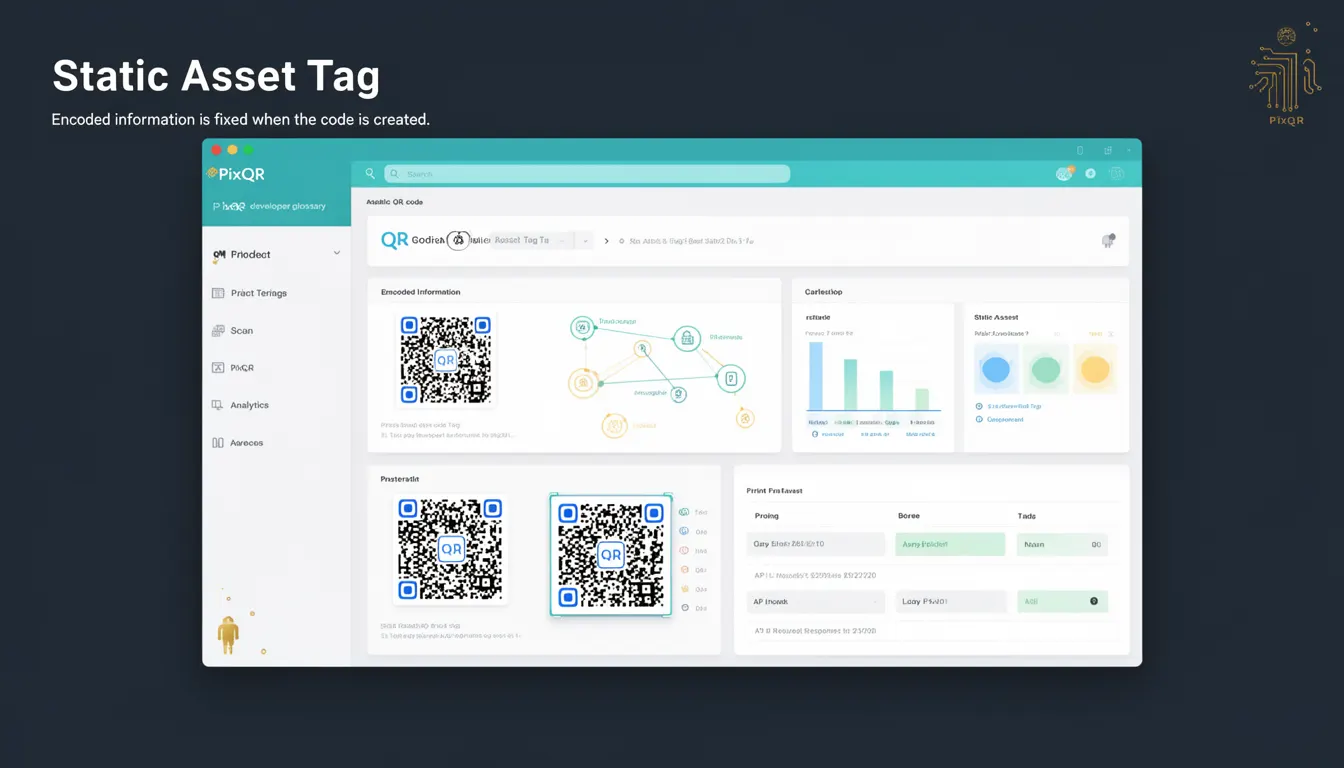
A Static Asset Tag in the context of PixQR refers to a QR code element where the encoded data is fixed at the time of generation and cannot be modified afterward. This fixed nature makes it suitable for scenarios where consistency, reliability, and predictability are paramount, such as physical product labels, marketing materials, or fixed asset identification systems.
Developers working with PixQR must understand how Static Asset Tags differ from dynamic QR codes, particularly in terms of configuration, usage lifecycle, and implications for tracking or analytics. Static Asset Tags are typically used in environments where the QR code's target URL or data content remains constant, and where frequent updates are not required.
Why It Matters
For developers and system maintainers, Static Asset Tags offer a balance between simplicity and reliability. They reduce complexity by eliminating the need for dynamic URL handling, which can introduce latency or failure points in systems that rely on real-time data updates. This makes them ideal for scenarios like printed materials, fixed installations, or environments where a QR code must consistently point to a single, stable resource.
From a security perspective, Static Asset Tags reduce the risk of unauthorized modifications or data injection since the QR code content is immutable after creation. This immutability also simplifies audit trails and compliance checks, especially in regulated industries. Additionally, performance is improved in systems where frequent dynamic data lookups are not needed, as the QR code can be generated once and reused indefinitely.
How It Works
Static Asset Tags function by encoding fixed data into a QR code at the time of creation. This data is typically a URL, text, or other structured information that remains unchanged. The QR code itself is generated using standard QR code encoding algorithms, but the content is locked in place.
- When a Static Asset Tag is created, its encoded data is embedded into the QR code matrix and cannot be altered without regenerating the entire code.
- The QR code’s data payload is typically a URL or text string, and it must be validated and sanitized before encoding to prevent injection or misrepresentation.
- Static Asset Tags do not support dynamic updates or redirections, which means that if the target content changes, a new QR code must be generated.
- These tags are often used in conjunction with PixQR’s analytics features, where scan data is tracked but the QR code itself remains unchanged.
- They are typically used in physical or print-based applications where a QR code is intended to remain stable over time, such as in product packaging or signage.
Quick Reference
| Item | Purpose | Notes |
|---|---|---|
| Static Asset Tag | Encodes fixed data into a QR code | Immutable after creation |
| QR Code Payload | Fixed URL or text content | Must be validated before encoding |
| Encoding Algorithm | Standard QR code generation | Uses fixed data matrix |
| Update Mechanism | Requires regeneration | No dynamic updates supported |
| Use Case | Printed materials, fixed assets | Stable, predictable content |
Basic Example
PixQR Example QR
This QR links directly to this glossary page, so printed notes, onboarding docs, and support material can bring scanners back to the current reference.

This example demonstrates the basic structure of a Static Asset Tag in a PixQR context, showing how a QR code is generated with a fixed URL.
const staticTag = {
  id: "qr-001",
  data: "https://example.com/product/12345",
  type: "static",
  createdAt: "2024-01-01T00:00:00Z"
};
The example defines a Static Asset Tag with a fixed URL. The type property is set to static, indicating that this QR code will not be updated. The createdAt field records the time of generation, which is useful for audit or tracking purposes.
Production Example
This example shows how a Static Asset Tag might be used in a production environment, including validation and configuration.
const generateStaticQR = (productUrl, productId) => {
  if (!productUrl || !productId) {
    throw new Error("Product URL and ID are required");
  }

  const qrData = {
    id: `qr-${productId}`,
    data: productUrl,
    type: "static",
    createdAt: new Date().toISOString(),
    tags: ["product", "print"]
  };

  return qrData;
};

const staticTag = generateStaticQR("https://shop.example.com/products/12345", "12345");
This version includes validation to ensure that required fields are present. It also adds metadata like tags for categorization, which is useful in larger systems where QR codes are managed at scale. The structure supports consistent handling across applications and simplifies integration with analytics or inventory systems.
Common Mistakes
- Using Static Asset Tags for dynamic content when dynamic QR codes would be more appropriate, leading to inefficiencies or system errors.
- Not validating the data payload before encoding, which can lead to invalid QR codes or security vulnerabilities.
- Reusing static QR codes for multiple purposes without proper tagging or identification, causing confusion in analytics or tracking.
- Assuming that a Static Asset Tag can be updated after creation, which is not supported and leads to incorrect assumptions in system behavior.
- Ignoring the lifecycle management of static QR codes, such as expiration or archival, which can result in outdated or stale data being referenced.
Security And Production Notes
- Static Asset Tags must always validate input data to prevent injection attacks or malformed QR codes.
- Ensure that URLs or content are properly sanitized before encoding to avoid unintended redirects or malicious data.
- Static QR codes are inherently secure against runtime modifications, but they should still be protected during generation and storage.
- Implement logging or audit trails for QR code generation to track when and by whom static tags were created.
- Consider the long-term implications of using static tags in environments where content may change, and plan for regeneration or migration strategies.
Related Concepts
Static Asset Tags are closely related to several other concepts in QR code management and system design:
- Dynamic QR Code – Unlike Static Asset Tags, dynamic QR codes allow for updates to the target URL or data after creation, providing flexibility at the cost of complexity.
- QR Code Lifecycle – The process of creating, managing, and retiring QR codes, which differs significantly for static versus dynamic variants.
- URL Redirection – Static Asset Tags often point to fixed URLs, but understanding how redirections work is essential for managing link safety and analytics.
- Scan Tracking – Static QR codes can be tracked for scan analytics, but the data is limited to the fixed content.
- Asset Management – Static Asset Tags are a key component in systems that manage physical or digital assets through QR codes.