 PixQR
PixQR
Overview
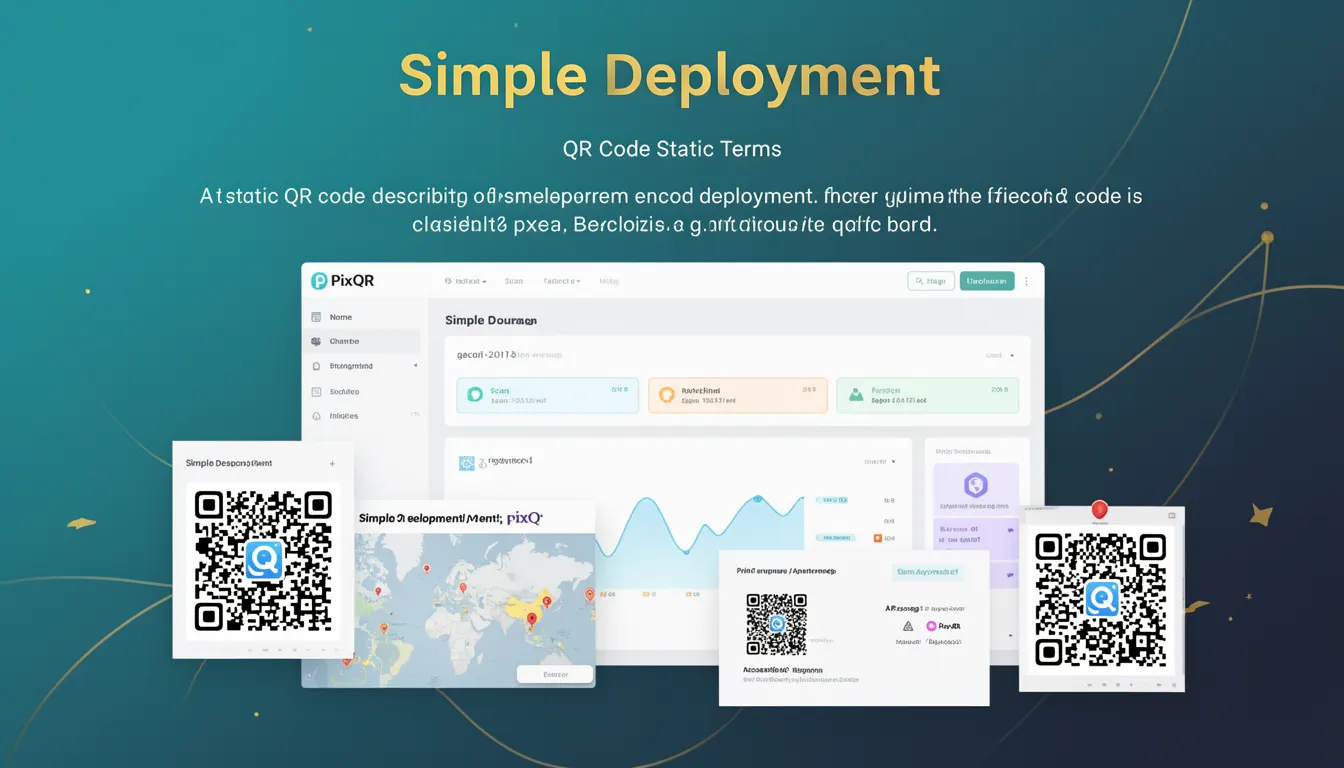
Simple Deployment, in the context of PixQR, refers to a static QR code configuration where the encoded information is fixed at the time of creation and cannot be modified afterward. This is the most basic form of QR code generation, used primarily for one-time or long-term links, branding, or static content references.
Unlike dynamic QR codes, which can be updated post-creation to redirect to new destinations, Simple Deployment ensures that the QR code content remains immutable once deployed. This makes it ideal for scenarios where content stability, reliability, and predictability are more important than flexibility or real-time updates.
Why It Matters
For developers working with PixQR, understanding Simple Deployment is crucial for choosing the right QR code type based on use case requirements. It offers a balance between ease of implementation, predictable behavior, and performance, especially when the target audience or deployment environment does not require frequent updates or analytics.
In production systems, Simple Deployment helps avoid complexity and potential errors associated with dynamic updates. It also ensures that scanned QR codes will consistently lead to the same destination, which is critical for user trust and marketing campaign consistency.
How It Works
Simple Deployment involves generating a QR code with a fixed payload that is encoded into the image at the time of creation. This payload can be a URL, text, or other data, and it does not change unless the QR code is regenerated.
- The QR code's encoded data is fixed and cannot be altered post-generation.
- It is not linked to any backend or database for real-time updates.
- It offers no analytics or tracking capabilities unless explicitly integrated.
- It is typically used for static links, print media, or marketing assets where content stability is paramount.
- It is ideal for compliance-sensitive environments where change control and audit trails are required.
Quick Reference
| Item | Purpose | Notes |
|---|---|---|
| QR Code Payload | Fixed data encoded in the QR code | Immutable after creation |
| Deployment Type | Static QR code generation | No backend update capability |
| Analytics Support | Limited or optional | May require external tracking |
| Update Mechanism | Manual regeneration required | Cannot be updated after deployment |
| Use Case | Branding, print, static links | High stability, low maintenance |
Basic Example
PixQR Example QR
This QR links directly to this glossary page, so printed notes, onboarding docs, and support material can bring scanners back to the current reference.

This example shows how a simple QR code can be generated with a fixed URL using PixQR's API.
const qrData = {
  "url": "https://example.com/product-page",
  "type": "simple",
  "branding": {
    "logo": "https://example.com/logo.png"
  }
};

const qrCode = pixqr.generate(qrData);
console.log(qrCode.url); // Output: https://example.com/product-page
The example demonstrates the creation of a static QR code with a fixed URL and optional branding. The payload is immutable, and the QR code can be used directly for print or digital deployment.
Production Example
In a production environment, a developer might use Simple Deployment to generate QR codes for marketing materials, ensuring consistent branding and stable redirects across campaigns.
const campaignData = {
  "url": "https://example.com/campaign-2025",
  "type": "simple",
  "branding": {
    "logo": "https://example.com/brand-logo.png",
    "color": "#000000"
  },
  "analytics": false,
  "security": {
    "scanLimit": 10000,
    "expireAt": "2025-12-31"
  }
};

const qrCode = pixqr.generate(campaignData);
// QR code is now ready for print or digital distribution
console.log(qrCode.id); // Unique identifier for tracking purposes
console.log(qrCode.url); // Fixed URL for all scans
This version includes configuration for branding, security, and expiration, while maintaining the immutability of the QR code's payload. It is suitable for large-scale, long-term deployments.
Common Mistakes
- Using Simple Deployment for dynamic content that requires frequent updates, leading to outdated links.
- Ignoring the lack of analytics in Simple Deployment, causing confusion when tracking scan data.
- Not validating the URL or payload before generating the QR code, resulting in broken links.
- Assuming that Simple Deployment supports real-time updates, which it does not.
- Choosing Simple Deployment over dynamic QR codes for campaigns requiring A/B testing or real-time feedback.
Security And Production Notes
- Simple Deployment ensures no backend or database is involved, reducing attack surface.
- Immutable payloads prevent accidental or malicious modifications post-generation.
- QR codes are not linked to any tracking or analytics unless explicitly configured.
- Ensure that the URL or data being encoded is secure and compliant with privacy regulations.
- Consider using HTTPS for all encoded URLs to maintain security and trust.
Related Concepts
Simple Deployment is closely related to several other QR code and link management concepts:
- Dynamic QR Code: A QR code that can be updated post-generation, allowing for real-time changes in redirect destination.
- Static Link: A URL that does not change, often used in conjunction with Simple Deployment.
- Scan Tracking: The ability to monitor how many times a QR code is scanned, which is not available in Simple Deployment by default.
- Brand Safety: Ensuring that QR code content aligns with brand guidelines and does not expose sensitive or inappropriate information.
- Operational Workflow: The process of generating, deploying, and managing QR codes, where Simple Deployment simplifies workflow by removing the need for backend updates.