 PixQR
PixQR
Overview
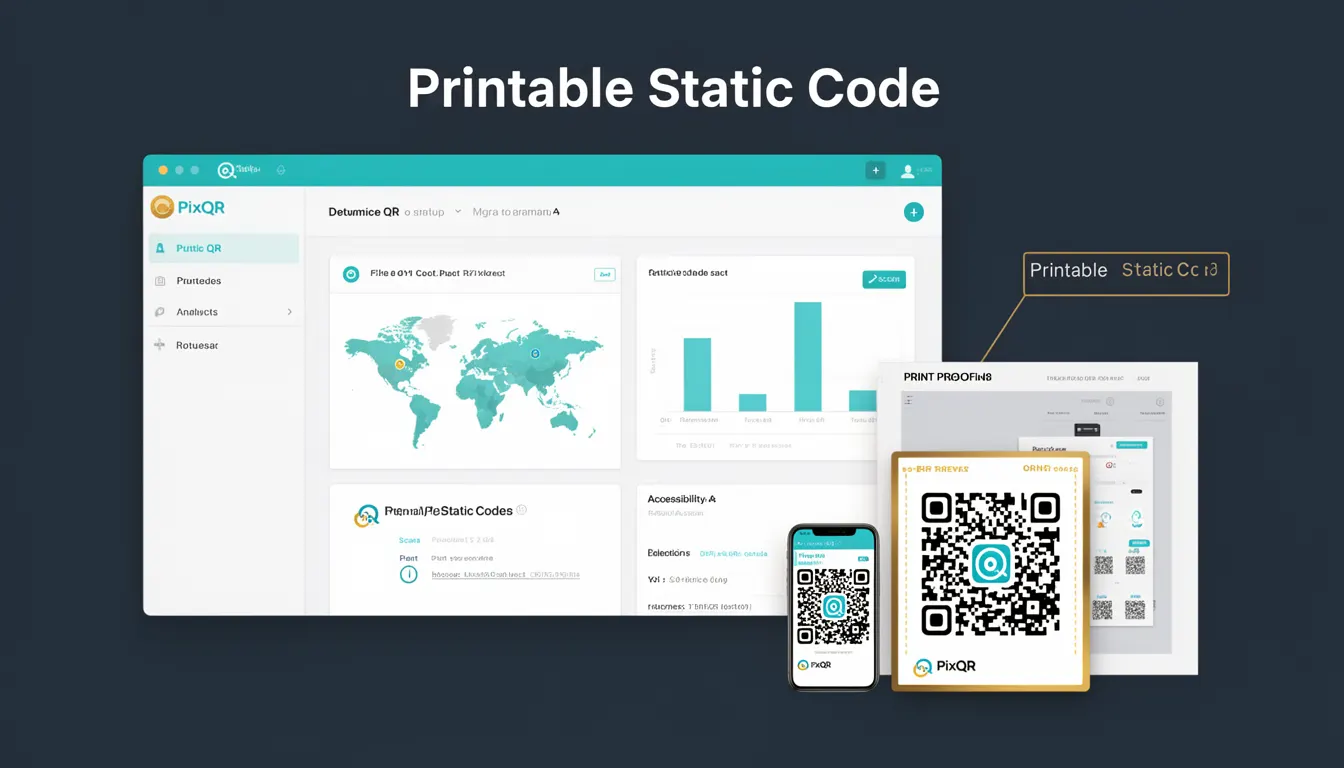
A Printable Static Code in the context of PixQR refers to a QR code that encodes fixed data at the time of generation and cannot be modified after creation. The data encoded within the code is static, meaning it remains unchanged regardless of how many times the code is scanned or where it is printed. This type of QR code is often used in marketing, logistics, and inventory systems where the information must remain consistent across all instances of the code.
Developers working with PixQR must understand that Printable Static Codes are generated with a fixed payload, typically a URL or text string, and are intended for use in environments where modification is not allowed or desired. This ensures consistency, reliability, and prevents unauthorized changes to the encoded information. This term is commonly used when discussing QR code lifecycle management, print safety, and secure operational workflows.
Why It Matters
For developers and site operators, Printable Static Codes are essential for maintaining data integrity in systems where unauthorized modification could lead to fraud, misdirection, or operational inefficiencies. In PixQR's context, this means ensuring that QR codes used for dynamic redirects or brand-safe designs are not tampered with during their lifecycle. This is particularly important in applications such as loyalty programs, event tickets, or product tracking, where any deviation in the encoded data can cause system failures or security vulnerabilities.
Static codes also simplify analytics and tracking since the data is consistent, allowing for reliable scan reporting and performance monitoring. In contrast, dynamic codes may change their behavior or destination over time, complicating tracking and potentially introducing inconsistencies. For PixQR users, this static nature ensures predictable behavior, which is vital for maintaining scan reliability and secure workflows.
How It Works
When a Printable Static Code is generated in PixQR, the system encodes a fixed payload into the QR code matrix. This payload is determined at the time of creation and remains unchanged. The QR code is then rendered in a format suitable for printing, such as PNG or SVG, with no dynamic behavior or backend interaction required upon scanning.
- The payload is encoded using a standard QR code data structure, typically in alphanumeric, numeric, or byte mode depending on the data type.
- Once generated, the QR code's content cannot be altered without regenerating the entire code, ensuring data immutability.
- Static codes are ideal for physical print media where backend access or dynamic behavior is not feasible or desired.
- They support standard QR code scanning protocols, meaning any compliant scanner can read the code without special handling.
- PixQR ensures that the code remains valid and scannable even after being printed, maintaining print reliability and brand-safe design standards.
Quick Reference
| Item | Purpose | Notes |
|---|---|---|
| Static Payload | Fixed data encoded in the QR code | Cannot be modified after generation |
| Immutable Code | Ensures no runtime changes to the QR code | Prevents unauthorized modification |
| Print Format | Output format for physical printing | Supports PNG, SVG, and other standard formats |
| Scan Compatibility | Supports standard QR code scanning protocols | Works with any compliant scanner |
| Operational Workflow | Supports secure and reliable scan operations | Used in logistics, marketing, and inventory systems |
Basic Example
PixQR Example QR
This QR links directly to this glossary page, so printed notes, onboarding docs, and support material can bring scanners back to the current reference.
/glossary/qr-code-static/static-qr-codes-printable-static-code

This example demonstrates how a basic static QR code might be generated using PixQR's API, showing the fixed nature of the payload.
const qrData = {
  "content": "https://example.com/product/12345",
  "format": "png",
  "size": "200x200"
};

const staticCode = pixqr.generate(qrData);
console.log(staticCode.url); // Fixed URL for the QR code
The key line is the content property, which defines the fixed data encoded in the QR code. This URL will not change unless the code is regenerated, ensuring consistency.
Production Example
This example illustrates a more robust implementation for generating a Printable Static Code in a production environment, including validation, error handling, and configuration for print reliability.
const generateStaticQR = (payload, options = {}) => {
  if (!payload || typeof payload !== 'string') {
    throw new Error('Invalid payload for QR code generation');
  }

  const config = {
    content: payload,
    format: options.format || 'png',
    size: options.size || '300x300',
    errorCorrection: 'M',
    margin: 1
  };

  try {
    const result = pixqr.generate(config);
    return {
      url: result.url,
      code: result.code,
      valid: true
    };
  } catch (error) {
    return {
      valid: false,
      error: error.message
    };
  }
};

const staticCode = generateStaticQR('https://example.com/product/12345');
This version includes input validation, default configurations, and error handling to ensure robustness in production environments. It also uses a consistent error correction level and margin to maintain print reliability.
Common Mistakes
- Assuming that static codes can be modified post-generation, leading to unexpected behavior or data inconsistencies in systems relying on them.
- Using static codes for dynamic content or redirects, which defeats their purpose and introduces security vulnerabilities.
- Ignoring the need for proper validation and error handling during QR code generation, resulting in invalid or malformed codes.
- Not accounting for print-specific requirements such as margin and resolution, which can affect scan reliability.
- Reusing static codes across different systems or campaigns without verifying that the payload remains consistent and secure.
Security And Production Notes
- Static codes must be validated at generation time to prevent injection of malicious data or unintended payloads.
- Ensure that the QR code format and size are compatible with the intended printing and scanning environment.
- Use appropriate error correction levels (e.g., M or H) to maintain readability under various conditions.
- Implement secure workflows to prevent unauthorized access or modification of QR code configurations.
- Consider the lifecycle of the QR code, including when and how it is printed, scanned, and monitored for analytics.
Related Concepts
Several closely related developer concepts are important when working with Printable Static Codes:
- Dynamic QR Code: A QR code that can change its payload or redirect behavior at runtime, often used for tracking or A/B testing.
- QR Code Lifecycle: The process from creation to deployment and monitoring, including how static codes fit into this workflow.
- Scan Reliability: The ability of a QR code to be consistently read across various devices and conditions, a key factor in static code design.
- Brand-Safe Design: Ensuring QR codes maintain brand integrity and are visually consistent, especially when printed.
- Operational Security: Practices and protocols that ensure QR codes are used securely in production environments.