 PixQR
PixQR
Overview
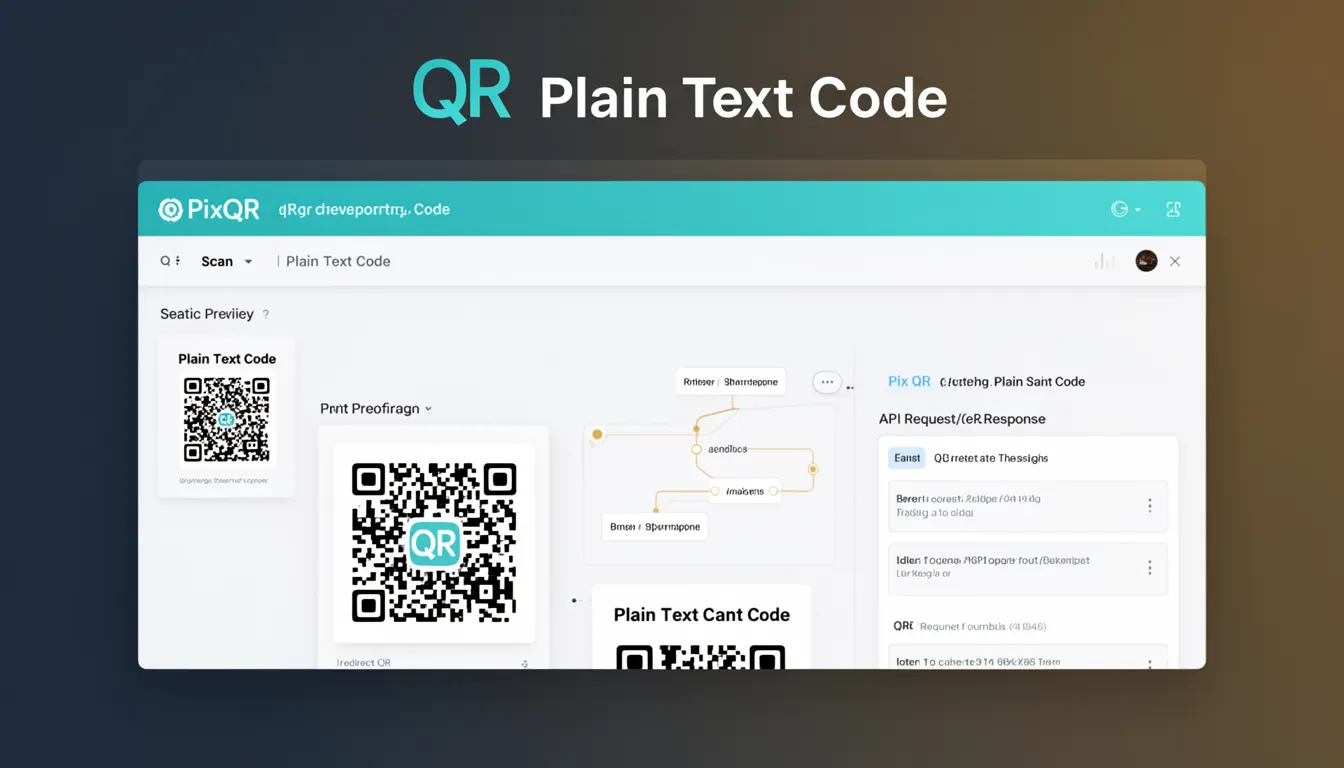
A Plain Text Code in the context of PixQR refers to a static QR code where the encoded data is fixed at creation time. Unlike dynamic QR codes, which can redirect to different URLs or change content over time, a Plain Text Code holds a single, immutable string of data. This string is typically a URL, text, or other information that is directly embedded into the QR code structure.
Developers and site operators use Plain Text Codes when they require a consistent, reliable, and unchanging identifier for a specific purpose. This could include linking to a static resource, embedding a product ID, or providing a fixed text message. The simplicity of Plain Text Codes makes them ideal for scenarios where content must remain unchanged, such as print materials, product tags, or marketing assets.
Why It Matters
Plain Text Codes are essential in environments where consistency and reliability are paramount. For example, in physical product tagging or print campaigns, changing content after deployment can lead to confusion or broken links. By using a Plain Text Code, developers ensure that the QR code always points to the same information, which is critical for brand safety and user trust.
From a security perspective, Plain Text Codes reduce risk by eliminating dynamic redirections that could be exploited. Since the data is fixed, there is no potential for malicious redirection or content injection. This makes Plain Text Codes a preferred choice for environments where fraud prevention and operational integrity are important.
Performance-wise, Plain Text Codes are lightweight and fast to generate. They require no backend processing or API calls, making them ideal for high-volume or time-sensitive deployments. This also simplifies analytics, as the scan data reflects a single, unchanging source.
How It Works
The mechanism behind a Plain Text Code involves embedding a fixed string of data into the QR code matrix. This data is encoded using a standard QR code encoding scheme such as UTF-8, and is then rendered into a visual matrix that can be scanned by standard QR readers.
- The data string is passed to the PixQR API or SDK during QR generation, and is directly embedded into the QR code structure.
- Once generated, the QR code cannot be modified without regenerating the entire code, ensuring immutability.
- QR readers scan the matrix and decode the embedded string, which is then processed by the application or browser.
- Plain Text Codes support all standard QR code versions and error correction levels, allowing for customization based on size and durability requirements.
- Unlike dynamic codes, Plain Text Codes do not require backend services or API endpoints for content retrieval, simplifying deployment and maintenance.
Quick Reference
| Item | Purpose | Notes |
|---|---|---|
| Encoded String | Fixed data embedded in QR code | Must be valid UTF-8 |
| QR Version | Size and capacity of the QR code | Auto-selected or manually set |
| Error Correction Level | Resilience to damage or scanning issues | Can be L, M, Q, or H |
| Scan Tracking | Analytics for code usage | Enabled via PixQR dashboard |
| Design Customization | Visual branding of QR code | Logo, color, and layout options |
Basic Example
PixQR Example QR
This QR links directly to this glossary page, so printed notes, onboarding docs, and support material can bring scanners back to the current reference.

This example demonstrates how to generate a basic Plain Text Code using the PixQR API. It encodes a fixed URL into a QR code for use in print or digital materials.
const response = await fetch('https://api.pixqr.com/v1/qr', {
  method: 'POST',
  headers: {
    'Authorization': 'Bearer YOUR_API_KEY',
    'Content-Type': 'application/json'
  },
  body: JSON.stringify({
    data: 'https://example.com/product/12345',
    type: 'plain'
  })
});
The data field contains the fixed URL to be encoded. The type parameter is set to plain to ensure the QR code is static. The response includes a base64-encoded image or a URL to the generated code.
Production Example
This example shows a more robust implementation for generating Plain Text Codes in a production environment, including validation, error handling, and configuration options.
const generatePlainQR = async (url, options = {}) => {
  try {
    const response = await fetch('https://api.pixqr.com/v1/qr', {
      method: 'POST',
      headers: {
        'Authorization': `Bearer ${process.env.PIXQR_API_KEY}`,
        'Content-Type': 'application/json'
      },
      body: JSON.stringify({
        data: url,
        type: 'plain',
        version: options.version || 1,
        error_correction: options.errorCorrection || 'M',
        design: {
          color: options.color || '#000000',
          background: options.background || '#FFFFFF'
        }
      })
    });

    if (!response.ok) {
      throw new Error(`Failed to generate QR: ${response.status}`);
    }

    const result = await response.json();
    return result.url; // Return the URL to the generated QR code
  } catch (error) {
    console.error('QR generation error:', error);
    throw error;
  }
};
This version includes API key handling, error management, and configuration for QR version, error correction, and design. It ensures that the generated code is suitable for production use and maintains consistency in branding and reliability.
Common Mistakes
- Using Plain Text Codes for dynamic content without realizing they are immutable. This leads to outdated or incorrect links.
- Not validating input data before encoding. Invalid or malformed URLs can cause scan failures or unexpected behavior.
- Ignoring error correction levels. Poorly chosen levels may result in unreadable codes in print or low-quality scans.
- Reusing the same Plain Text Code for multiple purposes. This can confuse users or cause tracking inconsistencies.
- Not setting appropriate design parameters. Inconsistent branding can reduce trust and scan success rates.
Security And Production Notes
- Plain Text Codes are inherently secure because they do not support dynamic redirects or content injection.
- Always validate and sanitize input data to prevent malformed QR codes or unexpected scan behavior.
- Use error correction levels that match the expected durability of the code, such as H for print materials.
- Implement consistent design and branding across all codes to improve user recognition and trust.
- Monitor scan analytics to detect unexpected usage or potential issues in production environments.
Related Concepts
Plain Text Codes are closely related to several other QR code concepts. Dynamic QR codes offer similar functionality but with the ability to change content post-generation. Static codes, including Plain Text Codes, are ideal for fixed identifiers. Scan tracking helps monitor usage, while design customization ensures brand alignment. API integrations provide scalable generation for large deployments. Error correction levels determine how well the QR code withstands damage or scanning issues.