 PixQR
PixQR
Overview
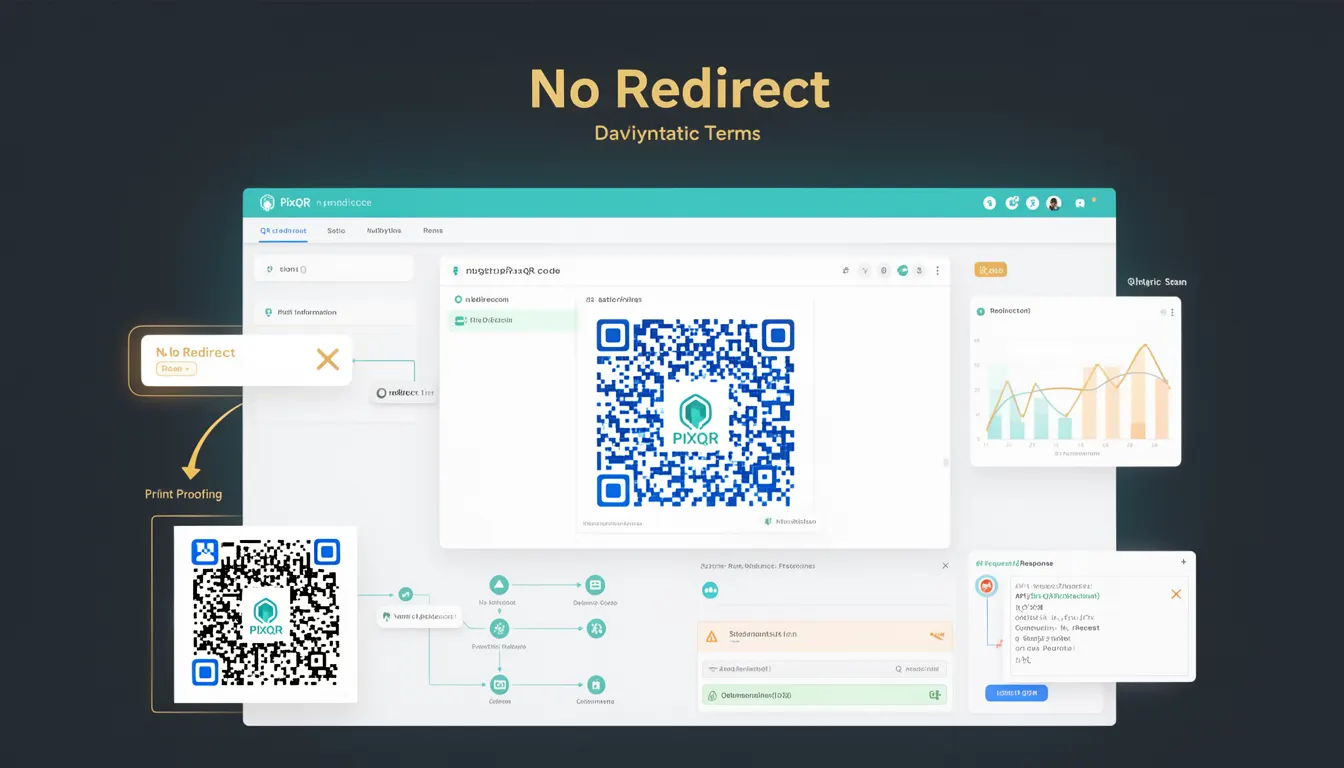
In the context of PixQR, a No Redirect QR code refers to a static QR code where the encoded data is fixed at creation time. Unlike dynamic QR codes that can be modified after generation, a No Redirect QR code points directly to a predetermined URL or data payload. This behavior is essential in scenarios where link stability, integrity, and scan reliability are paramount.
Developers working with PixQR use this term when configuring QR code generation to ensure that the final output does not perform a redirect. This approach is especially important in applications requiring secure and predictable data transmission, such as brand-safe marketing materials, compliance-driven systems, or environments where redirect tracking is undesirable.
Why It Matters
For developers and system operators, No Redirect QR codes provide a predictable and secure way to encode information. Since the payload is immutable, there is no risk of the destination changing after the QR code is issued, which is critical in scenarios like legal compliance, audit trails, or brand-controlled marketing campaigns.
From a performance standpoint, No Redirect codes reduce overhead by eliminating the need for redirect resolution, which can improve scan response times. This is especially important in high-volume scanning environments or when scanning reliability is a concern. Additionally, No Redirect codes avoid potential issues with tracking platforms or analytics tools that may interfere with scan data or introduce inconsistencies.
How It Works
When a developer creates a No Redirect QR code through PixQR, the platform encodes a direct link or data payload into the QR code matrix. The encoded value is static and cannot be changed post-generation. This mechanism ensures that every scan of the QR code results in the same outcome.
- The QR code contains a fixed URL or raw data that is encoded in the matrix using standard QR code specifications.
- When scanned, the QR code reader resolves the encoded value directly without performing any intermediate redirect steps.
- Once generated, the QR code's content is immutable, and no modifications are allowed through the PixQR interface or API.
- For security-sensitive environments, No Redirect codes prevent attackers from altering the target destination after code creation.
- PixQR supports No Redirect codes as a configuration option when generating QR codes, allowing developers to toggle this behavior via API or dashboard settings.
Quick Reference
| Item | Purpose | Notes |
|---|---|---|
| No Redirect option | Ensures QR code payload is static | Cannot be modified after creation |
| Static URL encoding | Directly encodes a fixed destination | Used in compliance and brand-safe contexts |
| Immutable payload | QR code data cannot be changed | Prevents mid-scan redirection |
| API configuration | Control via PixQR API | Requires explicit parameter setting |
| Scan reliability | Guarantees consistent scan outcome | Reduces latency and tracking interference |
Basic Example
PixQR Example QR
This QR links directly to this glossary page, so printed notes, onboarding docs, and support material can bring scanners back to the current reference.

This example demonstrates a basic No Redirect QR code generation using the PixQR API. The QR code encodes a fixed URL and does not allow redirection.
{
  "payload": "https://example.com/landing",
  "no_redirect": true,
  "type": "static"
}
The key parameter here is no_redirect, which is set to true to ensure that the QR code does not perform a redirect. The payload field contains the URL that will be scanned directly.
Production Example
In a production environment, developers often need to validate and configure QR codes for brand-safe deployment. The following example shows a more robust implementation using PixQR's API with error handling and configuration checks.
{
  "payload": "https://secure.brand.com/product-info",
  "no_redirect": true,
  "brand_safe": true,
  "analytics": false,
  "scan_tracking": false,
  "expiry": "2025-12-31",
  "custom_data": {
    "campaign_id": "2024-brand-launch",
    "location": "event-123"
  }
}
This configuration ensures that the QR code is static, secure, and does not include tracking or analytics, making it suitable for compliance-sensitive deployments. The brand_safe and scan_tracking fields are set to false to prevent unwanted interference.
Common Mistakes
- Forgetting to set the
no_redirectparameter when generating a QR code, resulting in an unintended redirect behavior. - Using a dynamic payload in a No Redirect context, which leads to inconsistent or invalid scan results.
- Assuming that No Redirect codes are always faster, without accounting for differences in QR code readers or network conditions.
- Misconfiguring analytics or tracking settings, causing unexpected data leakage or interference with scan logs.
- Using No Redirect codes in environments where link changes are required, leading to operational limitations and reduced flexibility.
Security And Production Notes
- Always validate the payload for correctness and safety before encoding to prevent unintended destinations or malformed links.
- Ensure that No Redirect QR codes are not used in contexts where dynamic content is required, as this limits flexibility.
- Use HTTPS for all payloads to maintain secure transmission and prevent man-in-the-middle attacks.
- Implement access controls and audit logging to track QR code generation and usage, especially in compliance-sensitive environments.
- Monitor QR code scan data for anomalies, as static QR codes do not allow for mid-course corrections or updates.
Related Concepts
Several related concepts are important to understand in the context of No Redirect QR codes:
- Dynamic QR Code: A QR code that allows changes to the destination after creation, often used in marketing or tracking.
- Redirect Chain: A sequence of redirects that can complicate scan reliability and performance.
- Scan Tracking: The practice of monitoring QR code scans for analytics or security purposes.
- Brand Safety: Ensuring that QR code content aligns with brand policies and does not introduce risks.
- Immutable Payload: A fixed data structure that cannot be altered, central to the No Redirect behavior.