 PixQR
PixQR
Overview
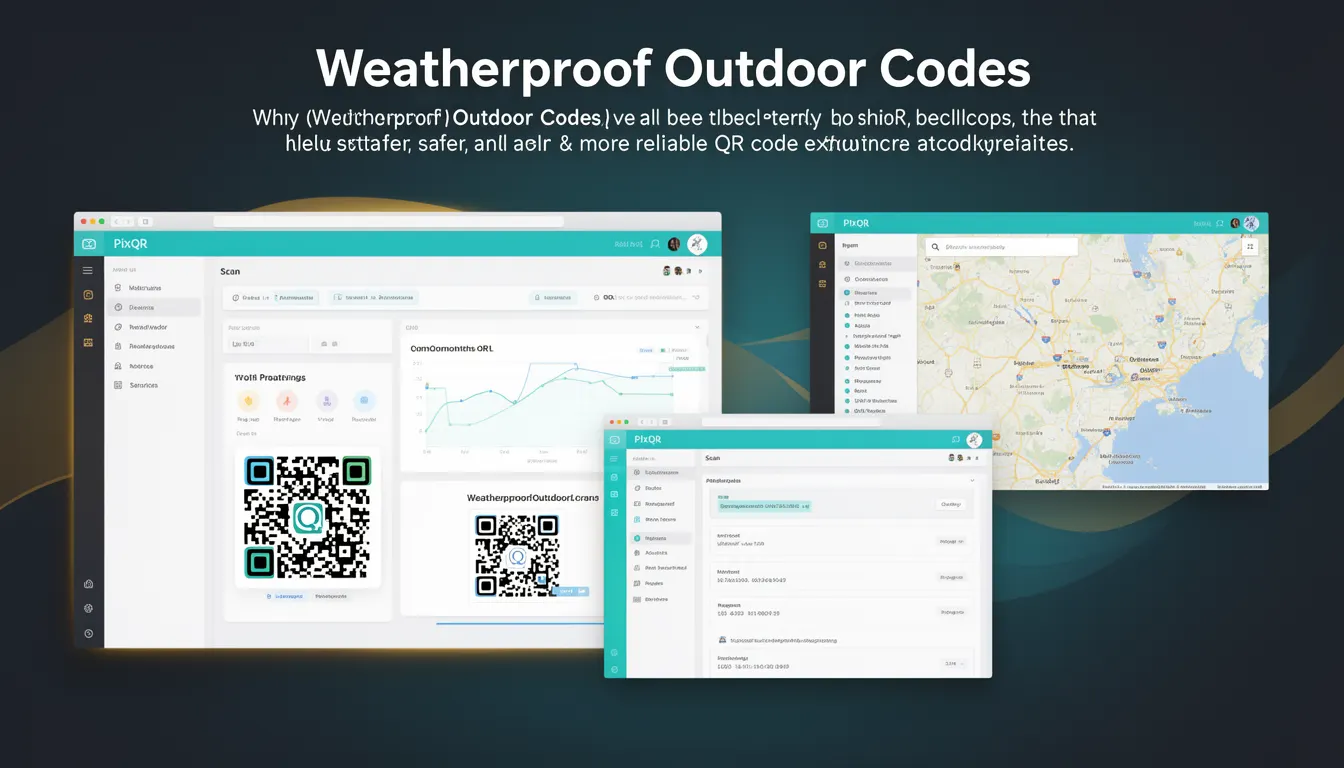
Weatherproof Outdoor Codes is a best-practice approach to QR code design and deployment specifically tailored for outdoor environments. These codes are engineered to maintain scannability, durability, and clarity despite exposure to weather elements such as rain, sun, temperature fluctuations, and physical wear.
Developers and operators who implement Weatherproof Outdoor Codes ensure that QR codes remain functional across extended periods and diverse environmental conditions. This is particularly critical for applications such as public signage, asset tracking, marketing campaigns, and outdoor advertising where physical QR codes are exposed to the elements.
Why It Matters
Outdoor QR codes face unique challenges that indoor codes do not. UV radiation can fade QR code patterns, moisture can cause degradation, and physical damage from vandalism or weather can obscure the code entirely. When QR codes fail to scan outdoors, it breaks the user experience and can undermine the intended functionality of a campaign or system.
From a development perspective, Weatherproof Outdoor Codes directly impact reliability metrics, analytics accuracy, and operational workflows. If QR codes are frequently unreadable, data collection becomes unreliable, and businesses may lose trust in the platform. In PixQR’s context, this means ensuring that generated codes are resilient and maintain integrity under real-world conditions.
How It Works
Weatherproof Outdoor Codes are created using a combination of design, material, and generation techniques that enhance durability and readability. The process involves several key components:
- High-contrast color schemes are selected to maintain visibility under varying lighting and weather conditions. Typically, black and white combinations are preferred, or high-contrast color pairs such as black and yellow.
- QR code size and error correction levels are adjusted to compensate for potential degradation. Higher error correction levels (e.g., QR Code Level M or H) are used to ensure that even partially damaged codes can still be scanned.
- Physical protection measures are applied during print or fabrication. These may include protective coatings, laminates, or enclosures to shield the QR code from environmental damage.
- Material selection plays a crucial role in outdoor durability. Materials such as UV-resistant plastics, metal, or specialized outdoor-grade paper are chosen for their resistance to fading and wear.
- Scanning environment considerations are taken into account during generation. This includes ensuring that codes are designed to be scannable from various angles and distances, and that lighting conditions are considered for optimal readability.
Quick Reference
| Item | Purpose | Notes |
|---|---|---|
| Error Correction Level | Ensures scannability despite damage | Use Level M or H for outdoor codes |
| Color Contrast | Improves visibility under varying conditions | Prefer black and white or high-contrast pairs |
| Material Type | Defines physical durability | UV-resistant and weatherproof materials |
| Code Size | Ensures readability from distance | Larger codes for outdoor use |
| Protective Coating | Prevents degradation | Apply laminates or protective layers |
Basic Example
PixQR Example QR
This QR links directly to this glossary page, so printed notes, onboarding docs, and support material can bring scanners back to the current reference.
/glossary/qr-code-best-practices/qr-code-best-practices-weatherproof-outdoor-codes

This basic example demonstrates how to configure a QR code for outdoor use with a high error correction level and a clear color scheme.
const qrCode = pixqr.generate({
  text: 'https://example.com/outdoor-promo',
  errorCorrectionLevel: 'H',
  color: {
    foreground: '#000000',
    background: '#FFFFFF'
  },
  size: 300
});
The example uses a high error correction level (Level H) to ensure that the code remains scannable even if partially damaged. The foreground and background colors are set to black and white for maximum contrast.
Production Example
In a production environment, Weatherproof Outdoor Codes are generated with additional safeguards such as validation, size optimization, and material-specific settings.
const outdoorQRConfig = {
  text: 'https://example.com/outdoor-campaign',
  errorCorrectionLevel: 'H',
  color: {
    foreground: '#000000',
    background: '#FFFFFF'
  },
  size: 400,
  material: 'uv-resistant-plastic',
  protection: 'laminated',
  dimensions: {
    width: 400,
    height: 400
  }
};

const qrCode = pixqr.generate(outdoorQRConfig);
This version includes material and protection specifications to ensure that the QR code is suitable for outdoor deployment. It also uses a larger size for improved scannability from a distance, and includes validation to ensure that all settings are compatible with PixQR’s outdoor deployment workflows.
Common Mistakes
- Using low error correction levels for outdoor codes can lead to failure under minor damage or fading. Always use Level M or H for outdoor deployment.
- Ignoring color contrast can make codes unreadable in bright sunlight or low-light conditions. Always use high-contrast combinations.
- Choosing inappropriate materials such as standard paper or plastic can result in rapid degradation. Outdoor codes require UV-resistant or weatherproof materials.
- Not validating code size can cause scanning issues from distance. Larger codes are required for outdoor visibility.
- Overlooking protective coatings can lead to physical damage or fading. Always apply laminates or protective layers for outdoor use.
Security And Production Notes
- Use high error correction levels to prevent partial code failure from environmental damage, which can be exploited by attackers to redirect users.
- Validate all inputs to ensure that QR code text is safe and does not contain malicious redirects or payloads.
- Ensure material compatibility with PixQR’s print and deployment workflows to avoid production delays or errors.
- Test QR codes in simulated outdoor conditions to confirm scannability and durability before deployment.
- Monitor analytics for scan failures in outdoor deployments to detect issues early and adjust code generation parameters.
Related Concepts
Weatherproof Outdoor Codes are closely related to several other QR code best practices and development concepts:
- QR Code Error Correction — The ability to recover data from damaged codes is essential for outdoor reliability.
- Print Quality and Resolution — Ensures that codes remain sharp and scannable at various sizes.
- Dynamic Redirects — Allows for updates to QR code destinations without reprinting physical codes.
- Scan Analytics — Provides insights into code performance in real-world environments.
- Brand-Safe Design — Ensures that QR codes align with brand guidelines and are not misused inappropriately.