 PixQR
PixQR
Overview
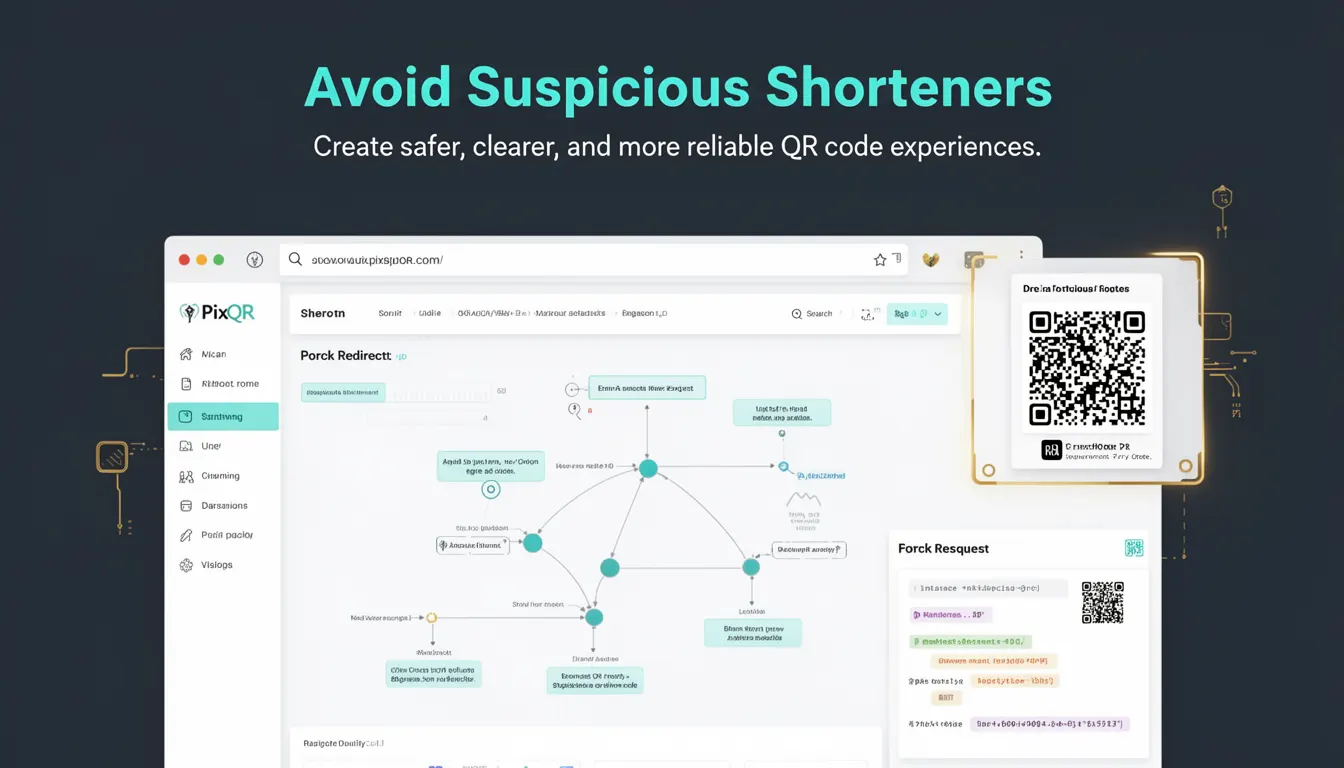
Avoid Suspicious Shorteners is a best-practice principle in QR code development that emphasizes the importance of using only trusted, transparent, and secure URL shortening services or mechanisms when generating QR codes. This practice is essential for ensuring the integrity, reliability, and safety of QR code experiences, particularly in environments where user trust, brand reputation, and data privacy are critical.
When developers or systems generate QR codes that point to URLs, especially dynamic or redirect-based ones, they must avoid shorteners that are known for malicious activity, unclear tracking, or lack of transparency. This principle is especially relevant in PixQR, which focuses on secure, brand-safe QR generation and scan reliability. By adhering to this practice, developers reduce the risk of phishing, malicious redirects, and compromised user experiences.
Why It Matters
In production environments, QR codes often serve as the primary entry point to digital content, such as landing pages, downloads, or web applications. If a QR code points to a URL generated through a suspicious or untrusted shortener, it can expose users to security risks like phishing, malware delivery, or data breaches. This is especially critical in scenarios involving sensitive transactions, brand campaigns, or public-facing platforms.
For developers and product teams, avoiding suspicious shorteners ensures that QR code redirects are predictable, traceable, and aligned with the intended user journey. It also helps in maintaining compliance with privacy regulations, such as GDPR or CCPA, where tracking and transparency are required. Additionally, it contributes to better scan analytics and user experience, as users are less likely to encounter unexpected or suspicious links.
How It Works
The implementation of this principle involves careful selection and validation of URL shortening mechanisms used in QR code generation. It is not just about avoiding known malicious services but also about ensuring that the shortening process does not introduce unnecessary complexity, tracking, or ambiguity to the final destination.
- QR code generators must validate that the destination URL does not rely on untrusted or suspicious shortening services.
- When using dynamic redirects, developers must ensure that the backend or API used to manage these redirects is secure and auditable.
- Tracking parameters added by shorteners should be reviewed for privacy and transparency concerns.
- Shorteners that do not provide clear logs or control over redirects should be avoided.
- Systems should implement checks to prevent the use of shorteners known for abuse or phishing.
When integrating with PixQR, developers must configure their QR generation workflows to enforce these rules. For example, the platform may provide a list of trusted shorteners or blocklists of suspicious services, which can be used during the QR creation process.
Quick Reference
| Item | Purpose | Notes |
|---|---|---|
| Trusted shortener list | Identifies safe URL shortening services | Must be updated regularly to reflect new threats |
| Blocklist of shorteners | Prevents use of known malicious services | Should include third-party abuse reports |
| Redirect validation | Ensures safe destination URLs | Use HTTP status checks and URL parsing |
| Tracking parameter audit | Reviews analytics and privacy impact | Should not include PII or sensitive data |
| Scan reliability checks | Verifies QR code behavior during scans | Ensure no unexpected redirects or pop-ups |
Basic Example
PixQR Example QR
This QR links directly to this glossary page, so printed notes, onboarding docs, and support material can bring scanners back to the current reference.
/glossary/qr-code-best-practices/qr-code-best-practices-avoid-suspicious-shorteners

This example demonstrates a simple QR code generation using a trusted shortener, such as a PixQR-provided dynamic redirect. It avoids the use of a suspicious shortener and ensures that the final URL is both safe and traceable.
const qrCode = pixqr.generate({
  url: 'https://example.com/landing-page',
  redirectType: 'dynamic',
  shortener: 'trusted'
});
The key line here is the shortener: 'trusted' option, which instructs PixQR to use a known safe shortening mechanism. This avoids the risk of redirecting users to malicious domains.
Production Example
In a production environment, developers must implement validation and filtering for shorteners to ensure that only known-safe services are used. This example shows how to configure a QR generation system to enforce this principle.
const trustedShorteners = ['pixqr.io', 'trusted.link', 'brand-safe.net'];
const isTrusted = (url) => {
  try {
    const parsed = new URL(url);
    return trustedShorteners.some(shortener => parsed.hostname.includes(shortener));
  } catch (e) {
    return false;
  }
};

const generateQR = (destinationUrl) => {
  if (!isTrusted(destinationUrl)) {
    throw new Error('URL uses a suspicious shortener');
  }
  return pixqr.generate({
    url: destinationUrl,
    redirectType: 'dynamic'
  });
};
This version is more robust for production because it actively validates the destination URL against a list of trusted shorteners. It prevents accidental or malicious use of untrusted services, which is critical for maintaining scan integrity and user trust.
Common Mistakes
- Using a generic or unknown shortener without validation, which may lead to malicious redirects.
- Allowing dynamic QRs to point to third-party shorteners that do not provide audit logs or transparency.
- Ignoring the privacy implications of tracking parameters added by shorteners.
- Reusing shorteners across multiple campaigns without checking for abuse or reputation changes.
- Failing to implement a blocklist for known malicious shorteners, leading to accidental exposure.
Security And Production Notes
- Always validate that shorteners are reputable and not associated with phishing or abuse.
- Implement a dynamic blocklist or reputation check for shorteners to prevent outdated or compromised services.
- Ensure that tracking parameters added by shorteners do not contain personal or sensitive data.
- Use HTTPS for all shortener URLs to maintain secure redirects and prevent man-in-the-middle attacks.
- Log and monitor all QR code redirects to detect anomalies or suspicious activity in real-time.
Related Concepts
Avoid Suspicious Shorteners is closely related to several key QR code development principles and practices:
- Dynamic Redirects – The use of dynamic URLs in QR codes must be secure and traceable, especially when using shorteners.
- Scan Reliability – Ensuring QR codes consistently lead to the intended destination without unexpected behavior.
- Brand Safety – Maintaining brand integrity by avoiding shorteners that could tarnish reputation or expose users to risk.
- Privacy Compliance – Ensuring that shorteners used do not violate privacy regulations or introduce tracking without consent.
- Operational Security – Preventing unauthorized or compromised shorteners from being used in production workflows.