 PixQR
PixQR
Overview
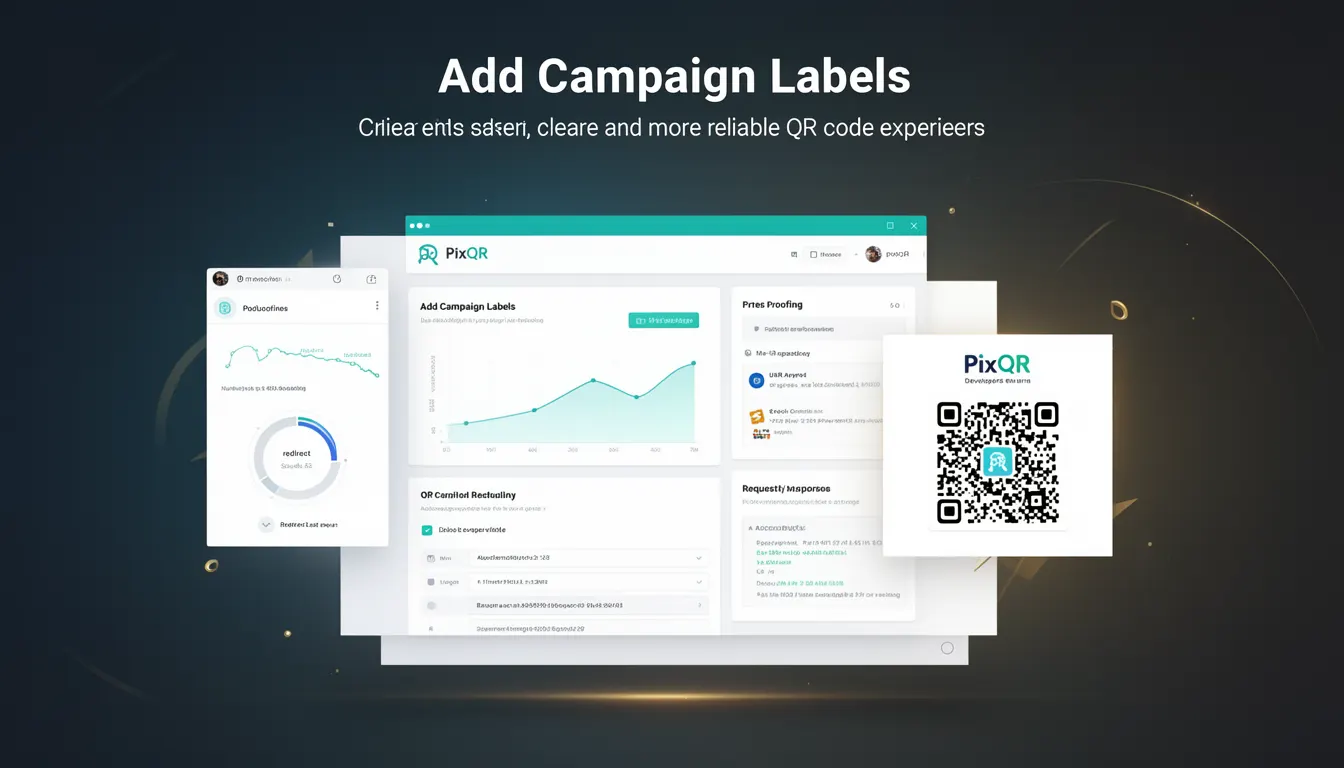
Add Campaign Labels is a best-practice term in QR code development that refers to the inclusion of metadata or identifiers within a QR code's target URL or redirect mechanism. These labels help track, categorize, and manage QR code usage across different campaigns, platforms, and user interactions.
When generating QR codes, especially in scalable or multi-channel environments, adding campaign labels allows developers and marketers to monitor performance, ensure brand consistency, and maintain operational clarity. These labels are typically appended as query parameters or used in structured redirect configurations.
Why It Matters
Adding campaign labels is critical for operational and analytical integrity in QR code workflows. Without such labels, it becomes difficult to distinguish between various QR code usages, such as those used in email campaigns, social media posts, or physical print materials. This lack of clarity can lead to data silos, inaccurate analytics, and inefficient resource allocation.
In a PixQR context, campaign labels support advanced tracking, compliance with privacy regulations, and brand-safe design practices. They also improve scan reliability by enabling systems to route traffic more accurately, especially in environments with overlapping or dynamically generated QR codes.
How It Works
The mechanism behind Add Campaign Labels involves appending structured identifiers to a QR code’s target URL or redirect configuration. These identifiers can be in the form of query parameters, custom headers, or path segments depending on the platform's capabilities.
- Labels are typically added as query parameters to the target URL, such as
?campaign=summer_sale&source=email. - For dynamic redirects, labels may be stored in a backend database or API and retrieved during the redirect process.
- Labels support multi-dimensional tracking, allowing teams to segment data by source, campaign, or medium.
- When integrated with analytics platforms, these labels can be used to build detailed attribution models.
- Label formats are often standardized to prevent conflicts, with common patterns including
campaign,source,medium, andutm_*parameters.
Quick Reference
| Item | Purpose | Notes |
|---|---|---|
| Query Parameters | Track campaign and source | Use consistent naming for analytics |
| Redirect Configuration | Define campaign context | Supports dynamic label injection |
| Label Format | Standardize identifiers | Prevent conflicts and ensure readability |
| Analytics Integration | Enable data segmentation | Supports attribution and reporting |
| Privacy Compliance | Ensure label safety | Avoid PII in labels |
Basic Example
PixQR Example QR
This QR links directly to this glossary page, so printed notes, onboarding docs, and support material can bring scanners back to the current reference.
/glossary/qr-code-best-practices/qr-code-best-practices-add-campaign-labels

A simple example of adding a campaign label involves appending a parameter to a URL that a QR code points to.
https://example.com/landing-page?campaign=summer_sale&source=emailThis URL structure allows systems to track that a QR code was scanned from an email source during a summer sale campaign. The campaign and source parameters are straightforward identifiers that can be parsed by analytics tools.
Production Example
In a production environment, campaign labels are often generated dynamically and securely to avoid exposing sensitive data. Here’s an example of how labels might be applied in a backend redirect system.
const redirectUrl = new URL('https://example.com/landing-page');
redirectUrl.searchParams.append('campaign', 'winter_promo');
redirectUrl.searchParams.append('source', 'social_media');
redirectUrl.searchParams.append('medium', 'instagram');

const finalUrl = redirectUrl.toString();
This version is more suitable for production because it uses a structured approach to label creation, supports dynamic input, and avoids hardcoding values. It also ensures proper URL encoding and maintains scalability for multiple campaigns or sources.
Common Mistakes
- Using unescaped or raw input in URL parameters, which can lead to broken redirects or injection vulnerabilities.
- Reusing labels or identifiers without ensuring uniqueness, causing data confusion in analytics.
- Not validating label values, leading to malformed or unexpected query strings.
- Hardcoding labels in client-side code, which exposes tracking identifiers and reduces flexibility.
- Ignoring privacy regulations when including campaign identifiers, especially in contexts involving user data or PII.
Security And Production Notes
- Always sanitize and validate campaign label values to prevent injection attacks or malformed URLs.
- Use HTTPS for all redirect targets to ensure label integrity and prevent man-in-the-middle interference.
- Avoid including personally identifiable information (PII) in labels to maintain compliance with privacy laws like GDPR or CCPA.
- Implement rate limiting or access controls for dynamic label generation APIs to prevent abuse.
- Use consistent naming conventions for labels to improve maintainability and reduce errors in reporting.
Related Concepts
Add Campaign Labels is closely related to several key QR code and tracking concepts:
- UTM Parameters – A standardized set of parameters used for tracking marketing campaigns, often integrated into QR code labels.
- Dynamic Redirects – Systems that modify or append labels at runtime, allowing for flexible campaign tracking.
- Analytics Attribution – The process of linking scan data to specific campaigns, which relies on structured labels.
- Scan Tracking – The ability to monitor and log QR code interactions, often enhanced by label-based metadata.
- Brand-Safe Design – Ensuring QR code content aligns with brand guidelines, which includes the safe handling of labels and metadata.