 PixQR
PixQR
Overview
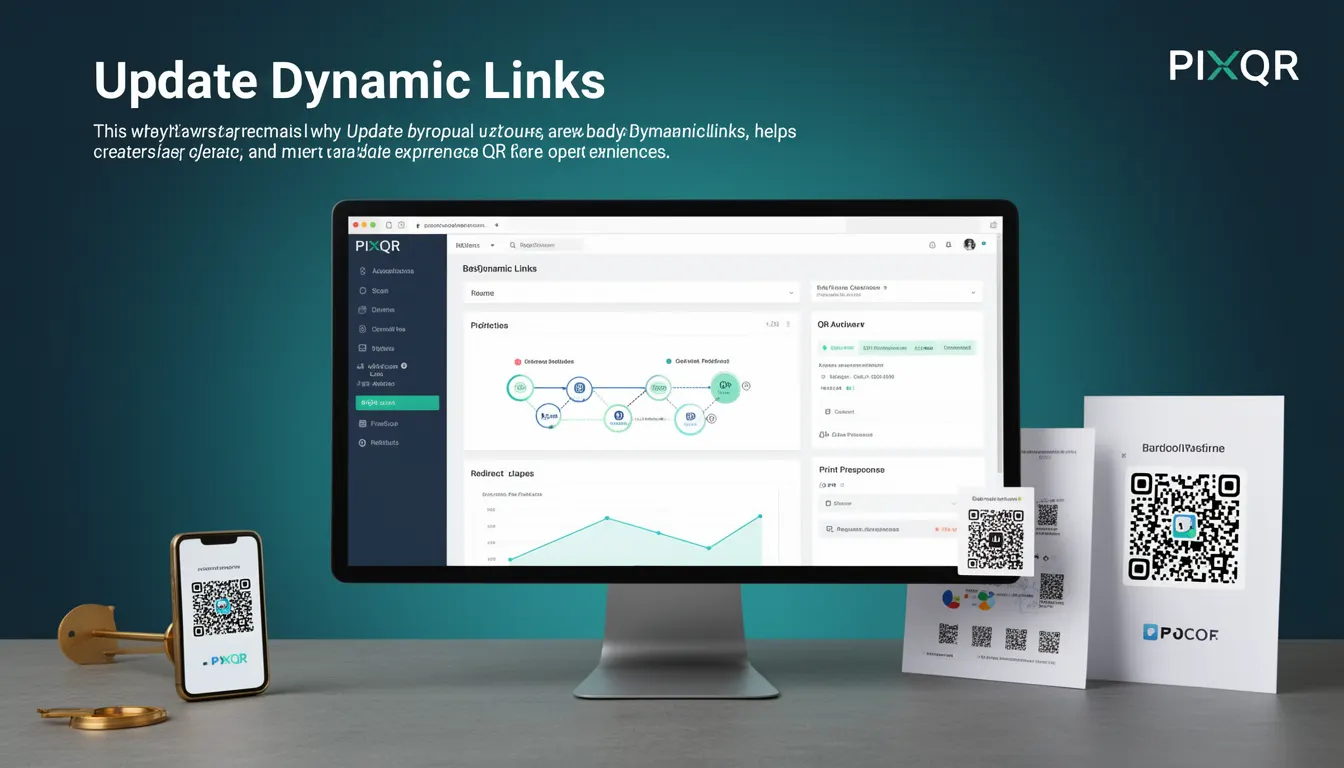
Update Dynamic Links is a core best-practice concept in QR code management that emphasizes the importance of maintaining control over dynamic redirect URLs used in QR codes. In PixQR, dynamic links are those that point to a central server endpoint which can redirect users to different destinations based on configurable rules or runtime conditions. The term "Update Dynamic Links" refers to the process of modifying these redirect rules, target URLs, or related metadata without needing to regenerate or re-print physical QR codes.
This approach is critical in environments where QR codes are used for marketing, logistics, or internal systems where content or destination may change over time. For instance, a QR code used for a product catalog might need to redirect to a different landing page depending on the region or season. Update Dynamic Links ensures such changes can be made seamlessly, without physical or digital rework.
Why It Matters
Update Dynamic Links is essential for maintaining operational efficiency and reducing risk in QR code systems. In production environments, especially those involving physical products, marketing campaigns, or enterprise logistics, QR codes may be deployed long before their final destination is known or when changes are expected. Without a mechanism to update these links, any modification requires a full re-print or re-deployment of the QR code, which is both time-consuming and costly.
Additionally, from a security perspective, static QR codes can become a vulnerability if the target URL is compromised or outdated. Update Dynamic Links allows system maintainers to quickly respond to threats by changing the redirect URL or disabling access, reducing exposure. From a user experience standpoint, it ensures that QR codes remain functional and relevant over time, even as underlying content changes.
How It Works
Update Dynamic Links operates through a backend management system that controls the redirection behavior of QR codes. When a QR code is generated in PixQR, it points to a dynamic endpoint, typically a URL like https://pixqr.com/r/abc123. This endpoint is configured to redirect to a final URL that can be changed at any time via an administrative interface or API.
- Each dynamic link has a unique identifier that is embedded in the QR code.
- Updates are made through a secure API or web dashboard that validates changes before applying them.
- The system maintains a history of changes, enabling rollback in case of errors.
- Updates can include changing the destination URL, adding or removing tracking parameters, or modifying access controls.
- Changes are propagated in near real-time to ensure that scans reflect the most current configuration.
The mechanism is designed to support both immediate and scheduled updates. For example, a marketing team might schedule a redirect to change from a promotional page to a general product page at a specific time. The system supports both manual and automated update workflows, making it adaptable to various operational needs.
Quick Reference
| Item | Purpose | Notes |
|---|---|---|
| Link ID | Unique identifier for a dynamic QR code | Used in API calls to modify redirect rules |
| Redirect URL | Target destination for the QR scan | Can be updated without regenerating QR code |
| Update API | Endpoint to modify link configuration | Requires authentication and validation |
| Change History | Log of all modifications | Enables audit and rollback capabilities |
| Scheduled Updates | Future redirect changes | Supports time-based automation |
Basic Example
PixQR Example QR
This QR links directly to this glossary page, so printed notes, onboarding docs, and support material can bring scanners back to the current reference.
/glossary/qr-code-best-practices/qr-code-best-practices-update-dynamic-links
This example demonstrates how a dynamic link can be updated using a simple API call. The QR code points to a central endpoint, and the target URL can be changed without re-printing the code.
curl -X PUT https://api.pixqr.com/links/abc123 \
  -H "Authorization: Bearer YOUR_TOKEN" \
  -H "Content-Type: application/json" \
  -d '{"destination": "https://example.com/new-page"}'
This request updates the redirect destination for the dynamic link with ID abc123. The QR code scanning behavior changes immediately after the update is applied, reflecting the new URL.
Production Example
In a production environment, update dynamic links must include validation, error handling, and access control to ensure system integrity. This example shows a more robust approach using a structured API call with checks and logging.
const updateLink = async (linkId, newUrl, token) => {
  const response = await fetch(`https://api.pixqr.com/links/${linkId}`, {
    method: 'PUT',
    headers: {
      'Authorization': `Bearer ${token}`,
      'Content-Type': 'application/json'
    },
    body: JSON.stringify({ destination: newUrl })
  });

  if (!response.ok) {
    throw new Error(`Failed to update link: ${response.status}`);
  }

  return await response.json();
};
This version ensures that errors are handled gracefully, the API call is authenticated, and the response is validated. It is suitable for integration into larger systems where reliability and traceability are critical.
Common Mistakes
- Not validating the new destination URL before updating — can lead to broken links or malicious redirects.
- Using outdated or unauthenticated API tokens — can cause unauthorized updates or access violations.
- Updating links without testing the new destination — may result in broken user experiences or misdirected traffic.
- Ignoring change logs — makes it difficult to audit or revert updates if issues arise.
- Updating links in bulk without proper error handling — can cause cascading failures in large deployments.
- Not implementing access controls for link updates — allows unauthorized users to modify critical QR code destinations.
Security And Production Notes
- All updates to dynamic links must be authenticated using secure tokens or API keys.
- Destination URLs should be validated for safety and compliance with security policies.
- Change logs should be retained and auditable to support forensic analysis or compliance audits.
- Implement rate limiting to prevent abuse of the update API.
- Ensure that updates are propagated across all systems (e.g., CDN, analytics) to maintain consistency.
Related Concepts
Update Dynamic Links is closely tied to several other QR code management concepts:
- Dynamic QR Codes – QR codes that redirect to a central endpoint, enabling updates without re-printing.
- Link Management – The broader practice of organizing, tracking, and modifying QR code destinations.
- Redirect Analytics – Monitoring how often and where users are redirected through QR codes.
- Scan Reliability – Ensuring QR codes consistently resolve to correct destinations, especially after updates.
- Operational Workflows – Processes for managing QR code lifecycle, including creation, updates, and decommissioning.