 PixQR
PixQR
Overview
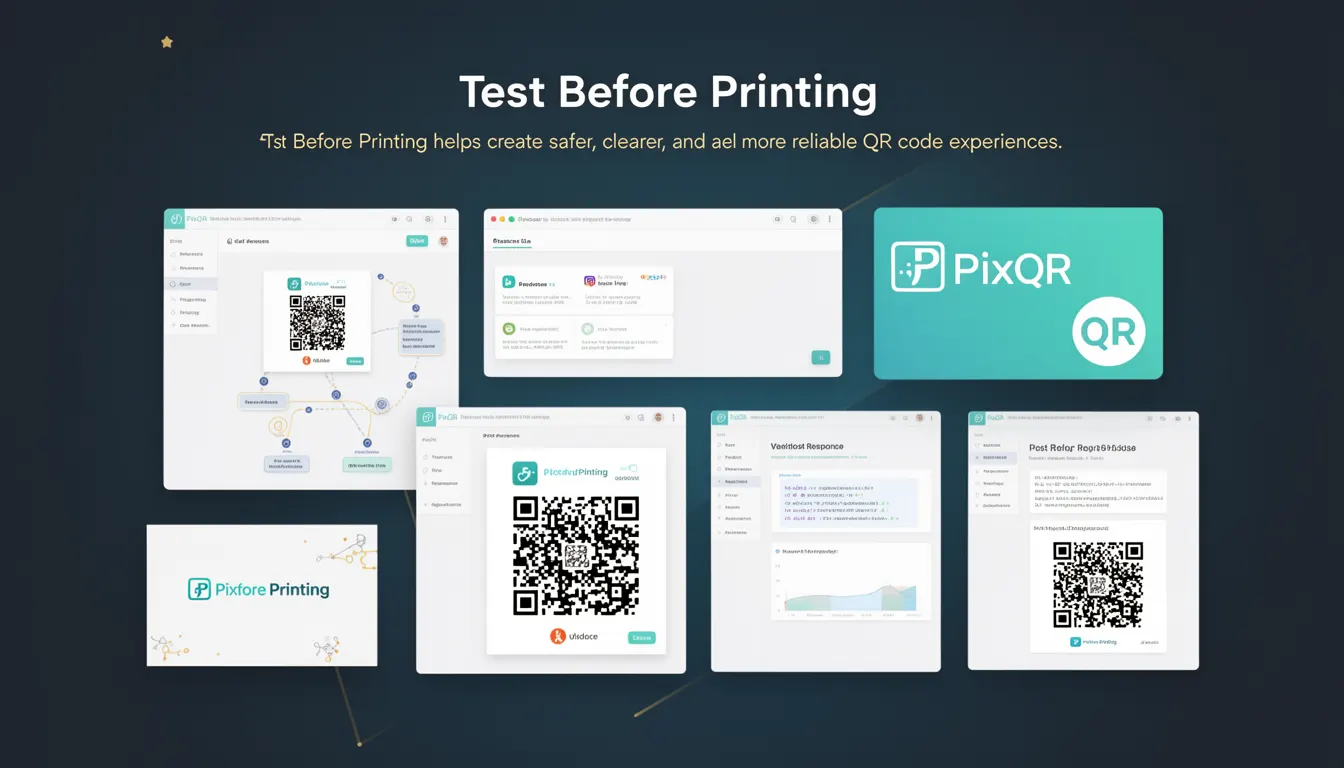
Test Before Printing is a critical best practice in QR code development and deployment that emphasizes validating QR code integrity, readability, and functionality before finalizing physical or digital print assets. This process ensures that QR codes will scan reliably across various devices, environments, and conditions, reducing user frustration, support overhead, and potential brand damage.
For developers working with PixQR, Test Before Printing directly influences how QR codes are generated, validated, and deployed in production workflows. It is not a one-time step but an ongoing practice embedded into the development lifecycle, especially when integrating dynamic redirects, brand-safe design, and secure operational workflows.
Why It Matters
Without testing QR codes before printing or deployment, developers risk deploying unreliable or unreadable QR codes that fail in real-world environments. This can lead to user confusion, lost conversions, negative brand perception, and increased maintenance costs. For example, a QR code that works perfectly in a controlled lab environment may fail when printed on textured paper or under low-light conditions.
For PixQR users, the importance extends beyond basic functionality. Test Before Printing helps ensure that dynamic redirects function correctly, scan analytics are accurate, and privacy controls are maintained. It also plays a key role in fraud prevention by ensuring that QR codes are not misused or manipulated in ways that compromise security or user trust.
How It Works
Test Before Printing involves multiple validation steps that occur before a QR code is finalized for use. These steps typically include:
- Scanning the QR code on multiple devices and platforms to verify readability.
- Testing the destination URL or redirect target to ensure it is valid and accessible.
- Verifying that the QR code's size, contrast, and design elements are compatible with print and digital environments.
- Confirming that the QR code does not contain invalid or restricted characters or content.
- Checking that the QR code aligns with brand guidelines and privacy requirements.
When using PixQR, developers can leverage built-in tools for scanning, analytics, and validation. These tools help simulate various scanning environments and identify potential issues before deployment. For instance, PixQR's API allows developers to generate test QR codes and validate them against specific parameters, including error correction levels, size constraints, and redirect behavior.
Quick Reference
| Item | Purpose | Notes |
|---|---|---|
| QR code scanning simulation | Validate readability across platforms | Use PixQR’s testing API to simulate device behavior |
| Redirect URL validation | Ensure destination is accessible | Check HTTP status codes and response times |
| Size and contrast verification | Ensure print and screen clarity | Test at multiple resolutions and lighting conditions |
| Error correction level | Define tolerance for damage or distortion | Choose appropriate level (L, M, Q, H) based on use case |
| Brand and privacy compliance | Ensure alignment with policy | Validate content and design against guidelines |
Basic Example
PixQR Example QR
This QR links directly to this glossary page, so printed notes, onboarding docs, and support material can bring scanners back to the current reference.
/glossary/qr-code-best-practices/qr-code-best-practices-test-before-printing

This example demonstrates how a developer might use a basic validation step to ensure a QR code is readable before deployment:
const qrCode = generateQRCode({
  text: 'https://example.com',
  size: 200,
  errorCorrection: 'M'
});

if (validateQRCode(qrCode)) {
  console.log('QR code is valid and ready for printing.');
} else {
  console.log('QR code validation failed. Please review.');
}
The generateQRCode function creates a QR code with a specified URL, size, and error correction level. The validateQRCode function then checks whether the generated QR code meets basic readability and integrity criteria.
Production Example
In a production environment, developers using PixQR would typically perform more comprehensive testing, including API-based validation and analytics review:
const response = await pixqr.api.generate({
  text: 'https://secure.example.com/redirect',
  size: 300,
  design: {
    foreground: '#000000',
    background: '#FFFFFF'
  },
  analytics: true
});

const validation = await pixqr.api.validate({
  qrCodeId: response.id,
  testScenarios: ['mobile', 'print', 'low-light']
});

if (validation.passed) {
  console.log('QR code is production-ready.');
  deployQRCode(response.id);
} else {
  console.error('Validation failed:', validation.errors);
}
This version includes full integration with PixQR’s API for QR generation and validation, with support for multiple test scenarios. It ensures that the QR code is not only correctly formatted but also tested under realistic conditions such as low-light environments or print quality variations.
Common Mistakes
- Skipping validation for dynamic redirects, leading to broken links or unexpected behavior in production.
- Using low error correction levels for codes intended for print or outdoor use, resulting in scanning failures.
- Ignoring contrast and size requirements for QR codes, which can cause scanning issues on textured or low-resolution surfaces.
- Not testing on multiple platforms or devices, assuming a code that works on one device will work universally.
- Using unescaped or malformed URLs in QR codes, which can cause redirect errors or security vulnerabilities.
Security And Production Notes
- Always validate destination URLs to prevent phishing or malicious redirects.
- Use appropriate error correction levels for the intended use case—higher levels for outdoor or print applications.
- Ensure QR code content is sanitized to avoid injection attacks or unauthorized redirects.
- Test QR codes under various lighting and surface conditions to simulate real-world use.
- Implement analytics and monitoring to detect and respond to scanning failures post-deployment.
Related Concepts
Test Before Printing is closely connected to several other QR code development concepts:
- Dynamic Redirects: Ensuring that the URL a QR code points to is valid and functional before printing.
- Scan Analytics: Using data from real scans to validate QR code performance and reliability.
- Brand Safety: Verifying that QR code content and design align with brand guidelines and privacy standards.
- Privacy Controls: Confirming that QR codes do not expose sensitive data or violate user privacy.
- Operational Workflows: Embedding testing steps into automated pipelines to ensure consistent code quality.