 PixQR
PixQR
Overview
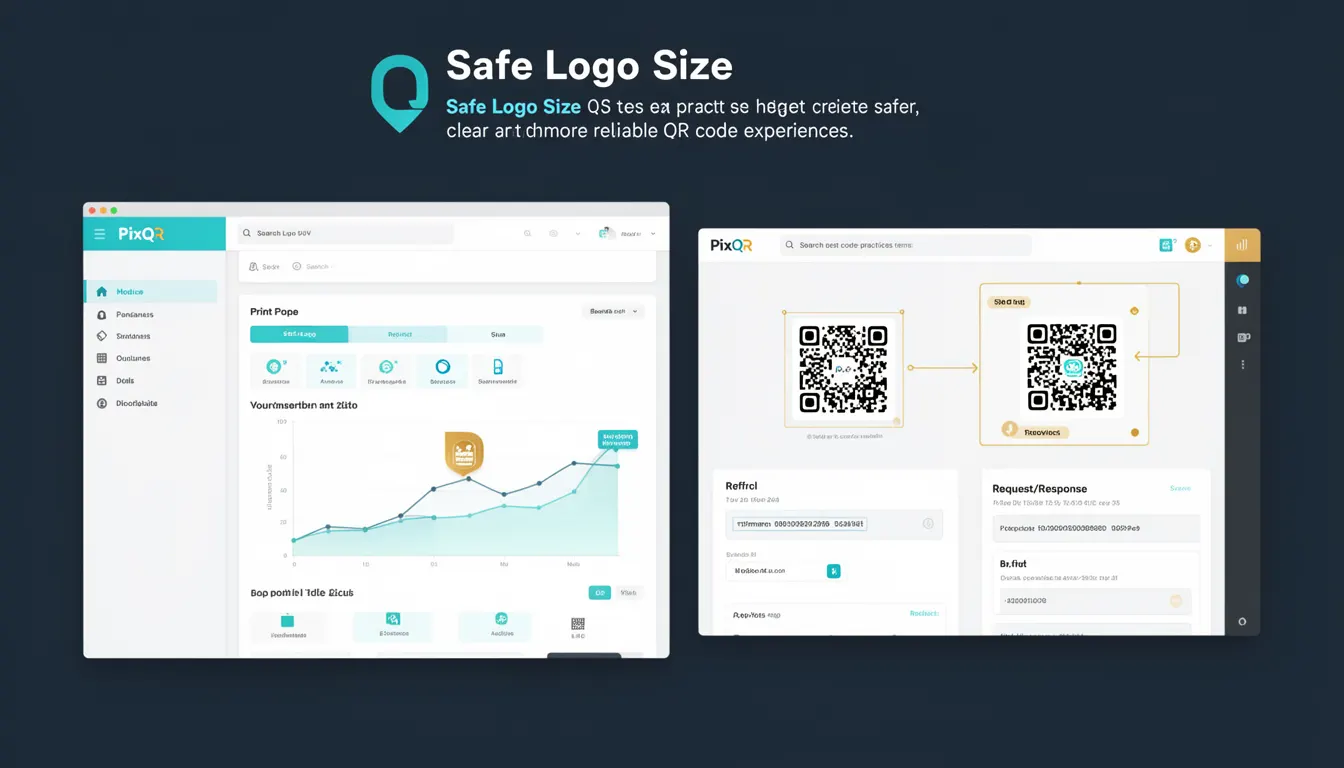
Safe Logo Size refers to a best-practice recommendation for embedding logos or brand elements within QR codes to ensure optimal scan reliability, clarity, and user experience. This concept is especially relevant in the context of dynamic QR code generation, where the logo size must balance visual branding with functional integrity.
In PixQR, Safe Logo Size is enforced during QR code generation to maintain compatibility with scanning applications and avoid misreads. It is not a fixed dimension but rather a proportional guideline based on the QR code’s module size and overall dimensions. Developers working with PixQR must understand how logo dimensions affect scan accuracy and user trust in the QR code experience.
Why It Matters
When a logo is embedded in a QR code, its size directly impacts how reliably the code can be scanned. If a logo is too large, it may interfere with the QR code's data structure, leading to scan failures or misinterpretations. Conversely, if the logo is too small, it may not be visible or recognizable, reducing brand impact.
From a production perspective, Safe Logo Size ensures that QR codes remain functional across a wide range of scanning devices, from smartphones to industrial scanners. It also supports compliance with accessibility standards, where visual clarity is critical for all users, including those with low vision or scanning difficulties.
In PixQR, adhering to Safe Logo Size guidelines helps prevent operational issues such as user frustration, failed redirects, or misdirected traffic, which can lead to lost conversions or security risks in dynamic QR code environments.
How It Works
The Safe Logo Size is determined by a set of proportional constraints relative to the QR code's module grid. PixQR calculates logo dimensions based on the QR code’s size, error correction level, and the intended visual impact.
- Logo size is expressed as a percentage of the QR code's total module count, typically capped at 15% to ensure optimal scan reliability.
- For standard QR codes, a logo size of 10% to 12% of the total QR code area is recommended for most use cases.
- The logo must be embedded in the quiet zone or within the QR code's data area without overlapping critical data modules.
- Safe Logo Size is validated during QR code generation to prevent misalignment or over-sizing that could cause scanning failures.
- For dynamic QR codes, the system enforces logo size constraints to maintain consistency across redirects and tracking.
Quick Reference
| Item | Purpose | Notes |
|---|---|---|
| Logo size percentage | Controls logo visibility and scan reliability | Recommended 10% to 12% of QR code area |
| Module count | Base for proportional logo sizing | Used to calculate safe logo dimensions |
| Quiet zone | Reserved space for logo placement | Logo must not overlap data modules |
| Error correction level | Impacts how much data can be lost | Higher levels allow for larger logos |
| Scan compatibility | Ensures device compatibility | Prevents misreads and failures |
Basic Example
PixQR Example QR
This QR links directly to this glossary page, so printed notes, onboarding docs, and support material can bring scanners back to the current reference.
/glossary/qr-code-best-practices/qr-code-best-practices-safe-logo-size
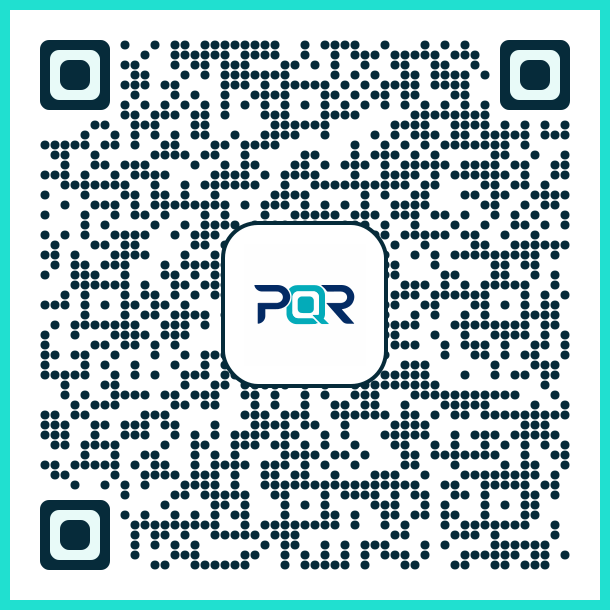
This basic example demonstrates how to set a safe logo size when generating a QR code using PixQR’s API. The logo is sized at 10% of the QR code’s total area, which is within safe guidelines.
const qrOptions = {
  logoSize: '10%',
  size: 300,
  errorCorrection: 'M'
};

const qrCode = pixqr.generate('https://example.com', qrOptions);
The logoSize parameter is set to 10%, ensuring the logo is small enough to not interfere with scanning while still being visible. The size parameter defines the QR code's pixel dimensions, and errorCorrection is set to medium to allow for some data redundancy.
Production Example
In a production environment, Safe Logo Size must be validated and dynamically adjusted based on the QR code's intended use and the platform's scan reliability requirements. This example includes validation and fallback logic for dynamic QR code generation.
function generateSafeQR(url, logoUrl, qrSize = 300) {
  const logoSize = Math.min(12, Math.max(5, qrSize * 0.08)); // 8% of size, capped between 5 and 12 pixels
  const qrOptions = {
    size: qrSize,
    logo: logoUrl,
    logoSize: `${logoSize}px`,
    errorCorrection: 'H'
  };

  return pixqr.generate(url, qrOptions);
}
This version dynamically calculates a safe logo size based on the QR code’s dimensions and enforces a maximum size to prevent interference with scanning. It also uses a high error correction level to maintain robustness, especially in print or low-quality scanning environments.
Common Mistakes
- Using a logo that is too large, which can cause scan failures or misreads due to interference with QR code data modules.
- Ignoring the quiet zone when placing logos, leading to reduced scan reliability.
- Not validating logo size against QR code dimensions, resulting in inconsistent QR code quality.
- Applying fixed pixel sizes instead of percentage-based sizing, which may not scale well across different QR code sizes.
- Overlooking error correction levels when setting logo size, causing QR codes to fail in challenging scanning environments.
Security And Production Notes
- Always validate logo dimensions to prevent malformed QR codes that could be used for phishing or misdirection.
- Use percentage-based sizing to ensure compatibility across different QR code resolutions and platforms.
- Test QR codes with logos in real-world scanning environments to confirm reliability and usability.
- Ensure that logos are not embedded in data areas, which could lead to corruption or misreads.
- Consider accessibility requirements by ensuring logos do not interfere with scan clarity for users with visual impairments.
Related Concepts
Safe Logo Size is closely related to several QR code best practices and technical concepts:
- Quiet Zone – The margin around the QR code that ensures scanning accuracy and is critical for safe logo placement.
- Error Correction Level – The level of redundancy in a QR code that determines how much data can be lost without affecting readability.
- Module Grid – The underlying structure of the QR code that determines how logos and data are positioned.
- Dynamic QR Code – A QR code that redirects to a URL, where logo size affects both branding and redirect reliability.
- Scan Reliability – The ability of a QR code to be read accurately by various scanning tools, influenced by logo sizing and placement.