 PixQR
PixQR
Overview
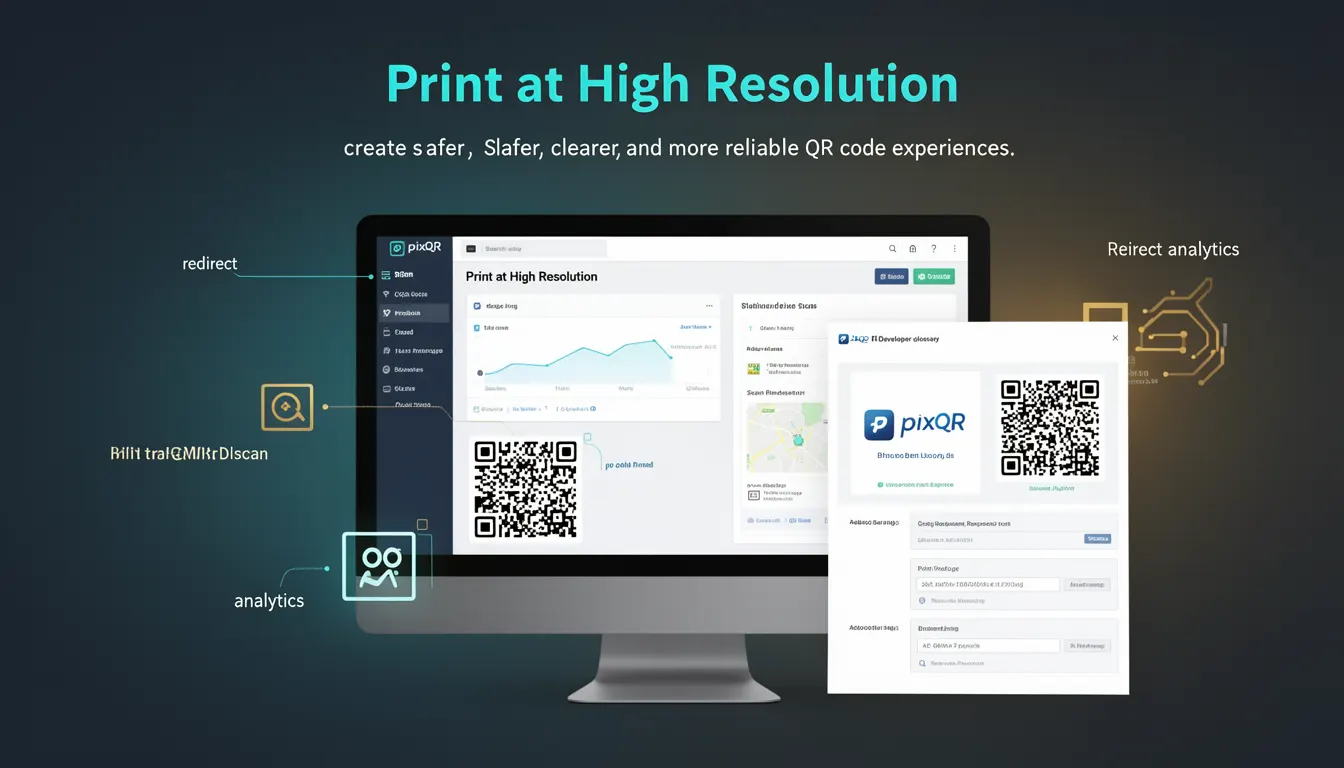
Print at High Resolution is a best-practice term that emphasizes the importance of generating QR codes at sufficient resolution to ensure reliable scanning across a wide range of devices and environments. This practice directly impacts the usability, reliability, and safety of QR codes in production systems, particularly in physical print applications where low-resolution output can cause scanning failures.
For developers working with PixQR, understanding and implementing high-resolution printing is essential when creating QR codes intended for physical distribution. Whether designing for retail signage, product packaging, or marketing collateral, the resolution of the QR code image must be sufficient to maintain scannability even when printed at small sizes or under varying lighting conditions.
Why It Matters
Low-resolution QR codes can lead to scanning failures, which compromise user experience and potentially expose businesses to fraud or loss of tracking data. In production environments, this can result in failed redirects, inaccurate analytics, and compromised brand safety. For PixQR, ensuring that QR codes are generated at high resolution is a core requirement for maintaining operational integrity.
High-resolution QR codes also support better compatibility with mobile devices, which often rely on camera resolution and processing power to decode scannable data. When QR codes are rendered at low resolutions, especially in print media, they may not be scannable by standard mobile applications, leading to dropped engagement rates and lost data.
From a security perspective, low-resolution codes can be more vulnerable to tampering or misinterpretation, particularly in environments where physical tampering is a concern. Proper resolution ensures that codes are robust against physical degradation, wear, and environmental factors that may affect scan reliability.
How It Works
The mechanism of high-resolution printing for QR codes involves several technical considerations, including image dimensions, pixel density, and output formats. When generating QR codes for print, developers must consider the target output size, resolution requirements, and how the final image will be rendered.
- QR code resolution is typically expressed in pixels per inch (PPI) or dots per inch (DPI). A minimum of 300 DPI is recommended for print quality, with 600 DPI or higher for high-fidelity output.
- Image dimensions must scale appropriately to maintain QR code integrity. For example, a 100x100 pixel code at 300 DPI will produce a 0.33-inch square QR code, which is suitable for most print applications.
- Pixel density directly affects how well the QR code can be scanned. A higher pixel density ensures that the code's modules are clearly defined, reducing the chance of scanning errors.
- When using PixQR, developers can configure output resolution through API parameters or dashboard settings, ensuring that generated QR codes meet the necessary print standards.
- For dynamic QR codes, resolution settings must be consistent across all variations to ensure that scans remain reliable regardless of how the QR code is generated or updated.
Quick Reference
| Item | Purpose | Notes |
|---|---|---|
| Resolution (DPI/PPI) | Defines image clarity for scanning | Minimum 300 DPI recommended for print |
| Image Dimensions | Controls physical size of QR code | Maintain aspect ratio to prevent distortion |
| Pixel Density | Ensures module visibility | Higher density = better scannability |
| Output Format | Controls compatibility with printing systems | Prefer vector formats for scalability |
| Dynamic QR Code Scaling | Ensures consistency across variations | Use fixed resolution for all versions |
Basic Example
PixQR Example QR
This QR links directly to this glossary page, so printed notes, onboarding docs, and support material can bring scanners back to the current reference.
/glossary/qr-code-best-practices/qr-code-best-practices-print-at-high-resolution
This example demonstrates how to set a high-resolution output when generating a QR code using PixQR’s API. It focuses on ensuring the image is generated at a resolution suitable for print.
const qrCode = pixqr.generate({
  text: 'https://example.com',
  resolution: 600,
  size: 500
});
The resolution parameter sets the image quality to 600 DPI, ensuring that the QR code is clear and scannable even when printed at small sizes. The size parameter defines the pixel dimensions of the QR code, which is important for maintaining clarity.
Production Example
In a production environment, developers must validate the output of QR code generation to ensure that the resolution meets required standards. This example shows a more robust implementation that includes resolution validation and error handling.
function generateHighResQR(text, outputSize = 500, dpi = 600) {
  try {
    const qrCode = pixqr.generate({
      text: text,
      resolution: dpi,
      size: outputSize
    });

    if (qrCode.resolution < 300) {
      throw new Error('QR code resolution is below recommended threshold');
    }

    return qrCode;
  } catch (error) {
    console.error('Failed to generate high-resolution QR code:', error.message);
    throw error;
  }
}
This version includes validation to ensure that the generated QR code meets minimum resolution requirements. It also uses error handling to prevent invalid outputs from being used in production, which is essential for maintaining operational reliability.
Common Mistakes
- Using default resolution settings without considering print requirements. This often leads to QR codes that are too small or blurry to scan reliably.
- Ignoring the physical size of the QR code when setting resolution. A 100x100 pixel code at 300 DPI may be too small for scanning, even if it appears clear on screen.
- Choosing low-quality output formats such as JPEG for print, which can introduce compression artifacts that interfere with scanning.
- Not validating resolution after generation. This can result in undetected low-quality QR codes in production environments.
- Using dynamic QR code variations without maintaining consistent resolution. Inconsistent resolution across versions can cause scanning failures.
Security And Production Notes
- Always validate QR code resolution before deployment to ensure it meets print standards and scanning reliability requirements.
- Use vector formats where possible to maintain quality at any scale, particularly for designs that may be resized for different applications.
- Implement resolution checks in automated pipelines to catch low-quality outputs before they are used in production.
- Ensure that all QR code variations, including dynamic and personalized versions, maintain consistent resolution for reliability.
- Consider environmental factors such as lighting, surface texture, and print quality when setting resolution to avoid scanning failures in real-world use.
Related Concepts
Print at High Resolution is closely related to several other QR code development practices:
- QR Code Size and Scaling: The physical dimensions of a QR code affect its readability and scannability, especially when scaled for different media.
- Dynamic Redirects: Ensuring that dynamically generated QR codes maintain consistent quality and resolution across all versions.
- Scan Reliability: The overall performance of a QR code in real-world scanning conditions, which is heavily influenced by resolution.
- Brand Safety: High-resolution QR codes reduce the risk of misinterpretation or tampering, which is important for maintaining brand integrity.
- Privacy and Data Integrity: Ensuring QR codes are generated and printed in a way that preserves data integrity and prevents unauthorized access.