 PixQR
PixQR
Overview
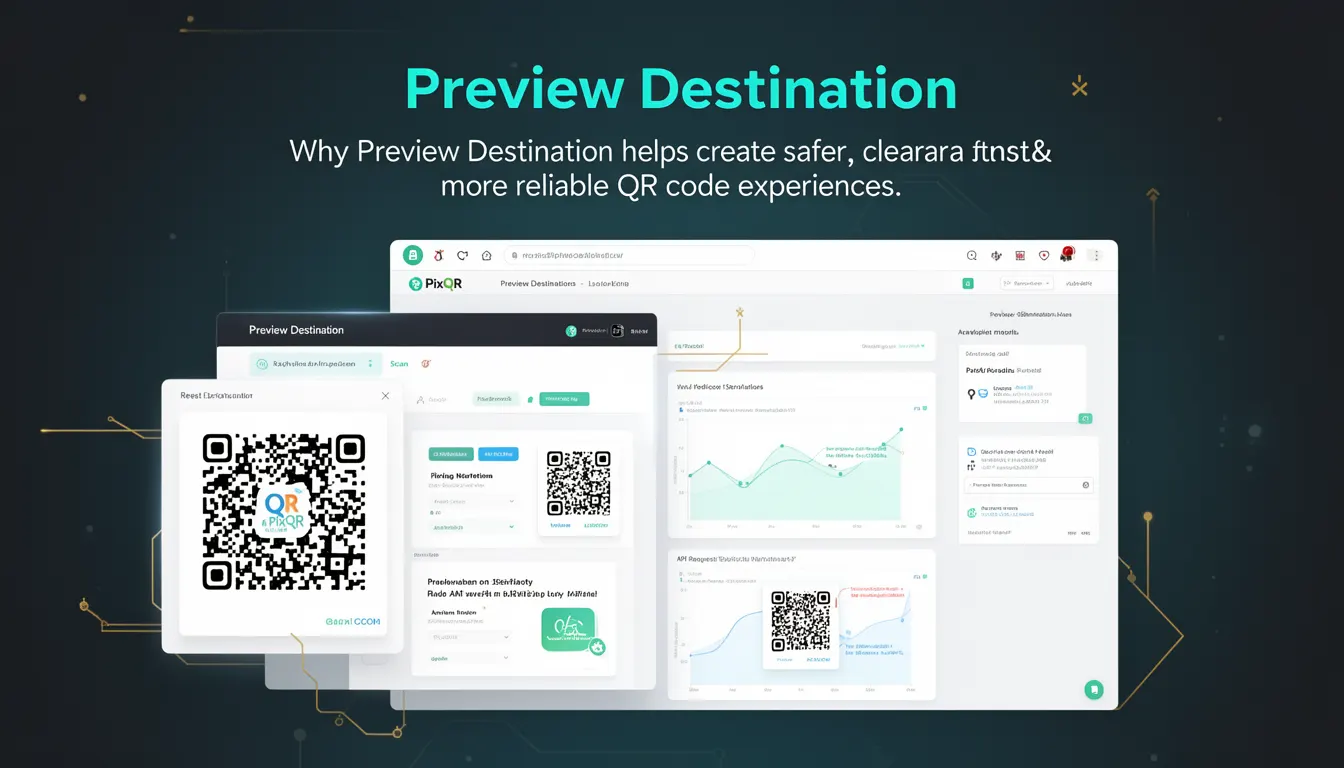
Preview Destination is a developer best-practice concept in QR code generation and redirection workflows that ensures users can see the final destination of a QR code before scanning it. This mechanism enhances transparency, trust, and scan reliability by allowing users to verify the target URL before engaging with the code.
In the context of PixQR, Preview Destination refers to the ability to show a safe, brand-compliant, and user-friendly representation of where a QR code will redirect, typically during code creation, testing, or analytics review stages. It is a core element in building secure and accessible QR code experiences.
Why It Matters
Preview Destination directly impacts user experience, security, and operational reliability in QR code systems. When users can preview a destination, they are less likely to be misled by malicious or unexpected links, which reduces the risk of phishing, fraud, or accidental navigation to unsafe content.
From a developer perspective, Preview Destination improves maintainability by providing a clear check point in the QR workflow. It helps teams validate redirect behavior, debug issues, and ensure brand-safe design before deploying codes to production. It also plays a role in compliance with privacy regulations, as it allows users to understand where they are being directed before scanning.
How It Works
The Preview Destination mechanism operates in the QR code creation and management pipeline, typically integrated into systems that support dynamic redirects. It allows developers to define and display a preview of the target URL without actually performing the redirect. This preview can be shown in dashboards, during testing, or in analytics reports.
- Preview Destination is usually implemented as a read-only representation of the target URL, often shown in a UI panel or modal during QR creation.
- It may be generated using a URL validation service that checks for domain legitimacy, SSL certificate status, and safe link behavior.
- Preview functionality is often coupled with a static or dynamic redirect logic, where the actual redirect is only activated upon scan.
- It supports integration with analytics platforms to track user interaction with the preview before scan, providing insights into engagement.
- The preview is typically rendered using a brand-safe template or UI element, which ensures consistent appearance across different platforms and devices.
Quick Reference
| Item | Purpose | Notes |
|---|---|---|
| Preview URL | Displays the target of the QR code | Must be validated for safety and legitimacy |
| Preview UI | Visual representation of the destination | Should be accessible and brand-consistent |
| Validation API | Checks destination for safety and compliance | Used to prevent unsafe or malicious links |
| Scan Analytics | Tracks user behavior before scanning | Provides insights into preview engagement |
| Dynamic Redirect | Enables real-time redirection after scan | Preview URL is separate from redirect URL |
Basic Example
PixQR Example QR
This QR links directly to this glossary page, so printed notes, onboarding docs, and support material can bring scanners back to the current reference.
/glossary/qr-code-best-practices/qr-code-best-practices-preview-destination
A basic implementation of Preview Destination involves displaying a URL in a UI panel before the QR code is finalized. This is often done using a static or dynamic preview panel that reflects the target URL.
<div class="preview-panel">
  <span>Preview Destination:</span>
  <a href="https://example.com" target="_blank">https://example.com</a>
</div>
This example demonstrates a simple UI element showing the destination URL. The link is opened in a new tab to ensure no redirect occurs during preview, and the URL is displayed in a consistent, accessible format.
Production Example
In a production system, Preview Destination is part of a more robust workflow involving validation, UI rendering, and analytics. The following example shows how a developer might structure a preview panel with safety checks and analytics tracking.
<div class="preview-destination">
  <h3>Preview Destination</h3>
  <div class="url-display">
    <a href="https://secure.example.com/path" target="_blank" rel="noopener">
      https://secure.example.com/path
    </a>
  </div>
  <div class="safety-status">✅ Safe</div>
</div>
This version includes a safety status indicator, uses rel="noopener" to prevent security issues, and displays the URL in a clean, accessible format. It is suitable for production workflows where both usability and security are critical.
Common Mistakes
- Not validating preview URLs for safety or legitimacy, leading to potential exposure to malicious links.
- Displaying the preview URL without using
target="_blank"andrel="noopener", creating security vulnerabilities. - Reusing the preview URL in the actual redirect, which can cause inconsistent behavior or broken links.
- Ignoring accessibility requirements, such as insufficient contrast or lack of ARIA labels, making the preview hard to use for users with disabilities.
- Not tracking user interaction with the preview, missing valuable data for engagement analysis and UX optimization.
Security And Production Notes
- Always validate the preview URL using a backend service to ensure it is safe and compliant with organizational policies.
- Use
rel="noopener"andtarget="_blank"when displaying URLs in previews to prevent reverse tabnabbing attacks. - Implement rate limiting or throttling on preview requests to prevent abuse or DoS attacks.
- Ensure that preview destinations are rendered in a way that does not expose sensitive information or internal URLs.
- Track preview engagement to improve UX and detect potential issues with redirect behavior or link quality.
Related Concepts
Preview Destination is closely related to several other QR code and link management concepts:
- Dynamic Redirect – The mechanism that performs the actual redirection upon scan, distinct from the preview.
- Link Validation – The process of checking if a URL is safe, valid, and compliant before allowing a QR code to be generated.
- Scan Analytics – Data collection about user interaction with QR codes, including preview engagement.
- Brand Compliance – Ensuring that preview destinations align with brand guidelines and are safe for public use.
- QR Code Testing – The workflow where preview destinations are validated before deployment.