 PixQR
PixQR
Overview
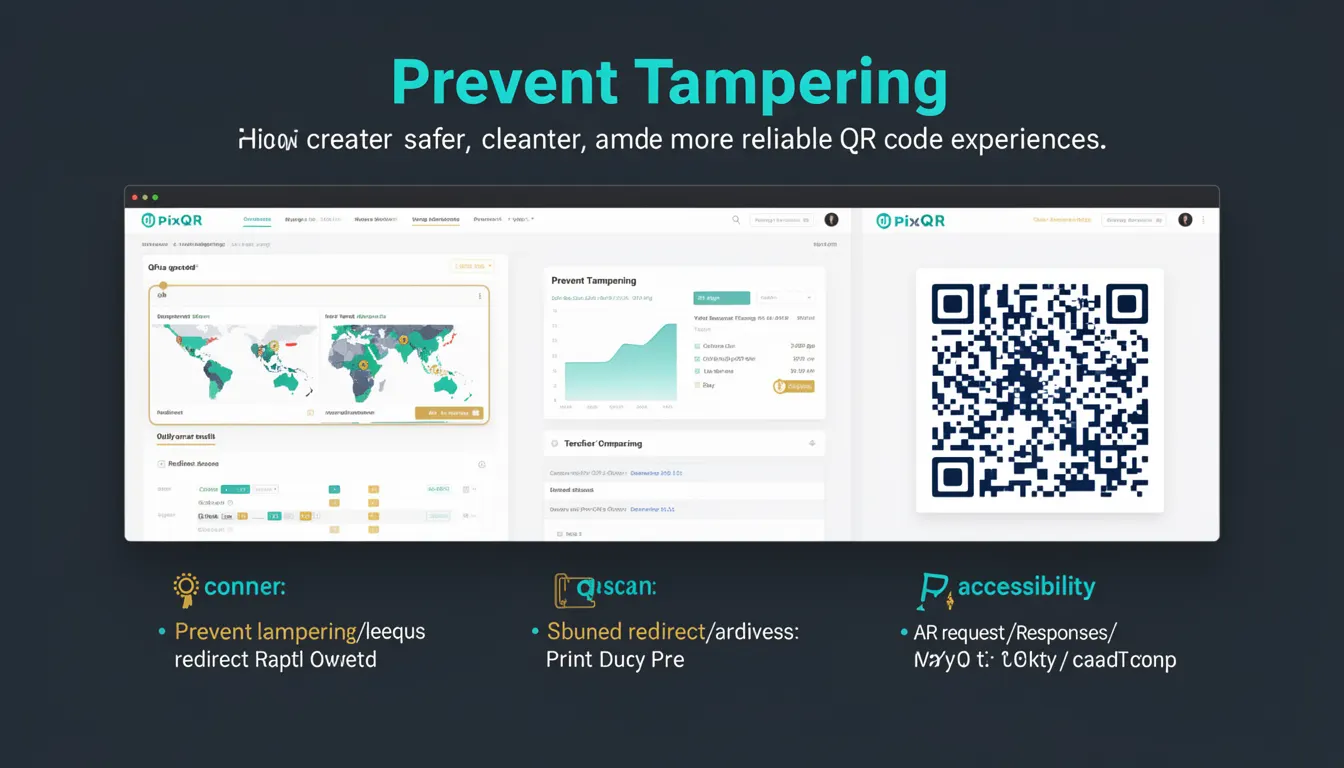
Prevent Tampering is a best-practice approach in QR code development that ensures the integrity and authenticity of QR code content during creation, deployment, and scanning. It involves implementing mechanisms to prevent unauthorized modifications to the QR code data, which could lead to redirection to malicious sites, data corruption, or fraud.
In the context of PixQR, Prevent Tampering is critical for maintaining secure and reliable QR code experiences. It is applied during QR code generation, configuration, and runtime handling to ensure that the QR code's target URL or data remains unchanged from its intended source. This is particularly important for dynamic QR codes that redirect to URLs or content that may be subject to manipulation.
Why It Matters
Prevent Tampering is essential in QR code systems to avoid security vulnerabilities, user confusion, and operational risks. When QR codes are tampered with, users may be redirected to phishing sites, malicious content, or incorrect data, undermining trust in the system. In PixQR, this practice helps maintain brand safety, compliance, and scan reliability.
For developers, Prevent Tampering ensures that QR code data remains consistent and secure from creation to scan. It reduces the risk of runtime errors, improves analytics accuracy, and supports secure workflows in environments where QR codes are used for payments, access control, or data transfer. In production, failure to implement Prevent Tampering can lead to fraud, data loss, or compromised user experiences.
How It Works
Prevent Tampering in QR code systems is implemented through a combination of data validation, cryptographic checks, and secure generation processes. These methods ensure that QR code content is not modified after it is created, and that any attempt to alter it is detectable or blocked.
- QR code content is validated against a known set of parameters before generation to prevent invalid or malicious inputs.
- Hashing and digital signatures are used to verify that the QR code data has not been altered since creation.
- Dynamic QR codes are often configured with expiration or usage limits to reduce the window for tampering.
- Scan tracking and analytics systems monitor for unexpected changes in QR code behavior or redirect patterns.
- Access controls and secure API endpoints are used to limit who can modify QR code configurations or content.
Quick Reference
| Item | Purpose | Notes |
|---|---|---|
| Content Validation | Ensures QR code data is correct before generation | Prevents invalid or malicious inputs |
| Digital Signatures | Verifies QR code integrity after creation | Used in secure redirect systems |
| Expiration Settings | Limits the time window for tampering | Reduces risk for dynamic QR codes |
| Scan Analytics | Monitors for unexpected QR code behavior | Helps detect tampering attempts |
| Access Controls | Limits who can modify QR code data | Prevents unauthorized changes |
Basic Example
PixQR Example QR
This QR links directly to this glossary page, so printed notes, onboarding docs, and support material can bring scanners back to the current reference.
/glossary/qr-code-best-practices/qr-code-best-practices-prevent-tampering

A basic example of Prevent Tampering involves validating QR code content before generating the code. This ensures that the URL or data used is valid and safe.
const isValidUrl = (url) => {
  try {
    new URL(url);
    return true;
  } catch (e) {
    return false;
  }
};

const generateQRCode = (url) => {
  if (!isValidUrl(url)) {
    throw new Error('Invalid URL provided');
  }
  // Proceed with QR code generation
  return `https://pixqr.com/qr?data=${encodeURIComponent(url)}`;
};
The example demonstrates URL validation before QR code generation. This simple check prevents invalid or unsafe URLs from being encoded into the QR code, reducing the chance of user exposure to malicious content.
Production Example
In a production environment, Prevent Tampering is implemented with additional checks and secure workflows. This includes validating inputs, signing QR code data, and monitoring for anomalies.
const signQRData = (data, secretKey) => {
  const crypto = require('crypto');
  return crypto
    .createHmac('sha256', secretKey)
    .update(data)
    .digest('hex');
};

const generateSecureQRCode = (url, secretKey) => {
  if (!url || !isValidUrl(url)) {
    throw new Error('Invalid or missing URL');
  }

  const data = JSON.stringify({ url, timestamp: Date.now() });
  const signature = signQRData(data, secretKey);

  return {
    data: encodeURIComponent(data),
    signature,
    url: `https://pixqr.com/qr?data=${encodeURIComponent(data)}&sig=${signature}`
  };
};
This production example includes a cryptographic signature to verify QR code integrity. It ensures that any modification to the QR code data would be detectable, and it uses a secure method to generate the QR code URL. This approach is suitable for systems that require high security and reliability.
Common Mistakes
- Skipping URL validation during QR code generation, leading to invalid or malicious redirects.
- Using weak or no cryptographic signatures, making it easy for attackers to modify QR code content.
- Not implementing expiration or usage limits for dynamic QR codes, increasing the window for tampering.
- Allowing unauthenticated access to QR code configuration endpoints, enabling unauthorized changes.
- Ignoring scan analytics or behavior monitoring, which can hide tampering attempts.
Security And Production Notes
- Always validate QR code inputs to prevent injection of malicious data or URLs.
- Use strong cryptographic methods for signing QR code data to ensure integrity.
- Implement access controls to restrict who can modify QR code configurations or content.
- Monitor scan analytics to detect unexpected behavior or patterns that may indicate tampering.
- Set expiration or usage limits on dynamic QR codes to reduce the risk window.
Related Concepts
Prevent Tampering is closely related to several other QR code and security practices:
- QR Code Integrity ensures that QR code data remains consistent and unaltered.
- Dynamic Redirects often require tampering protection to prevent unauthorized redirections.
- Scan Tracking helps detect when QR code behavior changes unexpectedly.
- Brand Safety is maintained by ensuring QR code content aligns with intended branding and policies.
- Secure API Endpoints are essential for preventing unauthorized access to QR code data and configurations.