 PixQR
PixQR
Overview
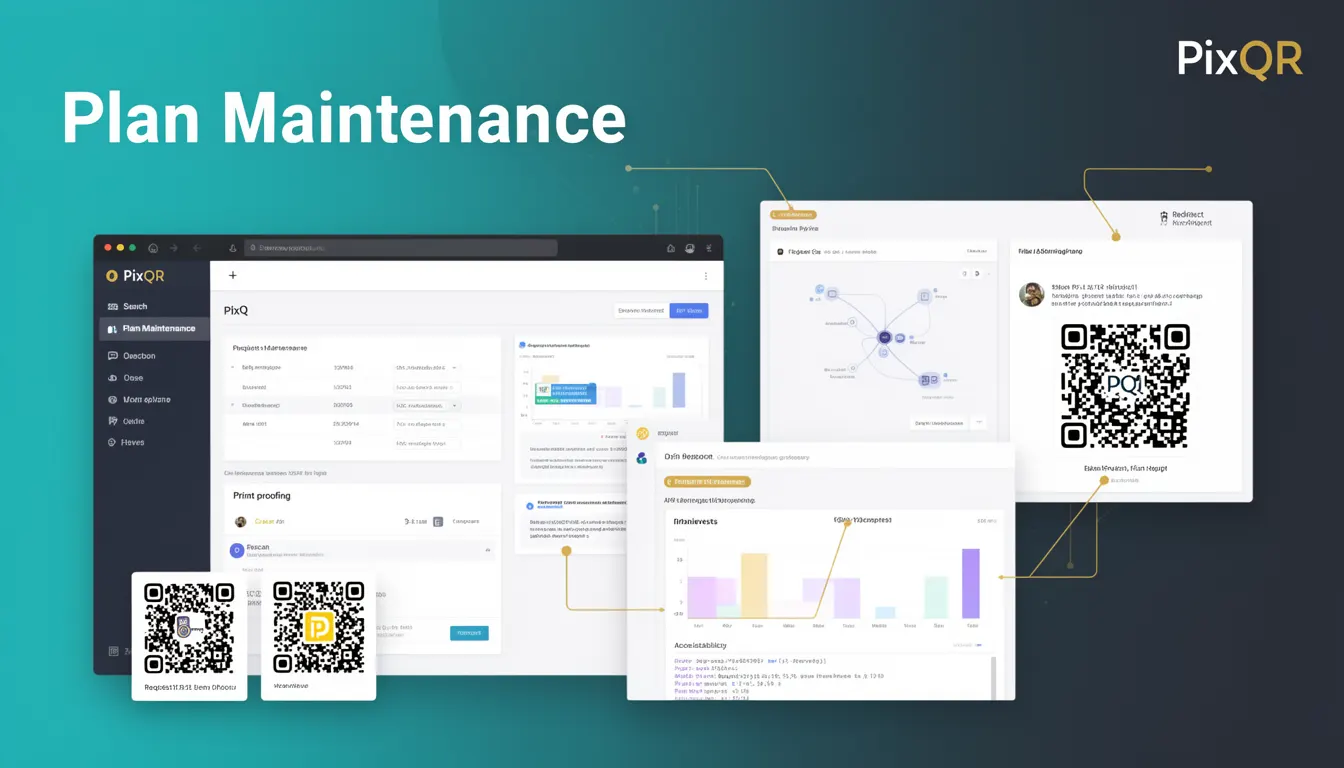
Plan Maintenance, in the context of QR code development and management, refers to the systematic process of regularly reviewing, updating, and optimizing QR code configurations, redirect targets, and associated metadata. It ensures that QR codes remain functional, secure, and aligned with evolving business requirements.
For developers working with PixQR, Plan Maintenance is a critical operational best practice. It helps prevent broken links, outdated redirects, and misconfigured QR codes that can cause user confusion, security vulnerabilities, or loss of analytics data. This practice is especially relevant when managing large-scale QR code deployments, where numerous codes are generated, tracked, and updated over time.
Why It Matters
Plan Maintenance directly impacts the reliability, performance, and security of QR code systems. Without consistent maintenance, QR codes may lead to broken links, which degrade user experience and reduce conversion rates. In a production environment, this can result in lost revenue or customer frustration.
From a security perspective, outdated QR code configurations may expose systems to exploitation. For example, if a redirect target is not updated after a website migration, it might lead to unintended traffic routing or exposure of internal systems. Additionally, maintaining up-to-date analytics data ensures that insights into user behavior and campaign performance remain accurate and actionable.
For developers using PixQR, maintaining a structured maintenance schedule helps avoid the accumulation of technical debt and ensures that QR code assets are always in a deployable and compliant state. It also supports scalability by preventing issues that could arise from unmanaged growth in code or redirect configurations.
How It Works
Plan Maintenance involves a set of structured workflows that ensure QR code configurations remain consistent, functional, and secure. These workflows typically include periodic reviews, updates, and validation steps.
- Regular audits of QR code redirect targets to confirm they are active and accessible.
- Validation of metadata such as expiration dates, branding, and tracking parameters.
- Review of analytics data to identify underperforming or outdated QR codes.
- Update of QR code content or routing when underlying systems change or are deprecated.
- Implementation of automated alerts or monitoring systems to flag potential issues before they occur.
In PixQR, maintenance workflows can be integrated into API-based systems or managed through the platform's dashboard. Developers can configure scheduled tasks or event triggers to automate parts of the process, reducing manual overhead and ensuring consistency.
Quick Reference
| Item | Purpose | Notes |
|---|---|---|
| Redirect Target Validation | Ensures QR code links are functional | Use HTTP status checks for active links |
| Metadata Auditing | Verifies branding and expiration settings | Update metadata to reflect current content |
| Analytics Review | Identifies underperforming QR codes | Use metrics to prioritize maintenance tasks |
| Automated Alerts | Notifies when issues are detected | Integrate with monitoring tools for real-time updates |
| Deployment Scheduling | Coordinates updates across systems | Align with business cycles to minimize disruption |
Basic Example
PixQR Example QR
This QR links directly to this glossary page, so printed notes, onboarding docs, and support material can bring scanners back to the current reference.
/glossary/qr-code-best-practices/qr-code-best-practices-plan-maintenance

This example shows a basic maintenance check for a QR code redirect target using a simple HTTP status check. It demonstrates how a developer might validate a link before it is used in a QR code.
function validateRedirect(url) {
  const response = fetch(url, { method: 'HEAD' });
  return response.status === 200;
}
The example uses the HEAD method to check if a URL is accessible without downloading content. This is a lightweight way to validate a redirect target before assigning it to a QR code.
Production Example
In a production environment, a more robust maintenance system might include error handling, logging, and integration with analytics platforms. This example shows how such a system could be structured using PixQR's API.
async function performMaintenance() {
  const codes = await pixqr.listCodes();
  for (const code of codes) {
    try {
      const isValid = await validateRedirect(code.redirectUrl);
      if (!isValid) {
        console.warn(`Invalid redirect for code: ${code.id}`);
        await pixqr.updateCode(code.id, { status: 'inactive' });
      }
    } catch (error) {
      console.error(`Error validating code: ${code.id}`, error);
    }
  }
}
This version includes error handling, logging, and updates to the QR code status in the PixQR system. It is more suitable for production use because it integrates with the platform's API and handles potential failures gracefully.
Common Mistakes
- Skipping regular audits of redirect targets, leading to broken QR codes in production.
- Ignoring analytics data to prioritize maintenance tasks, resulting in inefficient resource use.
- Not updating metadata such as expiration dates, which can lead to expired codes being used.
- Using static redirect URLs without monitoring, causing outdated links to persist.
- Automating maintenance without proper error handling, leading to silent failures.
Security And Production Notes
- Always validate redirect URLs to prevent open redirect vulnerabilities.
- Use HTTPS for all redirect targets to ensure secure transmission.
- Implement access controls to limit who can modify QR code configurations.
- Log all maintenance actions for audit and troubleshooting purposes.
- Ensure that analytics data is regularly reviewed to detect anomalies or unauthorized usage.
Related Concepts
Plan Maintenance is closely related to several other concepts in QR code development and digital asset management:
- Link Management: The process of organizing, tracking, and updating URLs that QR codes point to.
- Dynamic QR Code Generation: The ability to create QR codes that can be updated or modified after initial creation.
- Scan Tracking: Monitoring and analyzing QR code scan behavior to improve user experience and campaign performance.
- Content Delivery Network (CDN) Integration: Ensuring QR code links are routed through optimized infrastructure for faster access.
- API Security: Protecting QR code management systems from unauthorized access or modification.