 PixQR
PixQR
Overview
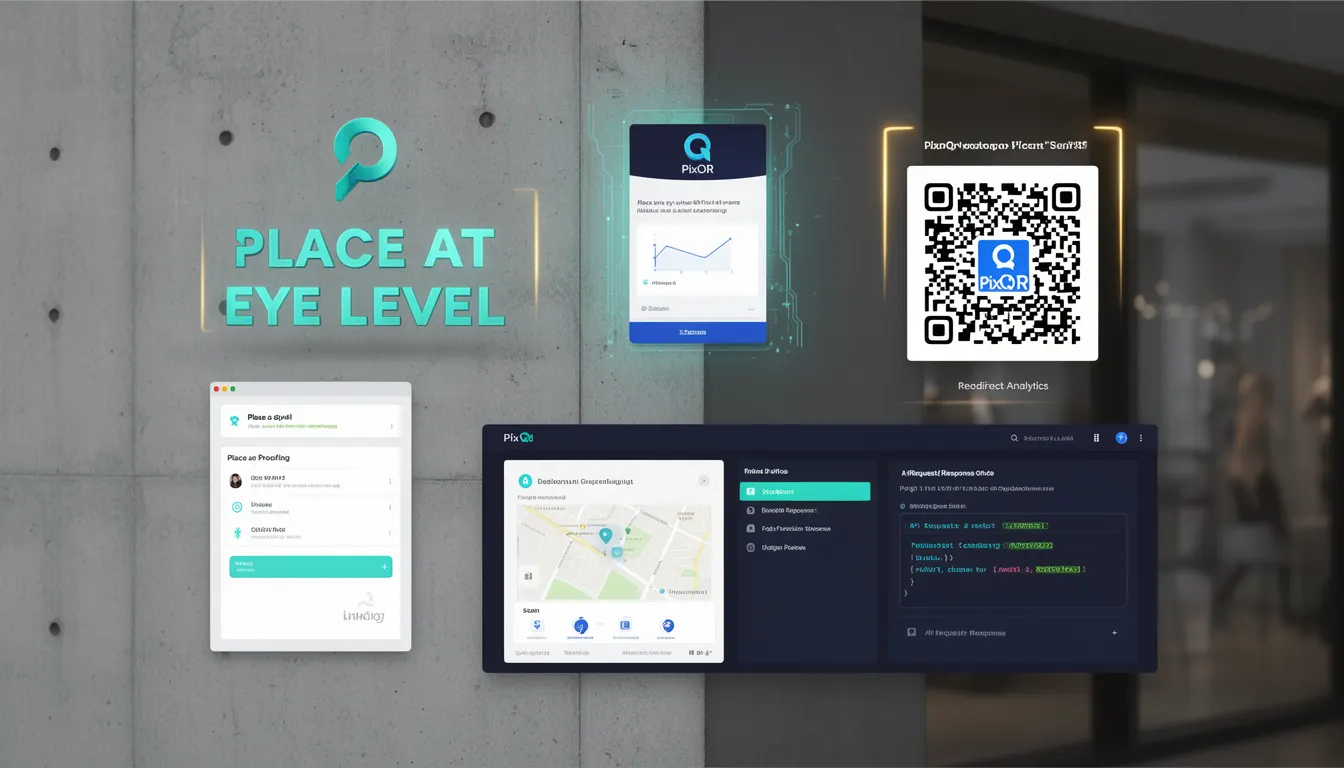
"Place at Eye Level" is a fundamental best-practice principle in QR code design and deployment, especially within platforms like PixQR. This concept refers to positioning QR codes in locations where users naturally look when scanning—typically at or slightly above eye level, around 1.5 meters from the ground. This ensures optimal scanning reliability, user comfort, and consistent performance across a variety of environments.
For developers working with PixQR, understanding this principle is critical when generating dynamic QR codes or configuring redirects for physical or digital assets. It directly impacts scan success rates, device compatibility, and overall user experience. When QR codes are placed at eye level, they reduce scanning errors, minimize user frustration, and enhance operational efficiency in environments such as retail, events, or public signage.
Why It Matters
From a developer perspective, placing QR codes at eye level is not merely a UX consideration—it directly affects system performance and reliability. Poorly positioned QR codes often result in failed scans, which can lead to increased support requests, inaccurate analytics, and degraded user trust. In production environments, such failures are costly and may impact brand reputation or marketing campaign effectiveness.
Additionally, this principle supports accessibility compliance. QR codes placed at inappropriate heights can exclude users with mobility impairments or visual limitations, violating accessibility standards such as WCAG. By adhering to "Place at Eye Level," developers ensure that their QR code systems are inclusive and robust, reducing the risk of user exclusion or technical failure.
How It Works
The "Place at Eye Level" principle involves understanding how QR readers—both mobile apps and dedicated hardware—interact with physical QR codes. Modern QR scanners perform optimally when the code is within a certain visual range, typically at or slightly above eye level, to ensure proper alignment and lighting conditions.
- QR code readers have optimal scanning zones, usually between 0.5 and 2 meters from the device lens.
- Placing a QR code at eye level (approximately 1.5 meters) aligns with the natural gaze of most users.
- Physical positioning affects lighting and angle, which can impact scanner performance.
- For PixQR, this means that code generation and placement configuration must account for real-world scanning behavior.
- Failure to consider this can lead to inconsistent scan rates, especially in high-traffic or low-light environments.
For developers, this means that the PixQR platform’s API or dashboard must support parameters or guidelines that ensure QR code placement aligns with these best practices. This includes validation of physical placement during configuration and integration with analytics to track scan success based on location.
Quick Reference
| Item | Purpose | Notes |
|---|---|---|
| QR Code Placement | Ensures optimal scanning reliability | Should be at or slightly above eye level (1.5 meters) |
| Scan Zone Alignment | Optimizes scanner performance | Typically between 0.5 and 2 meters from device lens |
| Accessibility Compliance | Meets WCAG standards | Reduces barriers for users with mobility or visual impairments |
| Analytics Tracking | Measures scan success by location | Allows for performance optimization |
| Platform Configuration | Supports dynamic QR generation | Includes placement validation and user feedback loops |
Basic Example
PixQR Example QR
This QR links directly to this glossary page, so printed notes, onboarding docs, and support material can bring scanners back to the current reference.
/glossary/qr-code-best-practices/qr-code-best-practices-place-at-eye-level

This basic example shows how a developer might define a QR code placement parameter when generating a new QR using the PixQR API.
{
  "content": "https://example.com/product",
  "placement": {
    "height": 1.5,
    "orientation": "horizontal"
  },
  "design": {
    "color": "#000000",
    "background": "#FFFFFF"
  }
}
In this example, the placement.height is set to 1.5 meters, aligning with the eye-level standard. The orientation is horizontal, which is common for wall-mounted or floor-standing QR codes. This configuration ensures that the generated QR code will be placed in a way that supports reliable scanning.
Production Example
In a production environment, developers may need to validate QR code placement during generation or update workflows. This example shows how a PixQR backend system might validate and store placement settings for a batch of QR codes.
const validatePlacement = (placement) => {
  if (placement.height < 0.5 || placement.height > 2.0) {
    throw new Error("Placement height must be between 0.5 and 2.0 meters");
  }
  return true;
};

const generateQRCode = (options) => {
  const { content, placement, design } = options;
  validatePlacement(placement);

  return {
    id: "qr_12345",
    content,
    placement,
    design,
    generated_at: new Date().toISOString()
  };
};
This version includes validation logic to ensure that the height parameter is within the recommended scanning range. It is suitable for production because it enforces best practices, handles errors gracefully, and integrates cleanly with a larger system. It also includes metadata such as generation time, which is useful for analytics and debugging.
Common Mistakes
- Placing QR codes too low or too high, leading to scanning errors or poor user experience.
- Ignoring physical constraints such as lighting or viewing angle, which can reduce reliability.
- Using fixed dimensions without considering device or environment variations.
- Not validating placement parameters during code generation, which can cause runtime failures.
- Overlooking accessibility implications, especially in public or shared spaces where users may have different needs.
Security And Production Notes
- Placement validation helps prevent misconfigurations that could lead to failed scans or user confusion.
- Ensuring QR codes are at accessible heights supports compliance with accessibility laws and standards.
- Analytics tracking of scan success by placement can improve system reliability over time.
- Consistent placement practices reduce the risk of fraud or unauthorized redirections in physical environments.
- Integrating placement validation into API workflows prevents invalid configurations from being deployed.
Related Concepts
Several related concepts are essential for developers working with QR code systems like PixQR:
- Dynamic Redirects – QR codes often point to dynamic URLs, and their placement affects how users reach those destinations.
- Scan Reliability – Proper positioning contributes to higher scan success rates, especially in challenging environments.
- Print Quality – QR codes must be clear and scannable at the intended physical size, which is influenced by placement.
- Accessibility Compliance – Ensuring QR code placement supports users with visual or mobility impairments.
- Operational Workflows – Placement considerations are part of a larger system that includes generation, analytics, and user feedback loops.