 PixQR
PixQR
Overview
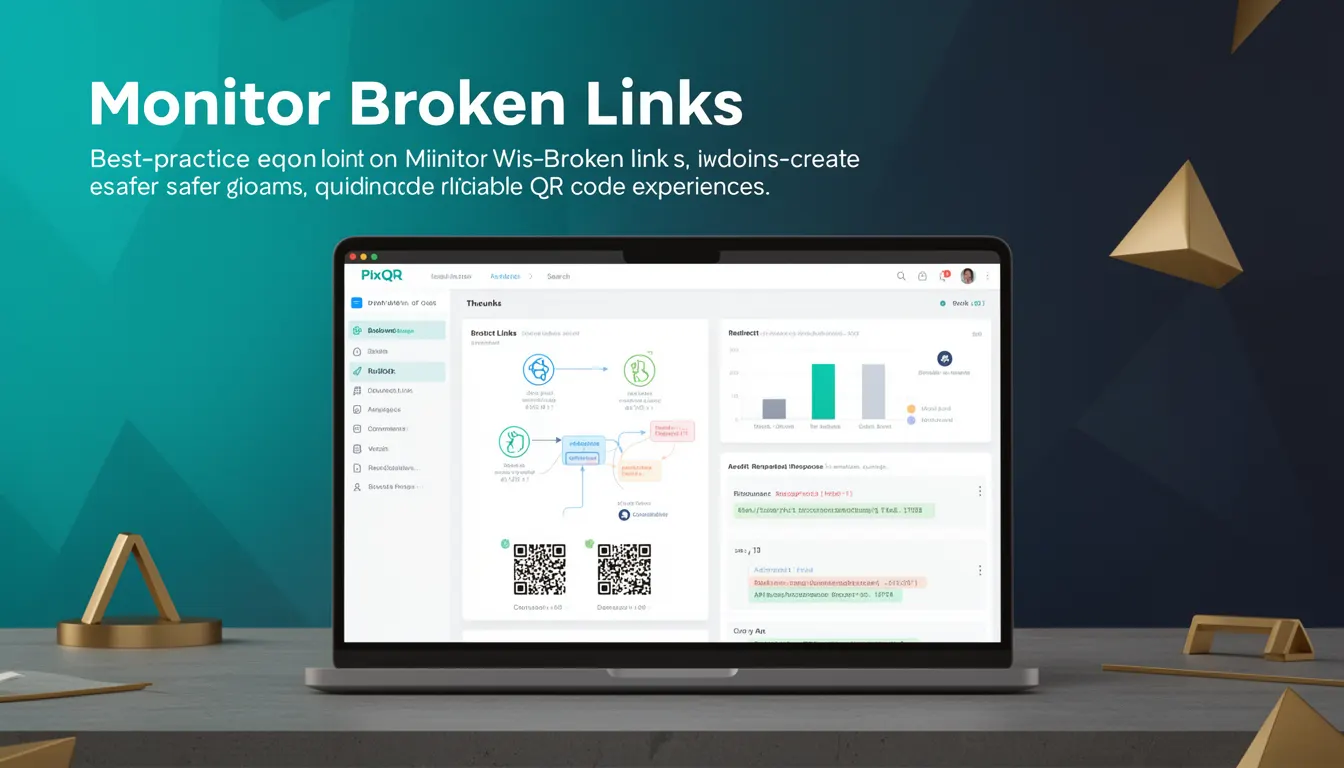
Monitor Broken Links is a best-practice concept within QR code management that refers to the continuous tracking and validation of QR code destinations to ensure they remain functional and accessible. In the context of PixQR, this involves verifying that the URLs or resources a QR code points to are valid, responsive, and deliver the intended content without error.
When QR codes are generated and deployed, especially in dynamic or long-term campaigns, the underlying links may become outdated, broken, or inaccessible due to server changes, content removal, or misconfiguration. Monitor Broken Links helps prevent these issues from negatively impacting end users, who may be unable to access intended content after scanning a QR code.
Why It Matters
For developers and site operators managing QR code systems, monitoring broken links is critical for maintaining user trust and system reliability. A broken QR code can lead to poor user experience, reduced engagement, and potential loss of business. In a production environment, broken links may also signal deeper issues in content management or infrastructure.
From a security standpoint, broken links can be exploited by attackers to redirect users to malicious content or to create confusion in tracking systems. PixQR's link monitoring capabilities help ensure that QR code redirects remain secure and reliable, reducing exposure to such risks. Additionally, from a performance and analytics perspective, broken links can skew data and prevent accurate tracking of user behavior.
How It Works
Monitor Broken Links in PixQR operates through a combination of automated link validation and real-time monitoring systems. The platform regularly checks the status of URLs associated with QR codes and flags any that are unreachable, return errors, or fail to respond within a specified timeout.
- Link status checks are performed using HTTP HEAD or GET requests to verify response codes and content availability.
- Timeout thresholds are configurable to balance performance with accuracy in detecting dead links.
- Notifications are sent to administrators when issues are detected, allowing for prompt resolution.
- Link health data is stored and accessible via the PixQR dashboard, enabling historical analysis and reporting.
- Automated link updates can be triggered when certain conditions are met, such as a redirect URL being updated in a content management system.
Quick Reference
| Item | Purpose | Notes |
|---|---|---|
| Link Status Check | Validates URL accessibility | Uses HTTP response codes |
| Timeout Threshold | Controls validation speed | Adjustable for performance |
| Notification System | Alerts on broken links | Configurable via dashboard |
| Historical Data | Tracks link health over time | Accessible for reporting |
| Automated Updates | Updates links when needed | Requires integration with CMS |
Basic Example
PixQR Example QR
This QR links directly to this glossary page, so printed notes, onboarding docs, and support material can bring scanners back to the current reference.
/glossary/qr-code-best-practices/qr-code-best-practices-monitor-broken-links
This basic example demonstrates how a QR code's link health might be verified using a simple HTTP request in a backend system.
const fetch = require('node-fetch');

async function checkLink(url) {
  try {
    const response = await fetch(url, { method: 'HEAD' });
    return response.status;
  } catch (error) {
    return 'error';
  }
}

checkLink('https://example.com');
The function sends a HEAD request to the URL to determine its status without downloading content. If the request fails or returns a non-2xx status code, it indicates a broken link.
Production Example
In a production environment, a more robust implementation of link monitoring includes error handling, logging, and integration with PixQR’s API for real-time updates.
const https = require('https');

function monitorLink(url, callback) {
  const req = https.get(url, (res) => {
    const statusCode = res.statusCode;
    if (statusCode >= 200 && statusCode < 400) {
      callback(null, { status: 'healthy', url });
    } else {
      callback(null, { status: 'broken', url, code: statusCode });
    }
  });

  req.on('error', (err) => {
    callback(null, { status: 'error', url, error: err.message });
  });

  req.setTimeout(5000, () => {
    req.destroy();
    callback(null, { status: 'timeout', url });
  });
}

monitorLink('https://example.com', (err, result) => {
  console.log(result);
});
This version handles timeouts, network errors, and HTTP status codes, making it suitable for integration into automated systems that monitor large numbers of QR code destinations.
Common Mistakes
- Assuming all links are static and never change, leading to outdated QR codes that no longer function.
- Not setting a timeout for link checks, which can cause monitoring systems to hang indefinitely.
- Ignoring non-2xx responses, such as 301 or 302 redirects, which may be valid but not immediately functional.
- Using only GET requests instead of HEAD, which can result in unnecessary data transfer and slower checks.
- Not integrating monitoring with the QR code generation workflow, causing delays in detecting broken links.
Security And Production Notes
- Always validate URLs before monitoring to prevent malicious inputs from causing system issues.
- Implement rate limiting to avoid overwhelming external services with frequent checks.
- Use HTTPS for all link checks to ensure encrypted communication and prevent man-in-the-middle attacks.
- Log monitoring results for auditing and debugging purposes, but avoid logging sensitive data.
- Ensure that monitoring systems do not inadvertently expose internal or private resources through link checks.
Related Concepts
Monitor Broken Links is closely related to several key concepts in QR code management and web development:
Dynamic QR Code Redirects – Links in dynamic QR codes are more prone to becoming broken unless actively monitored.
Link Validation – The process of checking that URLs are functional and accessible before deployment.
Content Delivery Network (CDN) Monitoring – Ensures that QR code destinations are served reliably via CDNs.
Scan Tracking – Provides analytics on QR code usage, which can help identify broken links through user behavior data.
Link Integrity – The broader concept of ensuring that all links in a system remain valid and secure over time.