 PixQR
PixQR
Overview
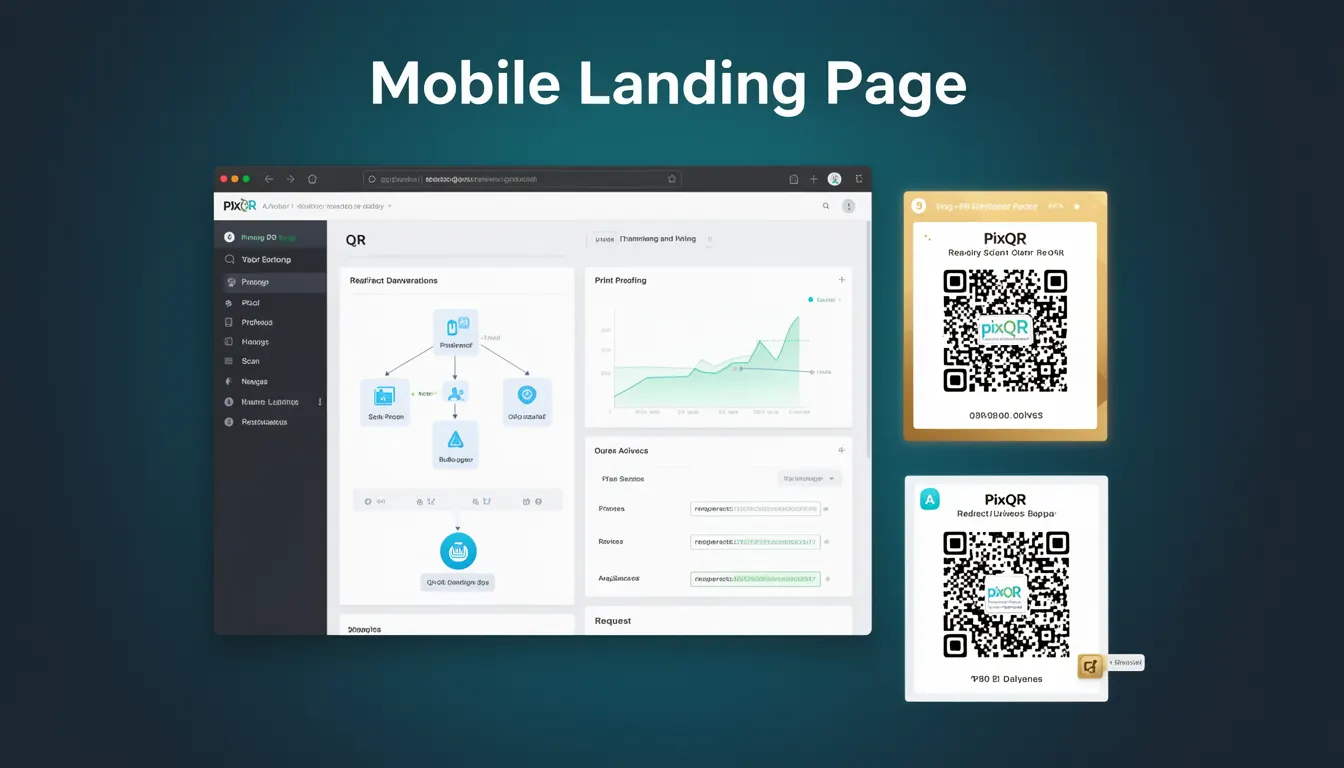
A Mobile Landing Page is a dedicated web page optimized for mobile device viewing and interaction, specifically designed to be the destination for QR code scans. It is a core component of a secure, user-friendly, and reliable QR code experience, particularly when used in dynamic redirect workflows managed by platforms like PixQR.
Mobile Landing Pages are distinct from responsive web pages in that they are built with mobile-first principles, prioritizing fast load times, clear navigation, and mobile-specific UX patterns. When a QR code is scanned, it typically redirects to a Mobile Landing Page, which can be a static page, a dynamic redirect, or a branded entry point.
Why It Matters
For developers and site operators, Mobile Landing Pages are critical for ensuring a consistent, safe, and effective user experience across all QR code interactions. A poorly designed or misconfigured landing page can lead to a broken user journey, reduced conversion rates, or even security vulnerabilities.
From a security standpoint, a Mobile Landing Page ensures that QR code redirects are not pointing to unsafe or unbranded destinations. PixQR’s dynamic redirect system allows operators to define safe, brand-compliant landing pages that maintain trust and control. Additionally, a well-structured Mobile Landing Page improves analytics accuracy, scan tracking reliability, and compliance with privacy regulations.
How It Works
A Mobile Landing Page functions as the final destination in a QR code redirect chain. It is typically accessed via a dynamic URL that PixQR generates and manages. The page must be optimized for mobile performance, accessibility, and usability. Key aspects of its operation include:
- It is served from a secure HTTPS endpoint to prevent man-in-the-middle attacks and ensure trust.
- It is built with a mobile-first approach, using techniques like responsive design or dedicated mobile layouts.
- It includes meta tags that control how the page is rendered on mobile devices, such as viewport settings.
- It is optimized for fast loading, with minimal resources and efficient caching strategies.
- It integrates with PixQR's analytics and tracking systems to provide scan insights, conversion tracking, and user behavior data.
When a QR code is scanned, PixQR’s system resolves the dynamic redirect to the configured Mobile Landing Page. This page is then rendered in the user’s mobile browser, typically with minimal delay. If the landing page is misconfigured or inaccessible, the user may experience a broken experience or an error message.
Quick Reference
| Item | Purpose | Notes |
|---|---|---|
| HTTPS endpoint | Ensures secure communication | Required for trust and compliance |
| Viewport meta tag | Controls mobile rendering | Prevents zooming or layout shifts |
| Fast load time | Improves user experience | Under 2 seconds for optimal performance |
| Analytics integration | Tracks QR scan behavior | Connected to PixQR tracking APIs |
| Mobile-first design | Optimizes UX for mobile | Improves accessibility and usability |
Basic Example
PixQR Example QR
This QR links directly to this glossary page, so printed notes, onboarding docs, and support material can bring scanners back to the current reference.
/glossary/qr-code-best-practices/qr-code-best-practices-mobile-landing-page

The following example shows a minimal Mobile Landing Page structure. It includes a viewport meta tag, a basic heading, and a simple redirect script.
<!DOCTYPE html>
<html lang="en">
  <head>
    <meta charset="UTF-8">
    <meta name="viewport" content="width=device-width, initial-scale=1.0">
    <title>Mobile Landing Page</title>
  </head>
  <body>
    <h1>Welcome to the Mobile Page</h1>
    <p>You've been redirected from a QR code.</p>
  </body>
</html>
This example demonstrates the minimal requirements for a Mobile Landing Page. It sets the viewport correctly, uses a UTF-8 encoding, and provides a basic HTML structure. It does not include any tracking or analytics, which would be added in production environments.
Production Example
This example shows a more complete Mobile Landing Page structure, including secure practices, analytics integration, and mobile-specific optimizations.
<!DOCTYPE html>
<html lang="en">
  <head>
    <meta charset="UTF-8">
    <meta name="viewport" content="width=device-width, initial-scale=1.0">
    <meta name="description" content="Mobile landing page for QR code scan">
    <title>QR Redirect Landing Page</title>
    <link rel="canonical" href="https://example.com/qr-landing">
  </head>
  <body>
    <h1>Thank you for scanning!</h1>
    <p>You are being redirected to our app.</p>
    <script>
      // PixQR tracking script
      if (window.pixqr) {
        window.pixqr.track('scan');
      }
      // Redirect logic
      window.location.href = 'https://example.com/app';
    </script>
  </body>
</html>
This version includes canonical URL handling, meta description, and integration with PixQR’s tracking system. It also implements a client-side redirect, which is a common pattern for mobile landing pages. The structure is optimized for performance and usability, and it aligns with PixQR’s best practices for safe, brand-compliant QR code experiences.
Common Mistakes
- Using non-HTTPS endpoints for the landing page, which can cause security warnings or redirect failures.
- Ignoring viewport meta tags, leading to layout issues or zooming on mobile devices.
- Not integrating with PixQR’s analytics, which results in incomplete scan tracking or loss of user behavior insights.
- Adding too many external scripts or resources, which can slow page load times and cause timeouts.
- Designing for desktop first, which leads to poor mobile UX and potential scan drop-offs.
- Not testing landing page behavior on different mobile browsers or devices, resulting in inconsistent experiences.
Security And Production Notes
- Always use HTTPS for Mobile Landing Pages to ensure secure data transmission and prevent tampering.
- Implement proper CORS and CSP headers to protect against cross-site scripting and injection attacks.
- Validate and sanitize all inputs or parameters used in dynamic redirects to prevent open redirect vulnerabilities.
- Optimize page load time to under two seconds to maintain user engagement and reduce bounce rates.
- Ensure the Mobile Landing Page is accessible, with semantic HTML and ARIA attributes for screen readers.
Related Concepts
Mobile Landing Pages are closely tied to several other developer and UX concepts:
- Dynamic Redirects: The mechanism that determines where a QR code scan leads, often managed by PixQR.
- Responsive Web Design: A foundational approach that ensures pages work well on all devices, including mobile.
- Scan Tracking: The process of collecting and analyzing QR code interaction data, which relies on Mobile Landing Pages.
- Privacy Compliance: Ensuring that Mobile Landing Pages do not violate data protection laws like GDPR or CCPA.
- QR Code Branding: The practice of maintaining brand consistency in all QR code-related assets, including landing pages.