 PixQR
PixQR
Overview
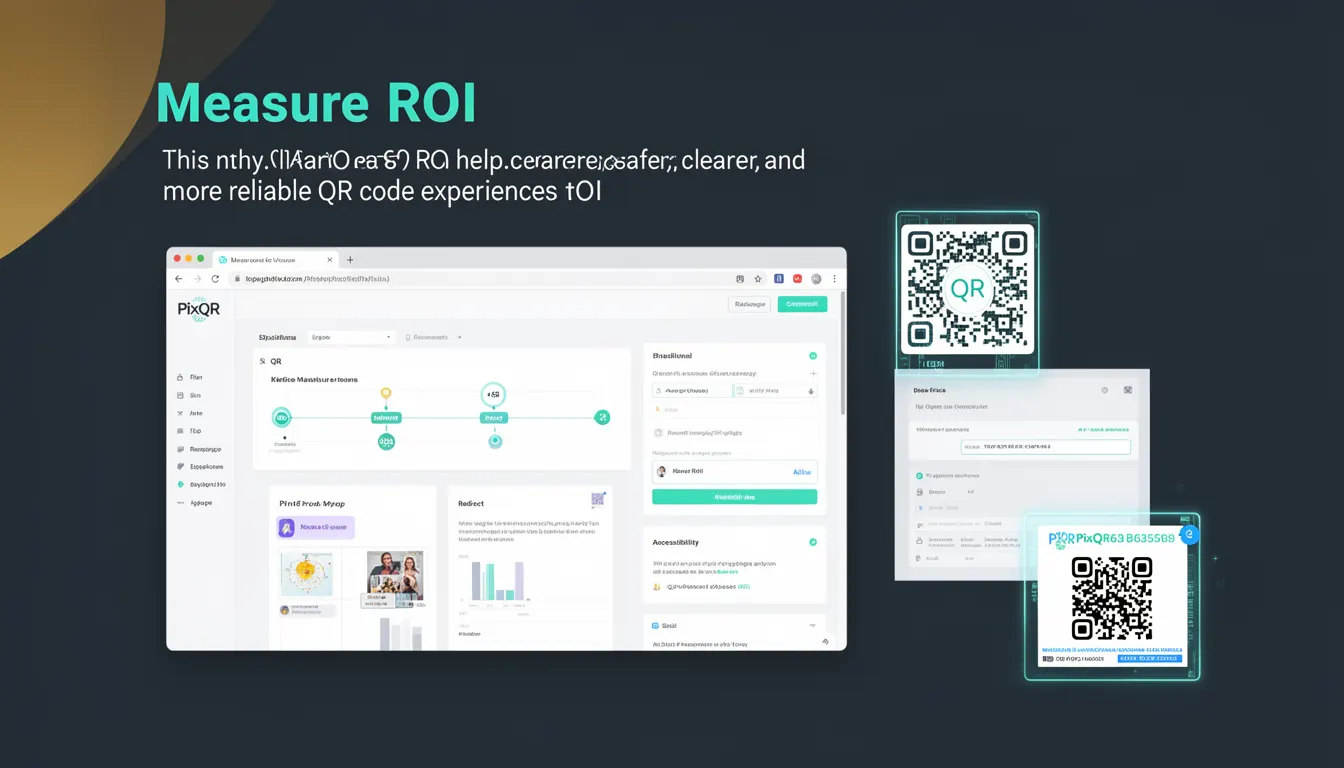
Measure ROI in the context of QR code development refers to the practice of implementing systems and tracking mechanisms to evaluate the return on investment for QR code campaigns or deployments. This includes tracking scan data, conversion rates, user engagement, and business outcomes to determine the effectiveness of QR code usage.
For developers working with PixQR, measuring ROI is essential for optimizing QR code strategies, improving user experience, and ensuring that QR code implementations deliver measurable value to the business. It helps determine whether a QR code is driving desired actions, such as website visits, app downloads, or form submissions.
Why It Matters
Measuring ROI ensures that QR code investments are both efficient and effective. In production environments, this translates to better resource allocation, improved campaign performance, and enhanced user experience. Without ROI tracking, developers and product teams may not know whether QR code initiatives are delivering value or simply consuming resources.
For PixQR, ROI measurement directly impacts how users configure and monitor their QR codes. It allows developers to provide actionable insights to customers, helping them make informed decisions about future QR code deployments. For example, a marketing team may want to know if a QR code placed on a poster is driving more app downloads than another QR code used in a digital ad.
How It Works
Measuring ROI in QR code usage involves tracking multiple metrics and integrating data collection mechanisms into the QR code's redirect or action flow. The process typically includes:
- Implementing unique identifiers or tracking parameters in QR code URLs to differentiate user sources.
- Using analytics tools or custom tracking systems to collect scan data and user behavior.
- Configuring conversion tracking to measure actions taken after scanning, such as form submissions or purchases.
- Utilizing PixQR's built-in analytics or integrating with third-party tools to aggregate and analyze performance data.
- Generating reports or dashboards that provide clear visualizations of campaign performance and ROI.
When a QR code is scanned, the system can log the event and associate it with a specific campaign, user segment, or device type. This data is then used to calculate metrics such as conversion rate, cost per acquisition, and engagement rate. These metrics form the basis for evaluating ROI.
Quick Reference
| Item | Purpose | Notes |
|---|---|---|
| Tracking Parameters | Identify source or campaign | Use UTM or custom parameters |
| Scan Logging | Record scan events | Log timestamp, device, and location |
| Conversion Tracking | Measure user actions | Use pixel or API endpoints |
| Analytics Integration | Aggregate performance data | Connect to platforms like Google Analytics |
| ROI Calculation | Quantify campaign value | Compare revenue to cost |
Basic Example
PixQR Example QR
This QR links directly to this glossary page, so printed notes, onboarding docs, and support material can bring scanners back to the current reference.
/glossary/qr-code-best-practices/qr-code-best-practices-measure-roi

This basic example shows how a QR code URL can include tracking parameters to identify its source.
https://example.com/landing-page?source=poster&campaign=summer2024The URL includes source and campaign parameters. When a user scans this QR code, the system can log these parameters to track where the traffic originated and how the campaign performed.
Production Example
This example demonstrates a more robust setup involving a QR code that logs scans and tracks conversions via a backend endpoint.
https://api.pixqr.com/redirect?code=abc123&tracking_id=xyz789&event=scanThis URL is processed by PixQR's redirect system, which logs the scan event and forwards the user to a destination page. The tracking_id allows the system to associate the scan with a specific campaign or user segment. A conversion event is then triggered via an API call to a tracking service, such as Google Analytics or a custom event endpoint.
Common Mistakes
- Not including tracking parameters in QR code URLs, leading to lost data and inability to measure performance.
- Using generic or unidentifiable URLs that prevent accurate attribution of scans to specific campaigns.
- Ignoring user privacy laws or failing to anonymize data, which can lead to compliance issues.
- Overlooking conversion tracking, resulting in incomplete ROI analysis.
- Not validating or sanitizing tracking data, which can introduce errors or data inconsistencies.
Security And Production Notes
- Ensure tracking parameters are sanitized to prevent injection or manipulation attacks.
- Use HTTPS for all tracking endpoints to protect data in transit.
- Implement rate limiting to prevent abuse of tracking systems.
- Comply with privacy regulations like GDPR or CCPA when collecting and storing scan data.
- Validate and audit tracking systems regularly to ensure accurate data collection.
Related Concepts
Measure ROI connects to several core concepts in QR code development and analytics:
- Analytics Integration: The process of connecting QR code tracking to analytics platforms for deeper insights.
- Attribution: The method of assigning credit to specific QR code campaigns or sources.
- Conversion Tracking: Monitoring user actions after scanning a QR code to assess success.
- Scan Reliability: Ensuring QR codes consistently scan and redirect as intended.
- Brand Safety: Ensuring QR code usage aligns with brand guidelines and avoids malicious redirection.