 PixQR
PixQR
Overview
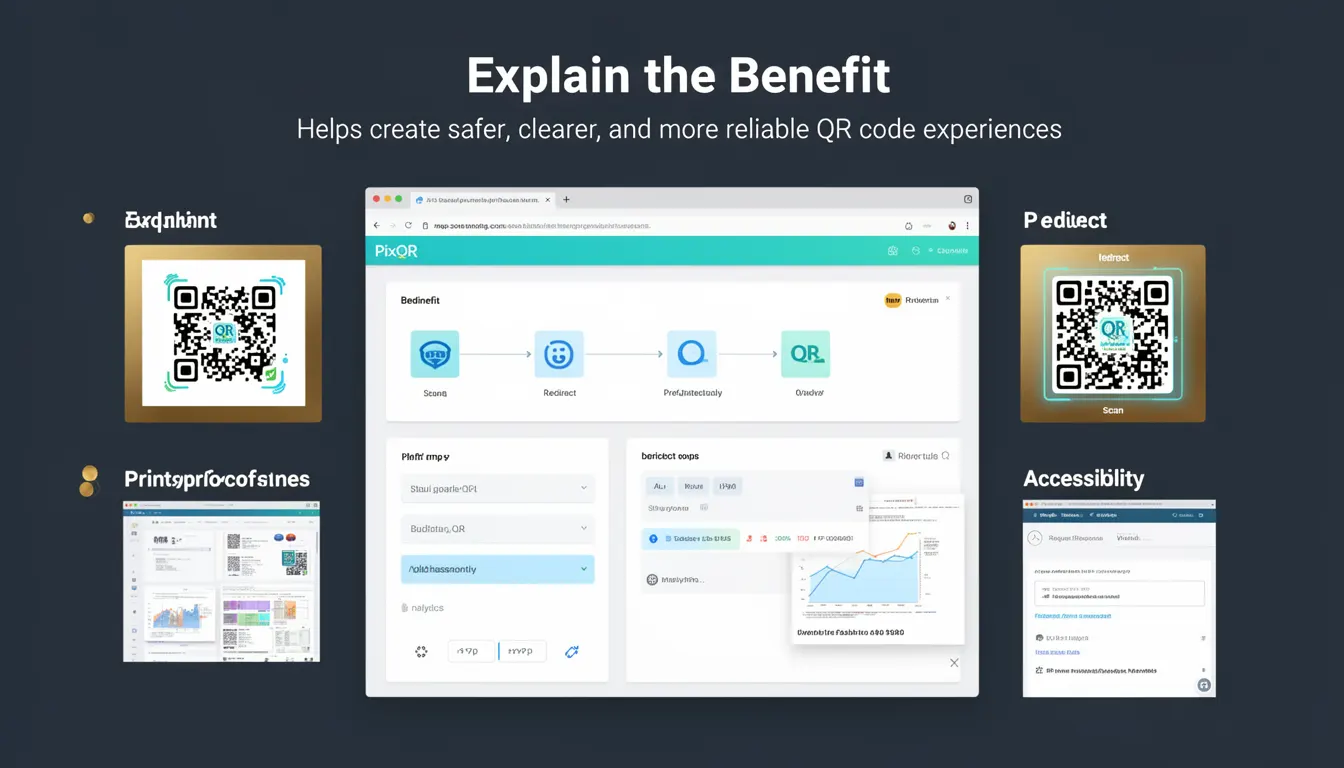
Explain the Benefit is a best-practice term that describes the intentional inclusion of clear, actionable, and user-focused messaging within QR code experiences. This principle ensures that when a user scans a QR code, they immediately understand the purpose of the code, what will happen next, and how it benefits them. It is particularly critical in environments where QR codes are used for redirects, marketing campaigns, product information, or digital onboarding flows.
Developers working with PixQR must consider the user journey from scanning to destination, ensuring that the QR code experience is both intuitive and trustworthy. The concept is not just about aesthetics or branding, but about creating an experience that reduces confusion, increases engagement, and enhances reliability. This is especially important in scenarios involving dynamic redirects, where the final destination may not be immediately obvious to the user.
Why It Matters
Implementing Explain the Benefit in QR code design directly impacts user trust, engagement, and conversion rates. In the context of PixQR, where dynamic redirects and brand-safe design are core features, a poorly explained QR code can lead to user hesitation, confusion, or even abandonment. For example, a QR code that leads to a generic URL without clear context may be flagged as suspicious by security software or users who are cautious about clicking unknown links.
From a performance and analytics perspective, a QR code with a clear benefit statement can increase scan success rates and improve tracking accuracy. Users who understand the value of scanning a QR code are more likely to complete the intended action, whether that’s visiting a landing page, downloading an app, or accessing a product detail. This is especially relevant in marketing or retail use cases where PixQR is used to generate QR codes for physical product tags or printed materials.
How It Works
Explain the Benefit is implemented by embedding user-oriented messaging into the QR code experience, whether through a landing page, a redirect message, or a branded scan prompt. The core mechanism involves designing the user journey from the moment of scan to the final action, ensuring clarity at every stage.
- QR codes should be configured to redirect to a page or service that explicitly communicates the benefit of scanning.
- Use dynamic content where possible, such as personalized or location-based messaging, to enhance relevance.
- Include a clear call to action (CTA) that aligns with the benefit being offered.
- Ensure the landing experience is mobile-optimized and accessible, especially when using PixQR’s analytics and privacy controls.
- Implement tracking and analytics to monitor how users interact with the QR code and whether the benefit is effectively communicated.
Quick Reference
| Item | Purpose | Notes |
|---|---|---|
| Redirect URL | Directs users to a benefit-focused page | Should include a clear benefit statement |
| Scan Prompt | Message shown during scan | Can be static or dynamic |
| CTA Text | Call to action on landing page | Must align with QR code benefit |
| Dynamic Content | Personalized benefit messaging | Can be based on location or user data |
| Analytics Tracking | Measures effectiveness of benefit messaging | Helps optimize QR code performance |
Basic Example
PixQR Example QR
This QR links directly to this glossary page, so printed notes, onboarding docs, and support material can bring scanners back to the current reference.
/glossary/qr-code-best-practices/qr-code-best-practices-explain-the-benefit

This example shows a basic QR code configuration that includes a benefit statement in the redirect URL. It demonstrates how a simple message can be embedded into the user experience.
const qrConfig = {
  url: "https://example.com/qr-benefit?message=Download+our+app+for+exclusive+deals",
  type: "dynamic",
  brand: "brand-safe"
};
The url field points to a landing page that displays a clear benefit message. The type is set to dynamic to allow for personalization. The brand field ensures that the QR code is configured to meet PixQR’s brand-safe guidelines.
Production Example
This production-ready example includes validation, accessibility, and analytics to ensure that the benefit is clearly communicated and tracked. It is suitable for use in a real-world PixQR integration.
const qrConfig = {
  url: "https://example.com/qr-benefit",
  type: "dynamic",
  brand: "brand-safe",
  analytics: {
    tracking: true,
    event: "qr_scan_benefit"
  },
  scanPrompt: "Scan for exclusive offers",
  landingPage: {
    title: "Access Exclusive Deals",
    cta: "Download Now",
    benefit: "Get 20% off your first purchase"
  }
};
This configuration ensures that the QR code not only redirects to a benefit-focused page but also includes analytics to track user engagement. The scanPrompt provides immediate clarity to the user, and the landingPage object ensures that the benefit is clearly stated and actionable.
Common Mistakes
- Not including a clear benefit statement in the landing page, leading to user confusion and reduced engagement.
- Using generic URLs or redirect messages that do not align with the QR code’s intended purpose.
- Ignoring accessibility considerations, such as lack of alt text or screen reader support in QR code prompts.
- Failing to validate or sanitize dynamic content, which can lead to injection or tracking issues.
- Not implementing analytics to measure the effectiveness of the benefit messaging, resulting in missed optimization opportunities.
Security And Production Notes
- Always validate URLs and dynamic content to prevent malicious redirects or injection attacks.
- Use PixQR’s brand-safe configuration to ensure that QR codes are compliant with privacy and security standards.
- Implement analytics with proper tracking parameters to avoid data leakage or misattribution.
- Ensure that the scan prompt and landing page are accessible to users with disabilities, including screen readers and keyboard navigation.
- Test QR codes across different devices and scanning applications to ensure consistent benefit communication.
Related Concepts
Several related concepts are important for understanding and implementing Explain the Benefit effectively. These include:
- Dynamic Redirects: The ability to customize QR code behavior based on context or user data, which enhances benefit relevance.
- Brand Safety: Ensuring that QR code content aligns with brand guidelines and does not introduce risks.
- Scan Reliability: The consistency and accuracy of QR code scanning, which affects the user’s ability to access the benefit.
- Privacy Controls: Managing user data and tracking in QR code experiences to maintain trust and compliance.
- Analytics and Tracking: Monitoring how users interact with QR codes to refine benefit messaging and optimize performance.