 PixQR
PixQR
Overview
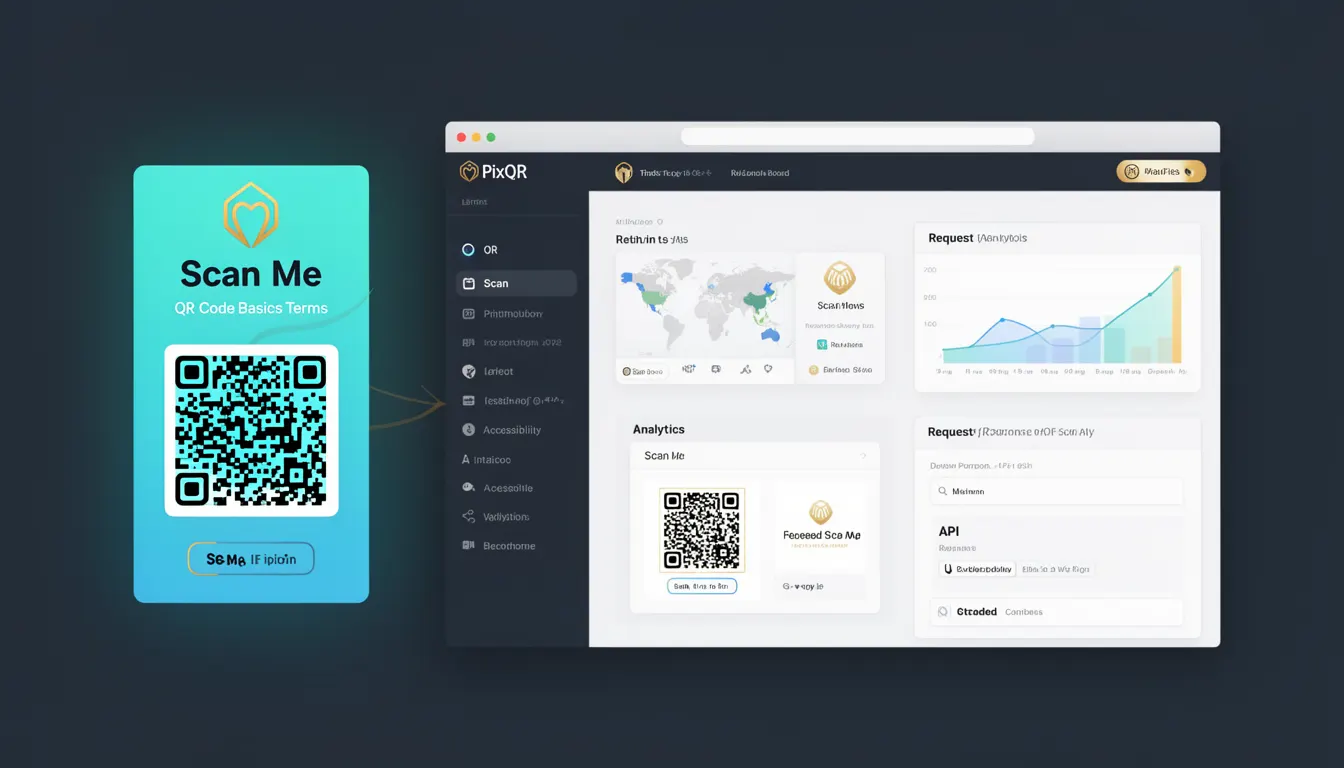
Scan Me refers to the interactive element or visual cue that prompts a user to scan a QR code, typically rendered as text or a graphic overlay on the QR code itself. In the context of PixQR, a Scan Me element is often used to guide users toward scanning the code, particularly when the QR code is not immediately obvious or when additional context is required to ensure successful scanning.
It is a foundational term in QR code design and usage, particularly in environments where user guidance is necessary for optimal scan success. For instance, in print or digital media, a Scan Me element might be a small text label, an icon, or a directional arrow that directs attention to the QR code.
Why It Matters
For developers and designers working with PixQR, the Scan Me element plays a critical role in ensuring user engagement and scan reliability. A poorly designed or missing Scan Me element can lead to confusion, missed scans, and reduced conversion rates. In PixQR's ecosystem, where reliable scanning is paramount, a well-placed Scan Me element helps bridge the gap between the QR code and the user’s intent.
From a user experience perspective, Scan Me elements improve accessibility by offering explicit instructions, especially for users unfamiliar with QR codes. From a security standpoint, a clearly defined Scan Me element can prevent misinterpretation or misuse of the QR code, reducing the risk of accidental redirects or fraudulent interactions. In a production environment, Scan Me elements are often part of an operational workflow that includes analytics, branding, and scan tracking.
How It Works
The Scan Me element is typically implemented as a visual or textual overlay on a QR code, or as a separate element in a layout. It is not part of the QR code’s data payload but is used to enhance usability and clarity.
- Scan Me elements can be implemented using HTML text, CSS styling, or graphical assets.
- In PixQR, Scan Me is often a configurable attribute during QR code generation, allowing for custom text or image overlays.
- The element is usually positioned near the QR code to ensure it is visually associated with the code.
- Scan Me elements can be styled with accessibility features like contrast ratios and scalable fonts to support screen readers and visual impairments.
- When used in conjunction with dynamic redirects, the Scan Me element can be dynamically updated or localized based on user context or location.
Quick Reference
| Item | Purpose | Notes |
|---|---|---|
| Scan Me text or image | Guides user to scan QR code | Should be concise and visible |
| Placement | Positioning near QR code | Must be within scan field of view |
| Localization | Supports multilingual users | Can be dynamic in PixQR |
| Accessibility | Supports screen readers | Use ARIA attributes if needed |
| Dynamic updates | Modifies content based on context | Supported in PixQR APIs |
Basic Example
PixQR Example QR
This QR links directly to this glossary page, so printed notes, onboarding docs, and support material can bring scanners back to the current reference.

A simple Scan Me element can be implemented using HTML and CSS to ensure visibility and clarity.
<div class="qr-container">
  <img src="qrcode.png" alt="Scan Me">
  <div class="scan-me">Scan Me</div>
</div>
This example places a text overlay labeled "Scan Me" over a QR code image. The overlay is styled to be clearly visible and positioned to guide the user’s attention to the code.
Production Example
In a production context, a Scan Me element must be robust, accessible, and adaptable to various environments. This example shows how a Scan Me element can be implemented using PixQR’s API for dynamic configuration and styling.
<div class="qr-container">
  <img src="https://api.pixqr.com/v1/qr?data=https://example.com&size=200x200" alt="Scan Me">
  <div class="scan-me" aria-label="Scan this QR code to visit example.com">Scan Me</div>
</div>
This version integrates with PixQR’s API to generate the QR code dynamically, and the Scan Me element is styled for accessibility and positioned to ensure clarity in different display contexts.
Common Mistakes
- Placing Scan Me text outside the visible scanning area, leading to missed scans.
- Using low-contrast text or fonts that are not accessible to users with visual impairments.
- Not localizing Scan Me elements, which reduces usability for international users.
- Ignoring responsive design, causing Scan Me elements to misalign on mobile or tablet devices.
- Using Scan Me elements that are too large or visually distracting, which can interfere with QR code readability.
Security And Production Notes
- Scan Me elements should not contain sensitive information or redirect URLs that could be exploited.
- When dynamically updating Scan Me content, ensure validation to prevent injection or malformed inputs.
- Ensure that Scan Me elements are accessible to screen readers using ARIA attributes.
- Use scalable and responsive design to ensure Scan Me elements work across all devices.
- Implement analytics to track scan success rates and user interaction with Scan Me elements.
Related Concepts
Scan Me is closely related to several other QR code and user experience concepts:
- QR Code Generation: The foundation of a Scan Me element is the QR code itself, which must be generated with correct data and structure.
- Dynamic Redirects: Scan Me elements can be part of a dynamic redirect system, where the QR code points to a URL that can be updated without changing the code itself.
- Accessibility: Properly implemented Scan Me elements must meet accessibility standards, especially for users with visual impairments.
- Scan Tracking: Scan Me elements are often used in conjunction with analytics to track how often users interact with the code.
- Print Reliability: In print media, Scan Me elements must be designed to maintain clarity and usability even when printed at small sizes or low resolutions.