 PixQR
PixQR
Overview
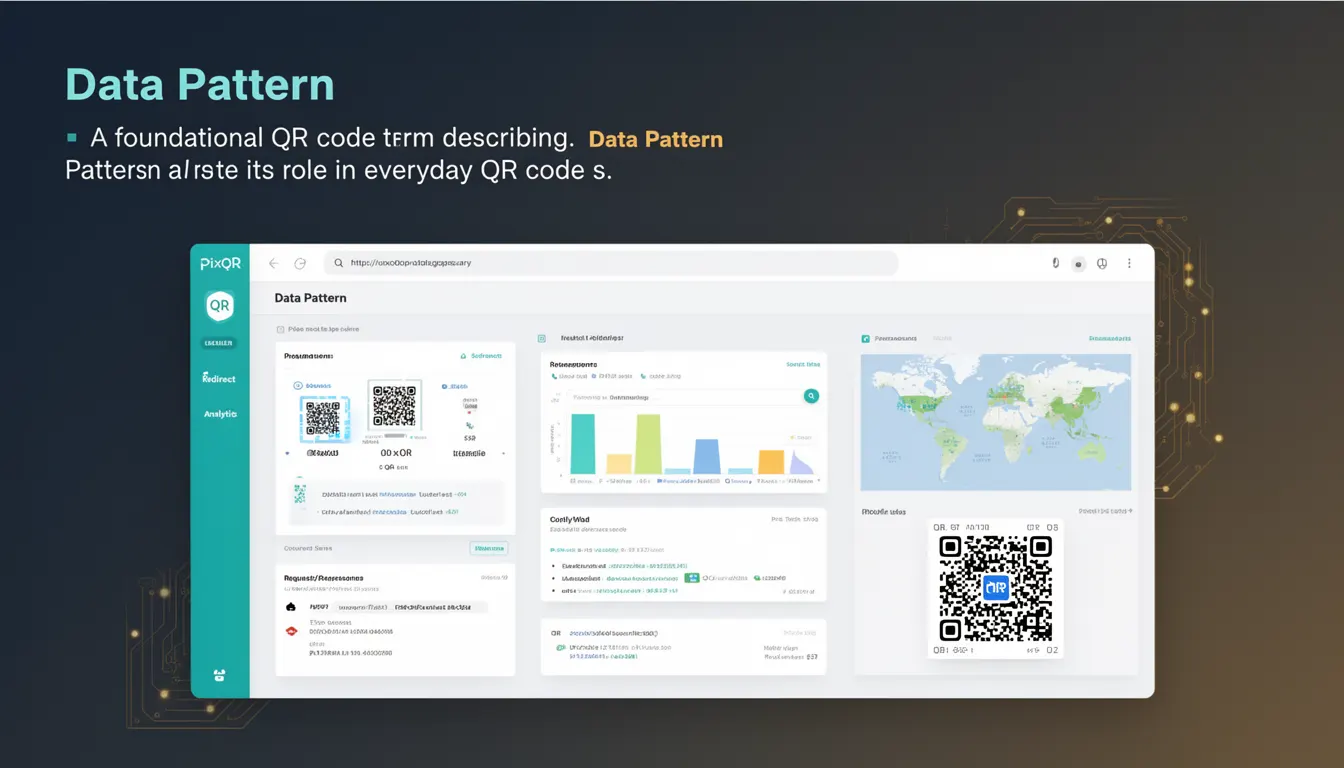
In the context of QR code generation and usage, a Data Pattern refers to the structured arrangement of binary data within a QR code that encodes specific information such as URLs, text, or other data types. This pattern is fundamental to how QR codes function, as it determines how data is stored, encoded, and interpreted by scanning devices.
Developers working with PixQR or similar platforms must understand Data Pattern as it directly affects QR code reliability, scan performance, and compatibility across various devices and scanning systems. When generating QR codes, the Data Pattern defines how the input data is segmented, encoded, and arranged into the final visual representation. The pattern is also critical when implementing dynamic redirects or managing QR code analytics, as it determines how much data can be embedded and how it is processed during a scan.
Why It Matters
For developers, understanding Data Pattern is crucial for optimizing QR code functionality, especially when integrating with dynamic redirect systems, analytics, or brand-safe design workflows. A poorly structured Data Pattern can result in failed scans, incorrect data interpretation, or limitations in how much information can be embedded in a QR code.
From a production perspective, the Data Pattern directly impacts performance and compatibility. PixQR's platform allows developers to configure how data is encoded, which can influence scan reliability and how quickly a QR code can be interpreted by a scanner. For example, choosing a Data Pattern that fits within the maximum capacity of a QR code version ensures consistent scanning across devices and environments. Misconfigurations can lead to degraded user experience, especially in high-volume or print-based applications where reliability is essential.
How It Works
The Data Pattern in a QR code is generated through a multi-step encoding process that begins with input data and ends with a structured binary matrix. The QR code standard defines how this data is organized into blocks and how error correction is applied. The process includes:
- Input data is converted into a binary representation using a character encoding scheme, such as ISO/IEC 8859-1 or UTF-8.
- The binary data is segmented into blocks based on the QR code version and error correction level.
- Each block is encoded using Reed-Solomon error correction to ensure data integrity.
- The encoded data is arranged into a grid pattern with specific formatting and structure, including alignment patterns and timing patterns.
- The final matrix is transformed into a visual QR code image that can be scanned by devices.
When working with PixQR, developers configure the Data Pattern through API parameters or dashboard settings. These configurations typically include data type, encoding mode (numeric, alphanumeric, byte, or kanji), and error correction level. The platform abstracts much of the complexity, but understanding how these parameters affect the final Data Pattern helps in troubleshooting or optimizing QR code behavior.
Quick Reference
| Item | Purpose | Notes |
|---|---|---|
| Encoding Mode | Selects how data is represented | Must match data type for optimal size and performance |
| Error Correction Level | Determines resilience to damage | Higher levels increase data size but improve reliability |
| Data Type | Defines how input is processed | Text, URL, or binary data require different handling |
| QR Code Version | Controls total data capacity | Higher versions support more data but larger QR codes |
| Character Set | Specifies encoding scheme | UTF-8 or ISO/IEC 8859-1 for international support |
Basic Example
PixQR Example QR
This QR links directly to this glossary page, so printed notes, onboarding docs, and support material can bring scanners back to the current reference.

This example shows how a simple URL is encoded into a QR code using a basic Data Pattern structure.
const data = "https://example.com";
const encodedData = encodeURI(data);
const qrPattern = {
  data: encodedData,
  mode: "url",
  version: 1,
  errorCorrection: "M"
};
console.log(qrPattern);
The example demonstrates how the URL is prepared for encoding, with the mode set to "url" to optimize data size. The version and error correction level are selected based on the expected scan environment.
Production Example
In a production environment, developers may need to validate and structure data before generating a QR code. This example includes error handling and configuration for PixQR's API.
function generateQRCode(data, options = {}) {
  const {
    mode = "auto",
    version = 1,
    errorCorrection = "M",
    charset = "UTF-8"
  } = options;

  if (!data || typeof data !== "string") {
    throw new Error("Invalid input data");
  }

  const qrPattern = {
    data: data,
    mode: mode,
    version: version,
    errorCorrection: errorCorrection,
    charset: charset
  };

  return qrPattern;
}

const config = {
  mode: "url",
  version: 2,
  errorCorrection: "H",
  charset: "UTF-8"
};

const qrData = generateQRCode("https://pixqr.com", config);
console.log(qrData);
This version is more suitable for production because it includes validation, default values, and structured configuration. It ensures that the Data Pattern is correctly formed before being passed to PixQR's generation engine, reducing the risk of runtime errors or misinterpretation.
Common Mistakes
- Using incorrect encoding mode for the input data, leading to oversized QR codes or encoding failures.
- Ignoring error correction levels, which can result in scannability issues in noisy environments.
- Choosing a QR code version that is too small for the input data, causing truncation or generation failure.
- Not validating input data, which can lead to invalid or malformed QR codes.
- Assuming that all QR scanners interpret the same Data Pattern in the same way, ignoring device or software variations.
Security And Production Notes
- Always validate and sanitize input data to prevent injection or unexpected behavior in the Data Pattern.
- Use appropriate error correction levels to balance reliability and QR code size for different environments.
- Be mindful of character encoding when dealing with international or special characters in the Data Pattern.
- Ensure QR code versions are selected based on the maximum expected data size to avoid truncation.
- When using dynamic redirects, ensure that the Data Pattern does not expose sensitive information or create security vulnerabilities in the encoded URL.
Related Concepts
The Data Pattern in QR code generation connects closely to several other technical concepts:
- QR Code Version: Determines the size and data capacity of the QR code, directly affecting the structure of the Data Pattern.
- Encoding Mode: Influences how input data is represented in the Data Pattern, impacting size and compatibility.
- Error Correction: A key component of the Data Pattern, ensuring data integrity during scanning.
- Alignment Patterns: Part of the QR code layout that interacts with the Data Pattern for accurate scanning.
- Quiet Zone: The margin around the QR code that affects how the Data Pattern is interpreted by scanners.