 PixQR
PixQR
Overview
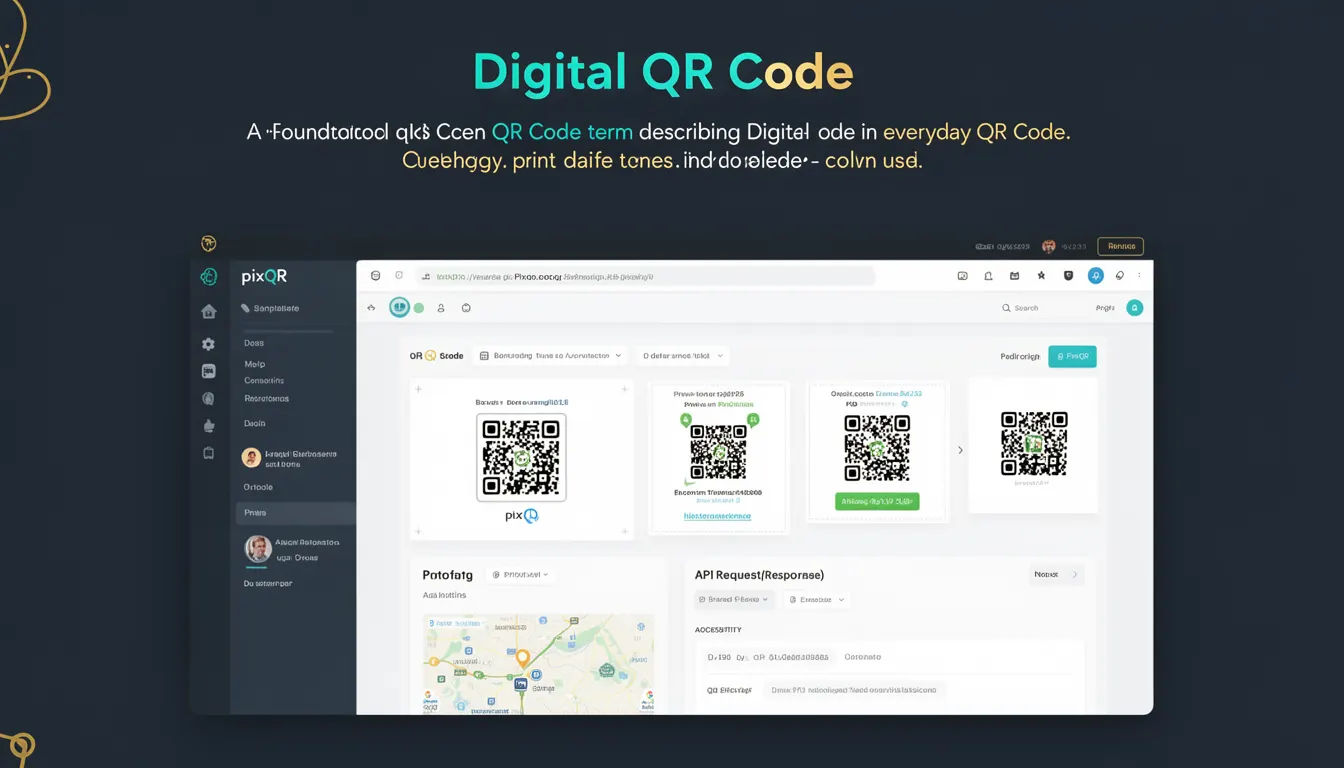
A Digital QR Code refers to a QR code that is generated and managed digitally, typically through software or APIs, rather than being printed or physically created. It is a foundational concept in QR code technology, enabling dynamic content, redirects, and integration into digital workflows. In the context of PixQR, a Digital QR Code is used to generate, track, and manage QR codes that can dynamically redirect users to different URLs or content based on parameters or conditions.
For developers, understanding Digital QR Codes is essential when integrating QR code functionality into web applications, APIs, or backend systems. These codes are not static; they can be updated, monitored, and controlled programmatically. This flexibility is critical for use cases such as marketing campaigns, inventory tracking, access control, and dynamic link management.
Why It Matters
For developers, the distinction between static and digital QR codes is crucial for application design, scalability, and security. Digital QR codes enable dynamic redirects, which are essential for tracking, analytics, and content personalization. They also support secure workflows, such as allowing updates to the target URL without re-printing the QR code.
From a production standpoint, using digital QR codes allows teams to manage large volumes of codes programmatically, apply analytics, and maintain control over content and access. PixQR's platform leverages digital QR codes to provide features like real-time analytics, brand-safe design, and privacy controls, all of which are only possible through digital management systems.
How It Works
Digital QR codes are generated through software algorithms that encode data into a QR code matrix. The data can be a URL, text, or other structured information. These codes are stored and managed in a digital system, which allows for dynamic updates, tracking, and analytics. The process typically involves the following:
- Encoding data into a QR code matrix using a standard algorithm.
- Storing the QR code in a database or API backend with associated metadata.
- Generating a unique identifier or token for the QR code to enable tracking and updates.
- Allowing for dynamic redirects to different URLs or content based on parameters or conditions.
- Supporting real-time analytics and scan tracking to monitor performance and user engagement.
Each digital QR code has a lifecycle managed through APIs. It can be created, updated, archived, or deleted. The QR code matrix itself is typically generated using a standard encoding scheme such as QR Code Model 2, which supports a wide range of data types and error correction levels.
Quick Reference
| Item | Purpose | Notes |
|---|---|---|
| QR Code Matrix | Encodes data into a grid of black and white squares | Standardized format for QR code generation |
| Dynamic Redirect | Allows URL changes without re-printing the code | Essential for campaign tracking and updates |
| Metadata | Stores associated data like target URL, creation date, and analytics | Used for tracking and management |
| Scan Tracking | Monitors and logs QR code scans | Provides insights into user behavior |
| API Integration | Enables programmatic generation and management | Facilitates scalable workflows |
Basic Example
PixQR Example QR
This QR links directly to this glossary page, so printed notes, onboarding docs, and support material can bring scanners back to the current reference.

This example shows a basic digital QR code generation using a hypothetical API endpoint. It demonstrates how a developer might request a new QR code with a specified target URL.
POST /api/qr-codes
Content-Type: application/json

{
  "target_url": "https://example.com/product/123",
  "name": "Product QR Code"
}
The API responds with a unique identifier for the QR code and a URL to access the generated code. The target_url field is essential for the dynamic redirect functionality, and the name field helps with organization and tracking.
Production Example
This example illustrates a more robust implementation that includes error handling, validation, and metadata management. It shows how a developer might integrate with PixQR's platform to generate and manage QR codes in a production environment.
POST /api/qr-codes
Content-Type: application/json
Authorization: Bearer <access_token>

{
  "target_url": "https://example.com/product/123",
  "name": "Product QR Code",
  "expires_at": "2025-06-30T23:59:59Z",
  "analytics_enabled": true,
  "brand_safe": true
}
This version includes additional fields for expiration, analytics, and brand safety. These options are crucial for production systems to ensure compliance, maintain security, and support long-term tracking. The brand_safe flag ensures that the QR code's target content is reviewed and approved for brand consistency.
Common Mistakes
- Not validating the target URL before generating the QR code, leading to invalid or malicious redirects.
- Ignoring analytics settings, which prevents tracking of user engagement and campaign performance.
- Using static QR codes instead of dynamic ones, which limits flexibility and tracking capabilities.
- Not setting expiration dates, resulting in outdated or unused QR codes that clutter the system.
- Overlooking brand safety configurations, which can expose the organization to reputational risks.
Security And Production Notes
- Always validate and sanitize input URLs to prevent malicious redirects or injection attacks.
- Use secure authentication and authorization mechanisms when interacting with QR code APIs.
- Implement expiration dates to reduce the risk of outdated or unused codes being exploited.
- Enable analytics and tracking to monitor QR code performance and detect anomalies.
- Ensure brand-safe configurations are applied to maintain content quality and prevent misuse.
Related Concepts
Several closely related concepts are essential for understanding Digital QR Codes in a development context:
- QR Code Matrix: The visual representation of a QR code, composed of black and white squares.
- Dynamic Redirect: The ability to update the destination of a QR code without changing its physical form.
- Scan Tracking: Monitoring and logging QR code scans for analytics and performance insights.
- API Integration: Using REST or GraphQL APIs to programmatically generate and manage QR codes.
- Brand Safety: Ensuring that QR code content aligns with brand guidelines and avoids inappropriate or harmful material.