 PixQR
PixQR
Overview
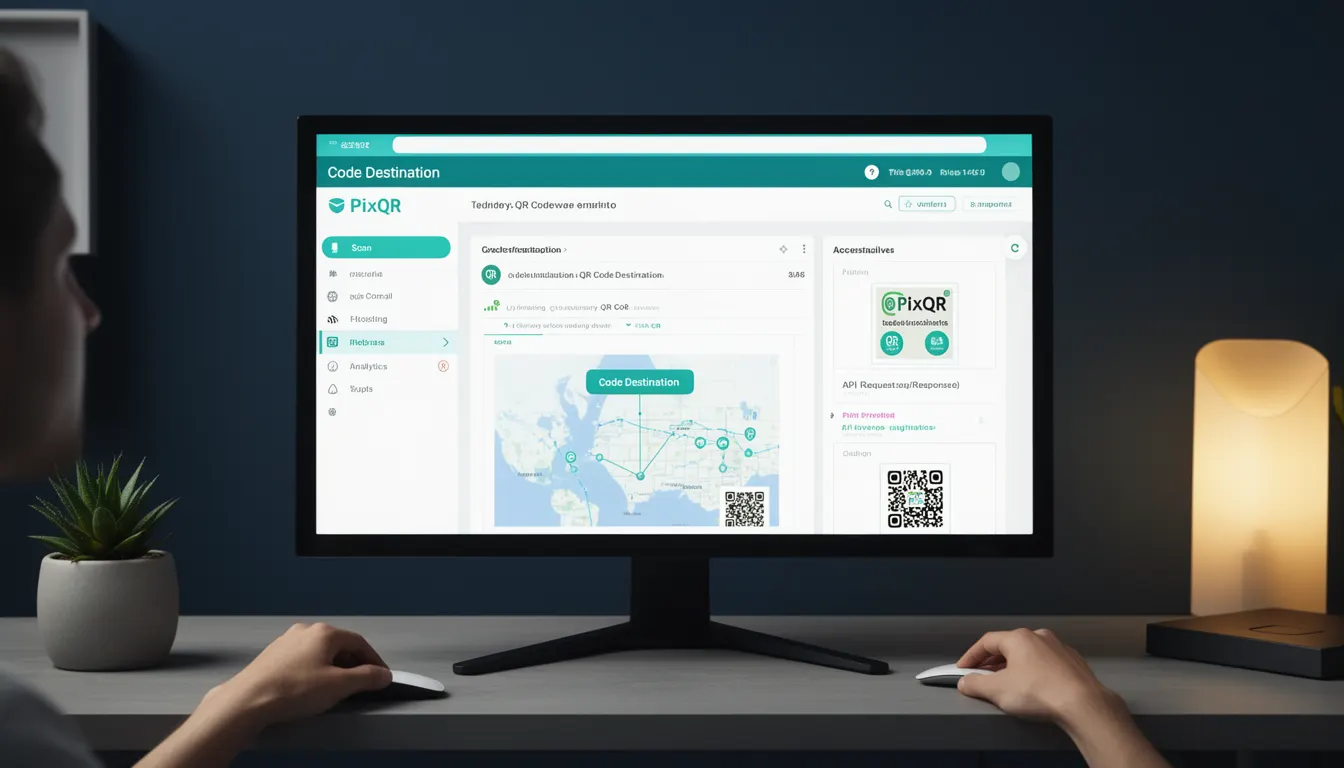
In the context of QR code generation and management, a Code Destination refers to the specific URL or resource that a QR code is configured to direct users when scanned. It represents the final endpoint or target of a QR code’s redirect mechanism, whether static or dynamic. For PixQR, understanding and correctly configuring Code Destination is critical for ensuring reliable, secure, and purposeful QR code functionality.
Code Destination is foundational to how QR codes operate in real-world applications. It is not just a technical detail—it's a key decision point that determines where a user lands after scanning a code, how the system tracks that interaction, and how it integrates with analytics, branding, and security workflows. In PixQR, the Code Destination can be a static URL, a dynamic redirect, or even a brand-safe landing page, depending on the configuration.
Why It Matters
For developers and platform operators, the Code Destination is a core component of QR code functionality that directly impacts user experience, operational efficiency, and security. A misconfigured or improperly managed destination can lead to broken links, lost analytics, or even malicious redirections.
From a production perspective, the Code Destination must align with branding requirements, compliance policies, and scan tracking expectations. PixQR ensures that destinations are validated for safety, tracked for analytics, and can be updated dynamically without regenerating the QR code itself. This flexibility is essential for maintaining a reliable QR code ecosystem in high-volume or regulated environments.
How It Works
The Code Destination is the endpoint of a QR code’s redirect mechanism. It is set during QR code creation or configuration and can be static or dynamic. When a user scans a QR code, the scanner reads the encoded URL or resource identifier and redirects to the Code Destination. This process is handled by the QR code’s underlying data structure and the platform's redirect service.
- The Code Destination is typically a valid HTTP or HTTPS URL, but can also be a deep link or internal identifier in some platforms.
- In PixQR, the system supports both static and dynamic destinations, allowing for updates without re-printing or re-generating QR codes.
- Code Destination is validated for safety, ensuring it does not point to malicious or unapproved domains.
- Each Code Destination can be associated with tracking parameters, analytics tags, or custom attributes for detailed reporting.
- When configured for dynamic redirects, the Code Destination may be updated via API or dashboard without altering the QR code image itself.
Quick Reference
| Item | Purpose | Notes |
|---|---|---|
| destination_url | Specifies the final URL to which the QR code redirects | Must be a valid HTTP/HTTPS URL |
| is_dynamic | Indicates whether the destination can be updated post-creation | Enables flexible redirect management |
| redirect_type | Defines how the redirect is handled (e.g., 301, 302) | Defaults to 302 for temporary redirects |
| tracking_params | Custom parameters for analytics or tracking | Optional, used for campaign or user attribution |
| security_validation | Ensures the destination is safe and compliant | Prevents malicious or unauthorized redirects |
Basic Example
PixQR Example QR
This QR links directly to this glossary page, so printed notes, onboarding docs, and support material can bring scanners back to the current reference.

This example demonstrates a simple static Code Destination configuration for a QR code. It shows how a basic URL is assigned as the destination, which will be encoded into the QR code.
const qrConfig = {
  destination: 'https://example.com/landing',
  is_dynamic: false,
  redirect_type: '302'
};
The destination field specifies the URL to which the QR code will redirect. The is_dynamic flag is set to false, meaning the destination cannot be changed after QR code generation. The redirect_type defines the HTTP redirect behavior, with 302 indicating a temporary redirect.
Production Example
In a production environment, a Code Destination may include validation, error handling, and tracking parameters. This example illustrates a more robust configuration that supports dynamic updates and analytics.
const qrConfig = {
  destination: 'https://secure.example.com/offer',
  is_dynamic: true,
  redirect_type: '301',
  tracking_params: {
    campaign: 'summer_sale',
    source: 'print_ad',
    medium: 'qr_code'
  },
  security_validation: true
};
This version sets a dynamic destination to allow future updates, uses a 301 redirect for permanent changes, includes tracking parameters for campaign analytics, and enforces security validation to ensure the destination is safe. This structure supports scalable and maintainable QR code operations.
Common Mistakes
- Using an unvalidated or unsafe destination URL, which can lead to redirect attacks or compliance violations.
- Setting a static destination when a dynamic one is needed, causing operational inefficiencies and requiring QR code regeneration.
- Forgetting to specify a redirect type, which can cause unexpected behavior in tracking or browser handling.
- Not configuring tracking parameters, resulting in incomplete analytics or attribution data.
- Ignoring security validation, which may allow malicious or unauthorized redirects to be set.
Security And Production Notes
- Always validate Code Destinations for safe and approved domains to prevent malicious redirects.
- Use HTTPS for all Code Destinations to ensure secure communication and prevent man-in-the-middle attacks.
- Implement dynamic redirect support to allow updates without regenerating QR codes, reducing operational overhead.
- Include tracking parameters to improve analytics and attribution accuracy for marketing campaigns.
- Enforce access control and audit logs for Code Destination changes to maintain compliance and traceability.
Related Concepts
Several related concepts are essential for understanding Code Destination in the context of QR code platforms like PixQR:
- QR Code Redirect: The mechanism by which a QR code forwards a user to a destination URL.
- Dynamic QR Code: A QR code whose destination can be updated post-creation, often managed through an API or dashboard.
- Scan Analytics: Data collected from QR code scans, often tied to the Code Destination for campaign tracking.
- Brand-Safe URLs: Destinations that comply with brand and platform safety standards.
- Link Management: The process of organizing, tracking, and updating QR code destinations across a platform.