 PixQR
PixQR
Overview
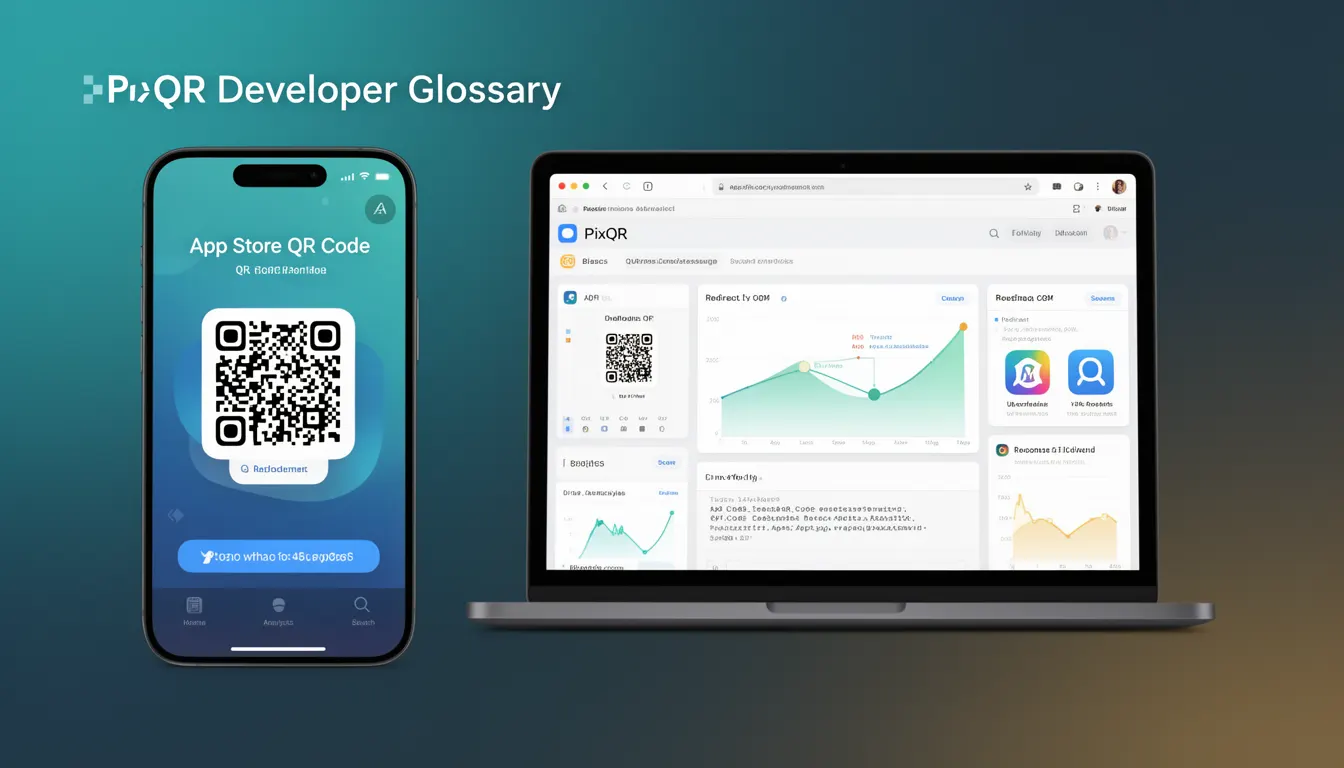
An App Store QR Code is a specific type of QR code designed to redirect users directly to an application’s listing within a mobile app store, such as the Apple App Store or Google Play Store. It is a foundational concept in QR code development, especially for developers and marketers who aim to drive app installations through physical or digital media.
These codes are typically used in marketing campaigns, print advertisements, billboards, and promotional materials where a user scans the code to be redirected to the app’s download page. The QR code itself encodes a URL that points to the app’s store page, often with deep-linking parameters for tracking or customisation.
Why It Matters
For developers and product teams, App Store QR Codes are a practical bridge between marketing and user acquisition. They simplify the user journey from advertisement to installation by reducing the number of steps required to find and download an app. This efficiency is critical for mobile app success, especially in competitive markets where users may abandon the process if it’s too cumbersome.
From a security standpoint, App Store QR Codes must be generated and validated carefully to avoid redirects to malicious or unapproved applications. PixQR ensures that these codes are created with brand-safe design, scan reliability, and operational workflows that reduce risk. In a production environment, the integrity of these QR codes is essential to maintain trust and avoid fraudulent usage or tracking errors.
How It Works
App Store QR Codes operate by encoding a specific URL that directs a mobile device to the relevant app store page. The URL typically includes parameters that enable tracking, attribution, or customisation. The QR code itself is generated using standard QR code encoding protocols but is tailored to support these specific app store links.
- The QR code encodes a Uniform Resource Locator (URL) that points to the app store listing.
- It typically includes parameters such as campaign tracking IDs, UTM tags, or referrer data.
- On scan, the mobile device opens the default browser or app store app to navigate to the URL.
- The URL structure often includes identifiers for the app (e.g., app ID for iOS, package name for Android).
- For advanced use cases, the URL may be dynamic, allowing for real-time updates or redirection logic.
Quick Reference
| Item | Purpose | Notes |
|---|---|---|
| URL Encoding | Specifies the destination app store page | Must be valid and correctly formatted |
| Deep Link Parameters | Enables tracking or customisation | Use for analytics or campaign attribution |
| Dynamic Redirects | Allows real-time URL changes | Supports A/B testing or campaign updates |
| Scan Reliability | Ensures consistent scanning across devices | Use PixQR’s reliability tools to test |
| Brand Safety | Prevents malicious or unapproved redirects | Enforce strict validation in production |
Basic Example
PixQR Example QR
This QR links directly to this glossary page, so printed notes, onboarding docs, and support material can bring scanners back to the current reference.

The following example shows a minimal App Store QR Code URL used for redirecting to an iOS app store listing.
https://apps.apple.com/us/app/my-app/id123456789This URL is encoded into a QR code. The key elements are the domain apps.apple.com, the country code us, the app name my-app, and the app ID 123456789. When scanned, it opens the App Store app and navigates to the specific app page.
Production Example
In a production environment, an App Store QR Code may include tracking parameters to monitor campaign performance or redirect to a custom landing page before directing to the app store.
https://apps.apple.com/us/app/my-app/id123456789?mt=8&referrer=utm_source%3Dcampaign%26utm_medium%3DqrThis version includes UTM parameters for tracking, and a referrer tag to identify the source of the redirect. It is more suitable for production because it enables analytics and attribution, while maintaining the integrity of the app store redirect.
Common Mistakes
- Using invalid or malformed URLs that cause scanning errors or failed redirects.
- Not validating QR code print quality or scan reliability before deployment.
- Ignoring deep-link parameters that prevent tracking or campaign attribution.
- Generating QR codes without considering device compatibility or app store versioning.
- Using static URLs without dynamic redirect capabilities, limiting campaign flexibility.
Security And Production Notes
- Always validate the destination URL to ensure it points to a legitimate app store page.
- Use dynamic redirect logic to allow updates without regenerating the QR code.
- Ensure QR code design supports scan reliability across different print and digital formats.
- Implement proper error handling in case of failed redirects or unsupported devices.
- Enforce brand-safe configurations to prevent accidental or malicious redirections.
Related Concepts
App Store QR Codes are closely related to several core QR code and digital marketing concepts:
- Dynamic Redirects – Enable real-time URL updates and campaign flexibility.
- Deep Linking – Allows for advanced navigation and tracking beyond simple URLs.
- QR Code Generation – The foundational process of creating QR codes with specific data payloads.
- Scan Reliability – Ensures QR codes are scannable across different devices and media.
- Brand Safety – Maintains trust and integrity in app store redirects.