 PixQR
PixQR
Overview
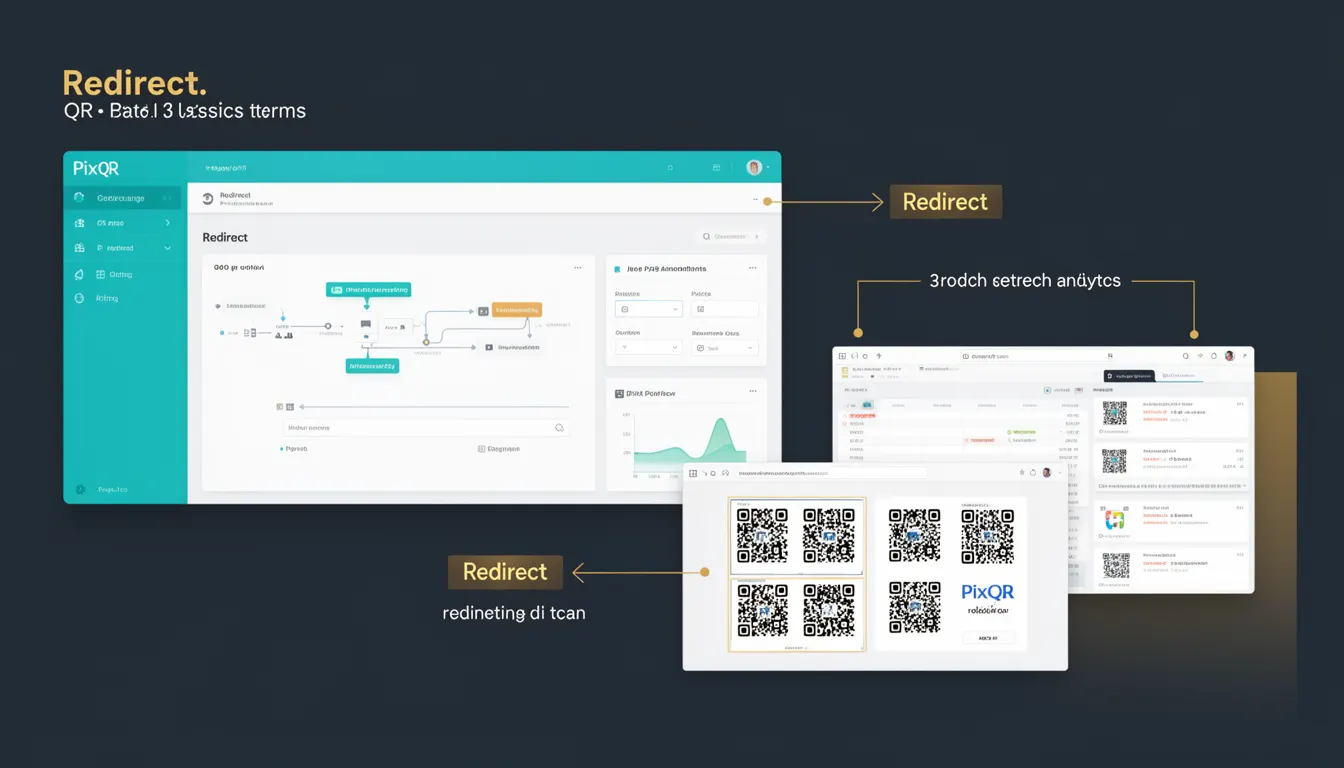
In the context of PixQR, a redirect is a mechanism by which a QR code points to a URL that immediately forwards the user to another destination. This forwarding is typically implemented using HTTP status codes such as 301 (Moved Permanently) or 302 (Found), or through client-side JavaScript.
Redirects are fundamental in QR code systems because they enable flexibility in URL management. A QR code can be generated to point to a dynamic redirect endpoint, allowing the target URL to be changed without modifying the QR code itself. This is especially useful for campaigns, events, or content that may need to evolve over time.
For developers working with PixQR, understanding redirect behavior is crucial when building systems that manage dynamic QR code links, tracking scans, or integrating with analytics platforms. Redirects also play a role in ensuring scan reliability, privacy compliance, and brand-safe design.
Why It Matters
Redirects are essential for maintaining control over QR code destinations without requiring physical reprints or code regeneration. They support dynamic content delivery, campaign management, and scan analytics.
From a security standpoint, redirects must be carefully managed to prevent open redirect vulnerabilities. PixQR ensures that redirects are validated against a whitelist or internal system to maintain brand safety and prevent malicious link injection.
Performance is also a concern: redirects introduce an extra HTTP round-trip, which can delay the user's access to the final destination. PixQR’s infrastructure optimizes these redirects to minimize latency while ensuring traceability and analytics.
For user experience, a properly implemented redirect ensures that users are seamlessly directed to the intended content without seeing intermediate URLs or error messages. This is particularly important in printed materials or physical marketing assets where QR codes are scanned frequently.
How It Works
A PixQR redirect operates through a series of backend mechanisms that manage URL routing and tracking. When a QR code is scanned:
- The scanner resolves the QR code to a PixQR redirect endpoint, typically a URL like
https://pixqr.com/r/abc123. - The system evaluates the redirect target, which may be a static URL or dynamically generated based on context (e.g., campaign, user, time).
- The system logs the scan event for analytics and compliance tracking.
- The user is then forwarded to the target URL using a standard HTTP redirect (301 or 302).
- Optional tracking parameters may be appended to the final URL to support attribution or conversion tracking.
Redirects in PixQR are managed through a secure, API-accessible system. Each redirect can be configured with:
- Target URL: The destination where the user is forwarded.
- Expiration date: A time limit for the redirect to be active.
- Scan tracking: Whether to log or omit scan events.
- Security settings: Whitelisting or validation of the destination URL.
- Custom parameters: Additional data to append to the final URL for analytics or user-specific routing.
Quick Reference
| Item | Purpose | Notes |
|---|---|---|
| Target URL | Destination of the redirect | Must be valid and secure |
| Expiration | Time after which redirect becomes inactive | Optional, defaults to never expire |
| Scan Tracking | Whether to log scan events | Defaults to enabled |
| Security Validation | Ensures destination URL is safe | Prevents malicious redirects |
| Custom Parameters | Additional data appended to final URL | Supports analytics or user routing |
Basic Example
PixQR Example QR
This QR links directly to this glossary page, so printed notes, onboarding docs, and support material can bring scanners back to the current reference.

A basic PixQR redirect can be created by defining a target URL and generating a QR code that points to a redirect endpoint. This example shows how a developer might define a redirect in PixQR's API.
{
  "target_url": "https://example.com/product-page",
  "redirect_type": "302",
  "scan_tracking": true
}
This configuration specifies a temporary redirect to https://example.com/product-page, with scan tracking enabled. The QR code generated will point to a PixQR endpoint that forwards the user with an HTTP 302 status code.
Production Example
In a production environment, a PixQR redirect must include validation, logging, and security checks. Here is an example of a more robust redirect configuration:
{
  "target_url": "https://secure.example.com/landing",
  "redirect_type": "301",
  "expires_at": "2025-12-31T23:59:59Z",
  "scan_tracking": true,
  "security_validation": true,
  "custom_params": {
    "campaign": "holiday2025",
    "source": "print_ad"
  }
}
This configuration ensures that the redirect is permanent, expires after a set date, logs all scans, validates the destination, and appends campaign data to the final URL. It is suitable for long-running campaigns or high-volume, brand-safe deployments.
Common Mistakes
- Using insecure redirect URLs: Failing to validate or sanitize target URLs can lead to open redirect vulnerabilities. Always use PixQR's built-in validation or a secure URL sanitizer.
- Ignoring expiration settings: Not setting an expiration date can lead to stale redirects that continue to point to outdated content. Always set a clear end date for time-sensitive campaigns.
- Overlooking scan tracking: Disabling scan tracking unnecessarily removes valuable analytics. Enable tracking unless privacy or performance requirements mandate otherwise.
- Not handling redirect loops: A redirect that points back to itself or to a chain of redirects can cause infinite loops. PixQR detects and prevents such loops.
- Using incorrect HTTP status codes: Choosing a 301 for a temporary redirect or vice versa can affect SEO or user expectations. Match the redirect type to the intended behavior.
Security And Production Notes
- Validate all redirect targets: PixQR validates URLs against a safe list or internal rules to prevent open redirects and malicious link injection.
- Limit redirect chains: PixQR enforces a maximum number of redirects to avoid performance issues or abuse.
- Track and log all redirects: Full logging of redirect behavior supports compliance, analytics, and fraud detection.
- Use HTTPS for all redirects: PixQR ensures that all redirects use secure HTTP (HTTPS) to maintain privacy and prevent man-in-the-middle attacks.
- Support for custom tracking parameters: Redirects can append UTM or custom parameters to support attribution, user segmentation, and campaign tracking.
Related Concepts
Several developer concepts are closely related to redirect behavior in PixQR:
- URL Shortening: Redirects are often used in URL shortening systems, where a short link points to a longer canonical URL.
- Dynamic QR Code Generation: Redirects enable QR codes to point to dynamic endpoints, allowing changes without regenerating physical QR codes.
- Analytics and Tracking: Redirects can include tracking parameters that feed into analytics systems for performance monitoring.
- Scan Reliability: Properly configured redirects ensure consistent user experience across different scanners and devices.
- Brand Safety: Redirects must be managed to avoid pointing to unsafe or unbranded content, which is critical in enterprise or public-facing deployments.