 PixQR
PixQR
Overview
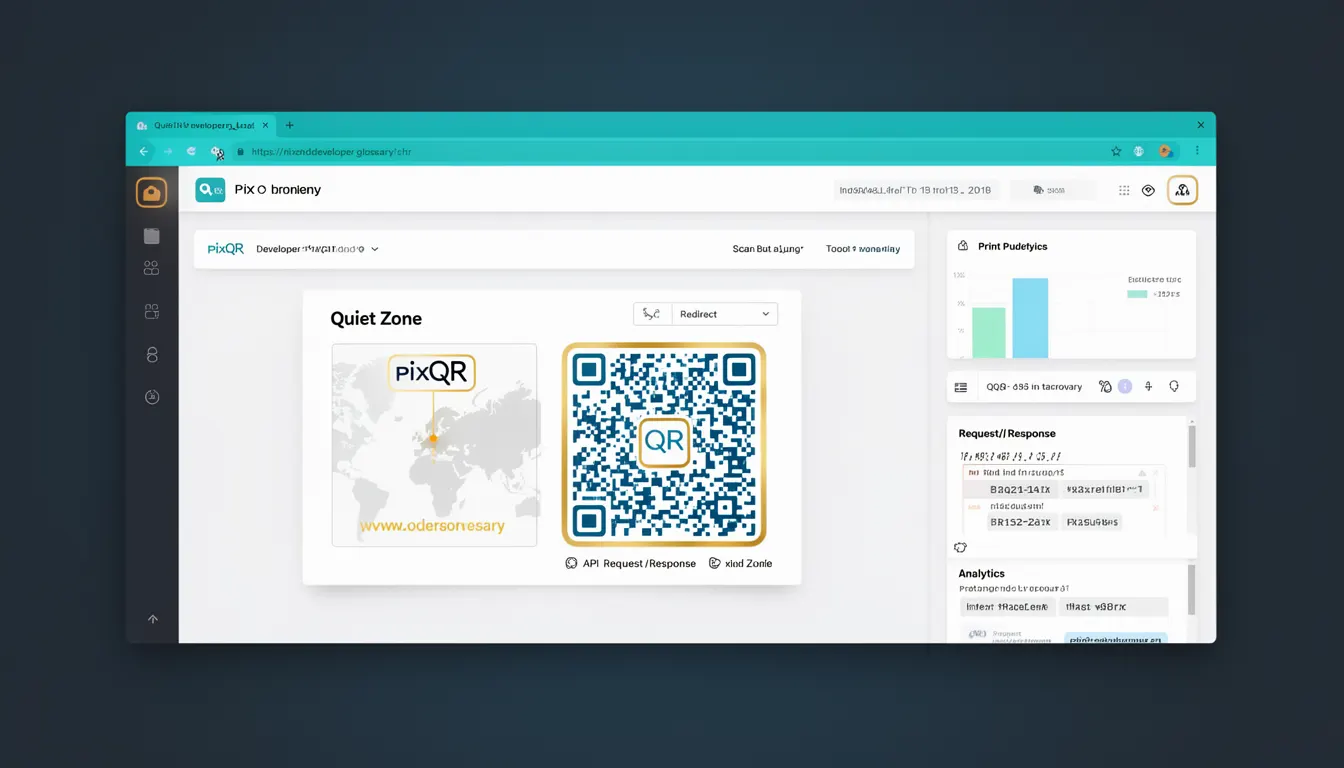
The Quiet Zone, also known as the Quiet Area, is a designated margin or border region surrounding a QR code that must remain free of any visual elements, including text, graphics, or patterns. This space is required by the QR code standard (ISO/IEC 18004) and plays a critical role in ensuring successful scanning and decoding. The Quiet Zone is not part of the QR code's data payload but is essential for the scanner to accurately detect the code’s structure.
For developers working with PixQR, understanding and implementing the Quiet Zone correctly is vital when generating QR codes for print, web, or application use. Incorrectly configured Quiet Zones can lead to scanning failures, particularly in environments with high visual complexity or low-quality printing. This applies to both static and dynamic QR code generation, where the margin must be preserved even when the QR code content changes.
Why It Matters
Without a properly defined Quiet Zone, QR code scanners may misread or fail to decode the code entirely. This is especially critical in production environments where QR codes are printed on packaging, posters, or labels, or embedded in digital interfaces. For instance, in PixQR's dynamic redirect workflows, a misconfigured Quiet Zone can cause a redirect to fail, leading to user confusion or loss of tracking data.
From a security standpoint, the Quiet Zone ensures that external interference does not affect the integrity of the QR code. In fraud prevention, QR codes with insufficient Quiet Zones may be more susceptible to tampering or misinterpretation, particularly when embedded in physical products or marketing materials. From an accessibility perspective, scanners must reliably read the code, which requires a consistent margin to avoid false positives or missed scans.
How It Works
The Quiet Zone is defined as a margin of at least four modules (the smallest unit of a QR code) around the entire QR code structure. This margin is required by the QR code standard and must be maintained regardless of the QR code’s size, shape, or content. The modules themselves are arranged in a grid pattern, and the Quiet Zone ensures that no data or design elements encroach on this area.
- The Quiet Zone is not part of the data payload but is critical for scanner accuracy.
- It must be at least four modules wide on all sides of the QR code.
- It must be visually distinct from the QR code’s black and white modules.
- It should remain consistent even when QR codes are scaled or embedded in complex layouts.
- For dynamic QR codes in PixQR, the Quiet Zone must be preserved even when content changes.
When generating QR codes using PixQR, developers must ensure that the Quiet Zone is not cropped or obscured, particularly in scenarios involving print or layout constraints. The Quiet Zone is not configurable in terms of color or pattern but must remain visually clear and unoccupied.
Quick Reference
| Item | Purpose | Notes |
|---|---|---|
| Quiet Zone | Ensures scanner accuracy by maintaining a margin around the QR code | Must be at least four modules wide on all sides |
| Module | Smallest unit of a QR code grid | Defines the structure of the QR code |
| Scanning reliability | Depends on correct Quiet Zone implementation | Failure to comply may cause scan failure |
| Print quality | Quiet Zone must be preserved during printing | Should not be cropped or overlapped |
| Dynamic QR codes | Quiet Zone must remain intact when content changes | Handled automatically in PixQR platform |
Basic Example
PixQR Example QR
This QR links directly to this glossary page, so printed notes, onboarding docs, and support material can bring scanners back to the current reference.

This example demonstrates a basic QR code structure with a defined Quiet Zone. It illustrates how the margin is applied around the QR code grid to ensure scanning accuracy.
<div class="qr-container">
  <div class="quiet-zone"></div>
  <div class="qr-code">
    <div class="module"></div>
    <div class="module"></div>
    <!-- More modules -->
  </div>
  <div class="quiet-zone"></div>
</div>
The quiet-zone divs represent the margin required around the QR code. The qr-code div contains the actual data modules. This layout ensures that no visual elements encroach on the Quiet Zone, which is essential for accurate scanning.
Production Example
In a production environment, PixQR ensures that the Quiet Zone is consistently applied when generating QR codes for dynamic redirects. This example shows how a developer might configure a QR code generation request to maintain the Quiet Zone while applying branding or layout adjustments.
const qrConfig = {
  content: "https://example.com/redirect",
  size: 300,
  margin: 4, // Quiet Zone in modules
  color: {
    dark: "#000000",
    light: "#ffffff"
  },
  logo: {
    src: "brand-logo.png",
    size: 50
  }
};

const qrCode = pixqr.generate(qrConfig);
This configuration ensures that the Quiet Zone is maintained at a minimum of four modules, regardless of the QR code size or additional branding. The margin parameter directly controls the Quiet Zone width, and PixQR enforces this standard to prevent scanning failures.
Common Mistakes
- Incorrectly setting margin to less than four modules, which violates the QR code standard and causes scanning failures.
- Overlapping or embedding design elements into the Quiet Zone, which leads to inconsistent scanning behavior.
- Using QR code generators that do not enforce Quiet Zone compliance, resulting in invalid QR codes for production use.
- Ignoring Quiet Zone requirements during print layout design, causing the margin to be cropped or obscured in physical outputs.
- Assuming that QR code scanning will work even with a minimal Quiet Zone, which is not reliable in real-world environments.
Security And Production Notes
- The Quiet Zone must be preserved during QR code generation to avoid scanner misreads, which could lead to redirect failures or tracking loss.
- Ensure that no visual elements are placed within the Quiet Zone, as this can cause decoding errors in scanners.
- When using dynamic QR codes in PixQR, the Quiet Zone is automatically enforced, but developers must validate output to ensure compliance.
- For print outputs, the Quiet Zone must be maintained even when QR codes are scaled or embedded in complex layouts.
- Do not assume that a QR code will scan correctly if it looks visually correct; always validate Quiet Zone compliance in production environments.
Related Concepts
Several concepts are closely related to the Quiet Zone in QR code generation and usage. These include:
- Module: The smallest unit of a QR code, forming the grid structure. The Quiet Zone is measured in modules.
- QR Code Grid: The structured layout of modules that forms the data payload of the QR code.
- Scanning Accuracy: The ability of a scanner to correctly interpret the QR code, heavily dependent on Quiet Zone compliance.
- Dynamic Redirects: In PixQR, QR codes with dynamic content must preserve the Quiet Zone to ensure consistent scanning behavior.
- Print Quality: Ensuring that the Quiet Zone is not cropped or obscured during printing is essential for reliable scanning.