 PixQR
PixQR
Overview
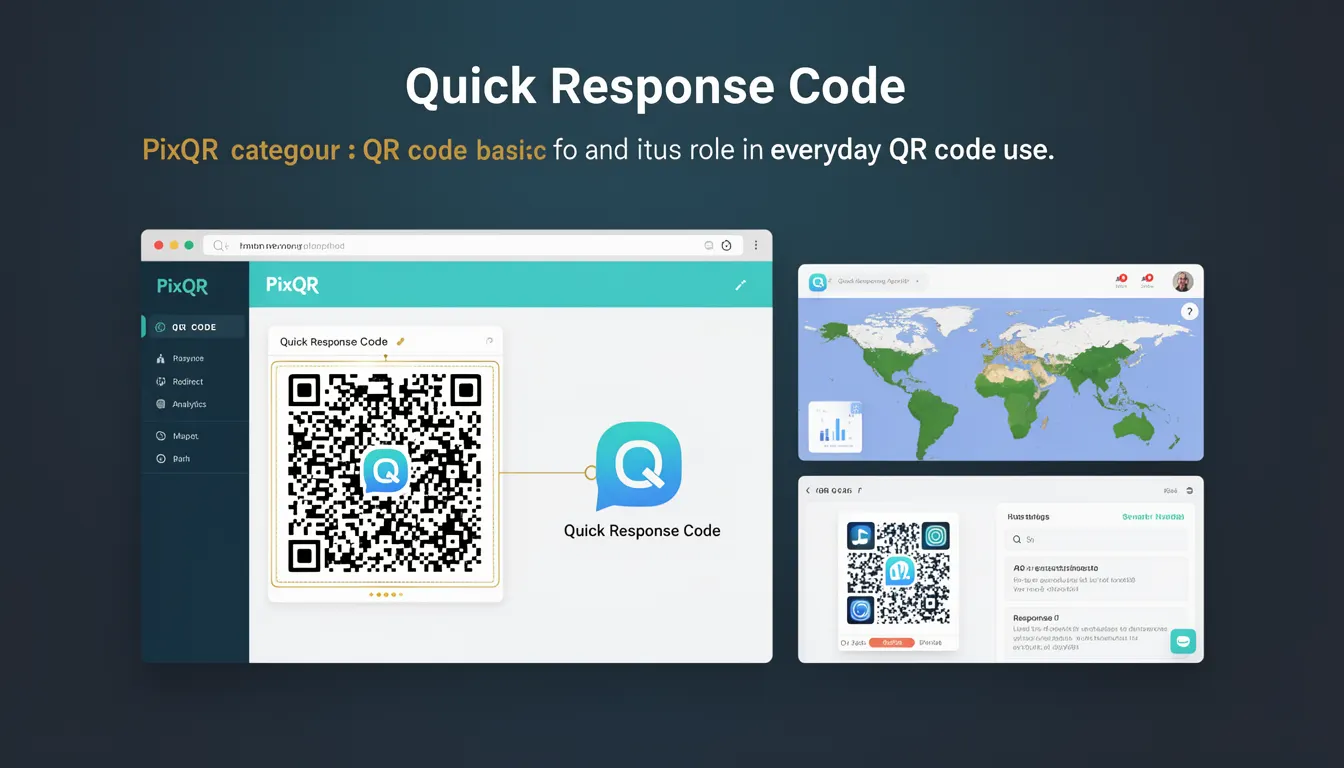
A Quick Response Code, commonly known as a QR code, is a two-dimensional barcode that encodes data in a grid of black and white squares. It was originally developed by Denso Wave in 1994 for tracking automotive parts. Today, QR codes are widely used in marketing, logistics, payment systems, and digital identity verification. In the context of PixQR, QR codes are the primary mechanism for generating dynamic links, enabling redirects, and ensuring secure, reliable, and brand-safe scanning experiences.
For developers, QR codes are fundamental to building interactive digital experiences. They serve as the bridge between physical and digital environments, often embedded in print media, packaging, or digital displays. In production systems, QR codes must be reliable, secure, and scalable. PixQR enables developers to generate QR codes with dynamic content, track scans, and ensure brand-safe design, making them an essential part of modern digital workflows.
Why It Matters
For developers, QR codes are more than just visual markers; they are functional elements of digital infrastructure. In PixQR, QR codes enable dynamic redirects, which allow content to change without updating the physical QR code. This capability is essential for campaigns that need to update content, track performance, or respond to real-time data. Additionally, QR codes must be designed to be scannable across different devices, lighting conditions, and print qualities, which impacts the developer's approach to content generation, error correction, and visual fidelity.
From a security perspective, QR codes are vulnerable to misuse if not properly managed. For example, a QR code pointing to an untrusted domain can be a vector for phishing or malware. PixQR mitigates this by offering brand-safe design, scan analytics, and content validation. Developers must also consider accessibility, ensuring QR codes are usable by people with visual impairments or scanning difficulties. A QR code that fails to scan or redirects to inaccessible content impacts user experience and can compromise the integrity of digital workflows.
How It Works
QR codes are generated using a combination of data encoding, error correction, and geometric positioning. The process involves converting input data into a binary format, applying Reed-Solomon error correction, and arranging the data into a grid pattern. PixQR automates these steps, allowing developers to define content and generate scannable codes with minimal effort. The following points describe the key mechanisms involved in QR code generation and usage:
- QR codes support multiple data modes including numeric, alphanumeric, byte, and kanji. Each mode offers different compression efficiency and is selected based on input data type.
- Each QR code includes a version number that defines its size and data capacity. Versions range from 1 (21x21 modules) to 40 (177x177 modules), with larger versions supporting more data.
- Error correction levels (L, M, Q, H) determine how much data can be recovered if the QR code is damaged or obscured. Higher levels increase the code's robustness but reduce data capacity.
- QR codes contain alignment patterns and timing patterns that help scanning devices locate and decode the code accurately, especially in larger versions.
- QR codes can be generated in various formats including PNG, SVG, and base64-encoded strings, making them compatible with different front-end and back-end environments.
Quick Reference
| Item | Purpose | Notes |
|---|---|---|
| Version | Determines code size and data capacity | Range 1 to 40; larger versions support more data |
| Error Correction | Recovery from damage or partial occlusion | Levels L, M, Q, H; H provides maximum recovery |
| Data Mode | Encoding method for input data | numeric, alphanumeric, byte, kanji |
| Alignment Patterns | Help scanning accuracy in larger codes | Automatically placed in versions 2 and above |
| Format Information | Provides decoding instructions | Embedded in the code's corner modules |
Basic Example
PixQR Example QR
This QR links directly to this glossary page, so printed notes, onboarding docs, and support material can bring scanners back to the current reference.

This example demonstrates how to generate a QR code for a simple URL using a PixQR API. It shows the essential structure for defining input data and generating a scannable code.
const qrData = 'https://example.com';
const qrCode = pixqr.generate({
  data: qrData,
  size: 200,
  format: 'png'
});
console.log(qrCode);
The example sets the data to a URL, specifies a size of 200 pixels, and outputs a PNG format. The generated code is ready for embedding in a web page or print material.
Production Example
In a production environment, developers must consider validation, error handling, and dynamic content generation. This example shows how to build a QR code generator with these considerations.
function generateSecureQR(data, options = {}) {
  if (!data || typeof data !== 'string') {
    throw new Error('Invalid input data');
  }

  const config = {
    data: data,
    size: options.size || 256,
    errorCorrection: options.errorCorrection || 'M',
    format: options.format || 'svg'
  };

  try {
    const qrCode = pixqr.generate(config);
    return qrCode;
  } catch (error) {
    console.error('QR code generation failed:', error);
    return null;
  }
}

const result = generateSecureQR('https://example.com');
This version includes input validation, default values, and error handling. It ensures that QR codes are generated reliably and securely, which is critical in production workflows where consistency and robustness are paramount.
Common Mistakes
- Using unvalidated input data can lead to malformed QR codes or injection vulnerabilities. Always sanitize and validate data before generating QR codes.
- Ignoring error correction levels can result in codes that are difficult to scan, especially in poor lighting or when printed at low resolution.
- Choosing an incorrect QR code version can lead to data overflow or unnecessary large file sizes, impacting performance.
- Not considering accessibility can cause QR codes to be unusable for people with visual impairments or scanning difficulties.
- Hardcoding QR code parameters can reduce flexibility and scalability in dynamic systems, where content or format may change.
Security And Production Notes
- QR codes can be a vector for phishing or malicious redirects if not validated. Always ensure the content is trustworthy and aligned with brand safety policies.
- Use error correction levels that balance data capacity and robustness for your intended use case, especially in print environments.
- Validate input data to prevent injection attacks or unintended content in generated codes.
- Consider the performance impact of large QR codes or frequent generation in high-traffic applications.
- Ensure QR codes are accessible to users with disabilities by providing alternative text or non-visual cues where applicable.
Related Concepts
QR codes are closely related to several developer concepts that influence their design, generation, and usage:
- Dynamic Redirects: QR codes can point to URLs that change over time, enabling real-time content updates without re-printing physical materials.
- Scan Analytics: Tracking how often and where QR codes are scanned provides valuable insights for marketing and product teams.
- Brand Safety: Ensuring QR code content aligns with brand guidelines and avoids malicious or inappropriate links is essential in enterprise and consumer contexts.
- Print Reliability: QR codes must be scannable across different print resolutions, lighting conditions, and media types.
- Privacy Controls: QR codes may collect or transmit user data, so developers must consider privacy implications and compliance with regulations like GDPR.