 PixQR
PixQR
Overview
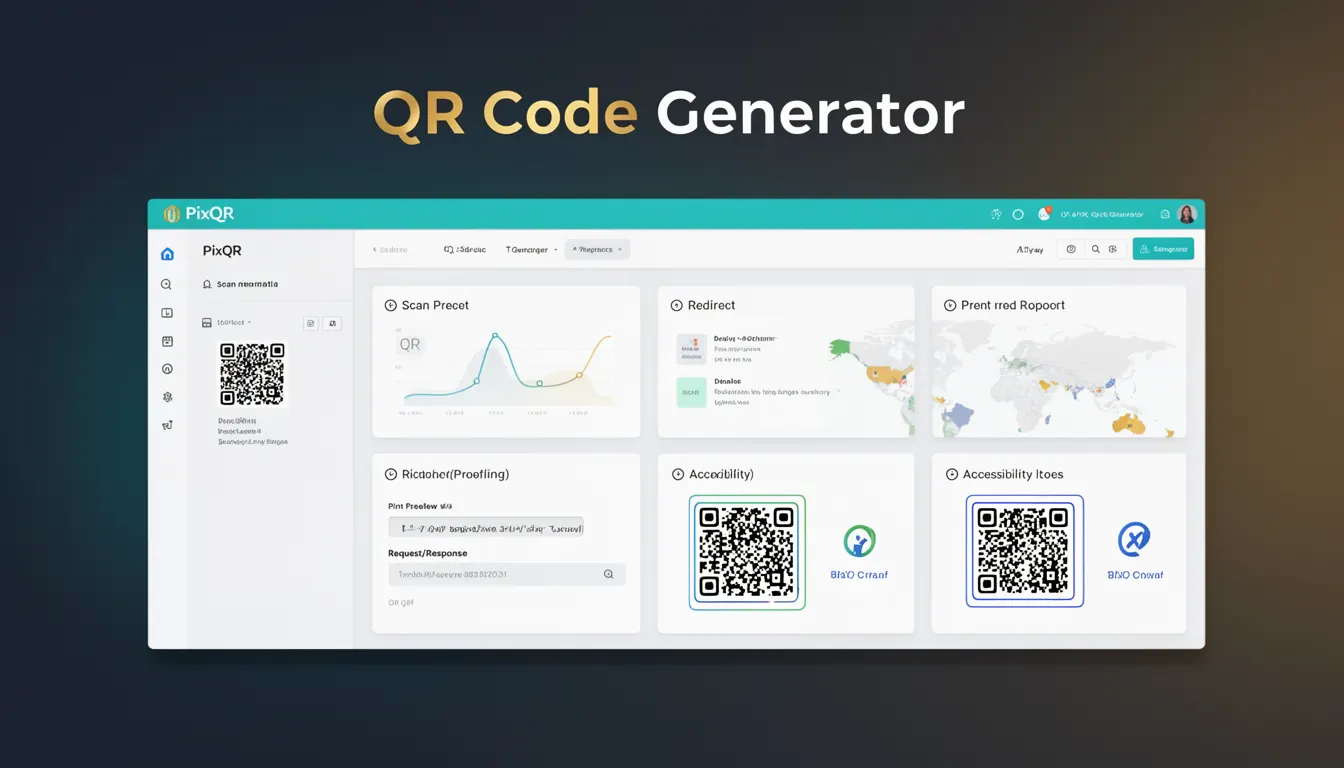
A QR Code Generator is a core component in the PixQR platform that creates QR codes from input data, typically URLs or text, and outputs them in a scannable format. It serves as the foundational tool for generating QR codes used in marketing, logistics, access control, and digital identity systems.
Developers and platform operators use QR Code Generators to build dynamic, secure, and reliable QR code solutions. These tools are essential for enabling features like dynamic redirects, brand-safe design, privacy controls, and analytics integration. QR Code Generators are part of a larger ecosystem that supports both static and dynamic QR code workflows.
Why It Matters
For developers, the QR Code Generator is critical because it determines the integrity, usability, and security of QR code outputs. Poorly implemented generators can lead to scannability issues, redirect vulnerabilities, or data misinterpretation. In production environments, the generator must support various input types, handle errors gracefully, and comply with security standards.
For site operators and product teams, the generator's reliability affects user experience and operational efficiency. It must support high-volume generation, integrate with analytics, and maintain compatibility across platforms and devices. The generator also plays a key role in fraud prevention and brand protection by ensuring QR codes are not misused or altered.
How It Works
The QR Code Generator in PixQR operates by converting input data into a structured QR code matrix. The process includes encoding data into a QR code format, applying error correction, and rendering the matrix into an image or vector format. The generator supports multiple QR code versions, error correction levels, and output formats.
- The generator accepts various input types, including URLs, text strings, and structured data like vCards or SMS payloads.
- It supports different QR code versions (from version 1 to 40) and error correction levels (L, M, Q, H) to balance data capacity and resilience.
- Output formats include PNG, SVG, and base64-encoded images, with options for custom styling and branding.
- The generator can integrate with dynamic redirect systems to update QR code targets without re-generating the code.
- It includes built-in validation and sanitization to prevent malformed inputs or injection attacks.
Quick Reference
| Item | Purpose | Notes |
|---|---|---|
| Input Data | Source for QR code content | Must be URL-safe or properly encoded |
| Error Correction Level | Resilience against damage | Options: L, M, Q, H |
| Version | Data capacity | 1 to 40, increases with size |
| Output Format | Rendering method | PNG, SVG, base64 |
| Dynamic Redirect | Update target without regenerating | Requires backend support |
Basic Example
PixQR Example QR
This QR links directly to this glossary page, so printed notes, onboarding docs, and support material can bring scanners back to the current reference.

This example shows a basic QR code generation using PixQR’s API. It creates a QR code for a simple URL and outputs it in PNG format.
const response = await fetch('/api/generate', {
  method: 'POST',
  headers: { 'Content-Type': 'application/json' },
  body: JSON.stringify({
    data: 'https://example.com',
    format: 'png'
  })
});
const qrBlob = await response.blob();
The request sends a URL to the PixQR API with a format specification. The response returns a binary blob that can be rendered as an image. This basic flow supports rapid prototyping and simple use cases.
Production Example
This example demonstrates a production-grade QR code generator with validation, error handling, and analytics integration. It ensures input safety, tracks usage, and supports dynamic redirects.
async function generateQRCode(inputData, options = {}) {
  const { format = 'png', errorCorrection = 'M', version = 10 } = options;

  if (!inputData || typeof inputData !== 'string') {
    throw new Error('Invalid input data');
  }

  const response = await fetch('/api/generate', {
    method: 'POST',
    headers: { 'Content-Type': 'application/json' },
    body: JSON.stringify({
      data: inputData,
      format,
      error_correction: errorCorrection,
      version,
      analytics: true
    })
  });

  if (!response.ok) {
    throw new Error(`Generation failed: ${response.status}`);
  }

  return await response.blob();
}
This version includes input validation, error handling, and configurable options. It also enables analytics tracking, which is crucial for monitoring QR code performance and usage. This approach is scalable and suitable for enterprise-level applications.
Common Mistakes
- Using unescaped input data, leading to injection vulnerabilities or malformed QR codes.
- Ignoring error correction levels, resulting in scannability issues on damaged or low-quality prints.
- Not validating QR code versions, causing oversized outputs or unsupported formats.
- Reusing QR code IDs or keys without unique generation, leading to conflicts or security risks.
- Not handling API responses properly, causing silent failures or uncaught exceptions in dynamic redirects.
Security And Production Notes
- Always sanitize and validate input data to prevent injection attacks or malformed QR codes.
- Use error correction levels (Q or H) for critical applications to ensure scannability.
- Implement rate limiting and access controls to prevent abuse of the QR generation endpoint.
- Support both static and dynamic QR code workflows to balance performance and flexibility.
- Ensure output formats are compatible with scanning applications and avoid proprietary or unsupported encodings.
Related Concepts
QR Code Generator is closely related to several other developer concepts:
- Dynamic Redirect – QR codes that update their target without re-generation, often used in marketing campaigns.
- Scan Tracking – Analytics and logging of QR code scans, enabling performance insights.
- Brand Safe Design – Customization of QR code aesthetics while maintaining scannability.
- Privacy Controls – Ensuring QR code data does not expose sensitive information.
- Operational Workflows – Integrating QR generation into larger systems like inventory or access control.