 PixQR
PixQR
Overview
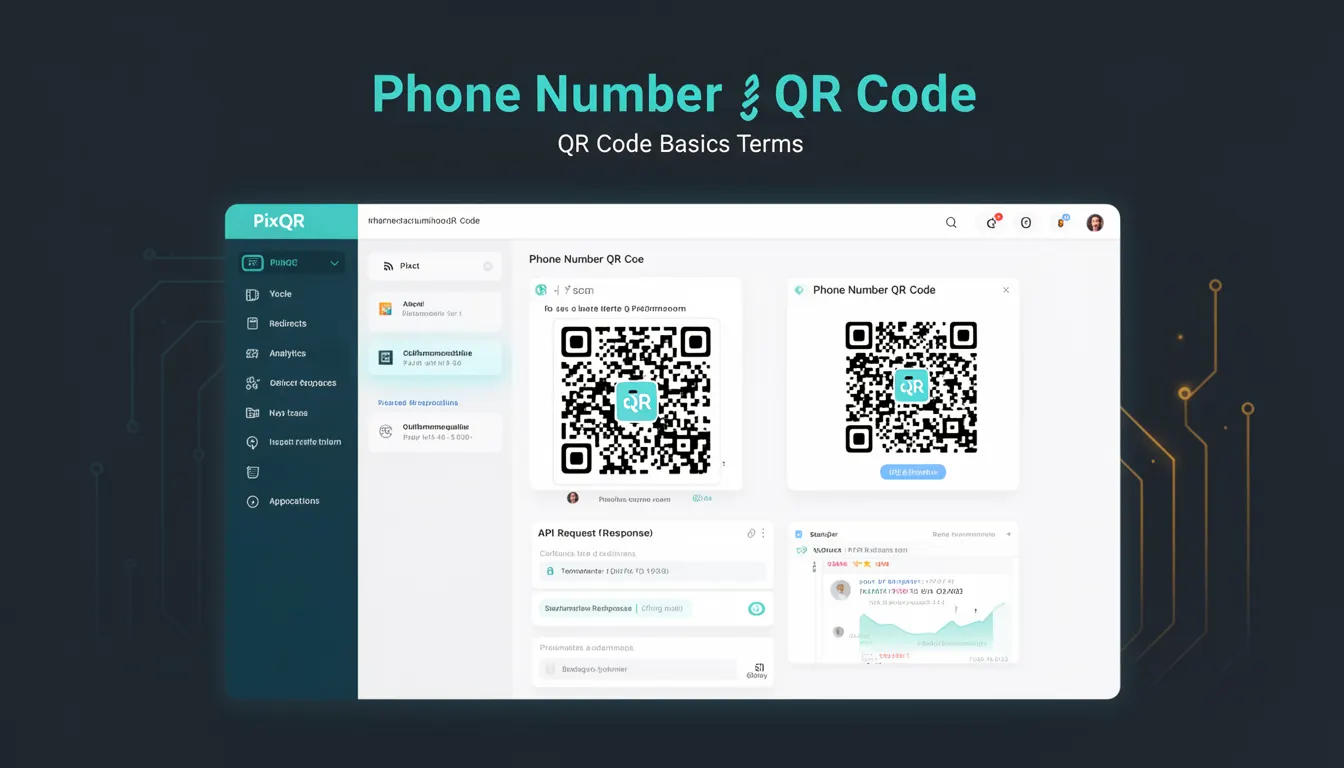
A Phone Number QR Code is a specific type of QR code that encodes a telephone number, enabling users to initiate a phone call directly from a scanned QR code. This functionality is widely used in marketing, retail, and physical product labeling to streamline customer engagement and reduce friction in communication.
Developers working with PixQR platforms create and manage these codes to ensure reliable scanning, accurate phone number encoding, and seamless integration with call initiation systems. The QR code encodes a phone number using a standardized format, typically prefixed with tel: to indicate the intent to dial a number. This allows mobile devices to recognize and act upon the QR code's content by opening the native dialer or calling app.
Why It Matters
For developers, Phone Number QR Codes represent a direct and efficient method of bridging physical and digital experiences. They eliminate the need for users to manually type phone numbers, reducing errors and increasing conversion rates. In production environments, especially with PixQR, these codes are often used in conjunction with analytics and tracking to measure user engagement and campaign effectiveness.
From a security perspective, Phone Number QR Codes must be carefully managed to prevent misuse or spoofing. They are commonly used in fraud prevention, where verifying the source and integrity of the number is critical. Accessibility considerations also apply, as the QR code must be scannable across different lighting conditions and device types. Performance and reliability are essential in ensuring that users can initiate a call without delay or error.
How It Works
Phone Number QR Codes function by encoding a telephone number in a format that is recognized by mobile operating systems. The encoded value typically begins with the tel: URI scheme, followed by the phone number in a format suitable for dialing. For example, a QR code might encode tel:+1234567890 to indicate a U.S. number.
- The QR code format uses the
tel:prefix to signal the intent to initiate a phone call. - Phone numbers must be formatted correctly, including country codes, to ensure compatibility across devices.
- QR code readers interpret the
tel:URI and trigger the device's native dialer application. - PixQR platforms ensure that the QR code is generated with a stable, scannable format and that the phone number is validated for correctness.
- When a user scans a Phone Number QR Code, the device automatically opens the dialer with the number pre-filled, ready for the user to press the call button.
Quick Reference
| Item | Purpose | Notes |
|---|---|---|
| tel: URI scheme | Encodes phone number for call initiation | Required for mobile compatibility |
| Country code prefix | Ensures global number recognition | Use + for international format |
| QR code generation | Creates scannable code | PixQR ensures scan reliability |
| Number validation | Ensures correctness | Prevents invalid calls |
| Scan tracking | Measures engagement | Integrates with analytics |
Basic Example
PixQR Example QR
This QR links directly to this glossary page, so printed notes, onboarding docs, and support material can bring scanners back to the current reference.
/glossary/qr-code-basics/qr-code-basics-phone-number-qr-code

This example shows how a simple Phone Number QR Code is created with the tel: scheme. The QR code encodes a US number, which when scanned, will open the dialer with the number pre-filled.
const phoneNumber = 'tel:+1234567890';
const qrCodeData = encodeURI(phoneNumber);
// Generate QR code with PixQR API using qrCodeData
The example demonstrates the basic encoding of a phone number using the tel: URI scheme. The encodeURI function ensures that the phone number is properly formatted for inclusion in a QR code. The resulting string is passed to a QR generation API, such as the one provided by PixQR.
Production Example
In a production environment, developers must validate phone numbers and ensure the QR code is generated with proper error handling and analytics tracking. This example includes validation and integrates with PixQR's dynamic QR code generation.
function generatePhoneQRCode(phoneNumber) {
  const validNumber = validatePhoneNumber(phoneNumber);
  if (!validNumber) throw new Error('Invalid phone number');
  const qrData = `tel:${validNumber}`;
  return pixqr.generate(qrData);
}

function validatePhoneNumber(number) {
  const cleaned = number.replace(/[^\d+]/g, '');
  return cleaned.length >= 10 ? cleaned : null;
}
This version ensures that the phone number is validated before being encoded into the QR code. The function validatePhoneNumber strips out non-numeric characters and checks for a minimum length, ensuring the number is valid for dialing. The generatePhoneQRCode function integrates with PixQR's API to create a QR code that is both safe and scannable.
Common Mistakes
- Using an unvalidated phone number can lead to invalid QR codes, causing user frustration or system errors.
- Forgetting to include the
tel:prefix results in the QR code being ignored by mobile devices. - Incorrect formatting of international numbers, such as omitting the
+prefix, can prevent successful dialing. - Not testing QR code scannability across different devices and lighting conditions can lead to poor user experience.
- Ignoring analytics tracking can prevent developers from understanding how users interact with the QR code.
Security And Production Notes
- Always validate phone numbers to prevent invalid or malicious entries in QR code content.
- Use the
tel:URI scheme to ensure mobile compatibility and correct behavior on scan. - Implement access controls and analytics to track QR code usage and prevent misuse.
- Test QR codes in various environments to ensure reliability across different devices and lighting.
- Consider privacy implications when collecting data from QR code scans, especially for tracking user behavior.
Related Concepts
Phone Number QR Codes are closely related to several other QR code and mobile interaction concepts. URI schemes such as http:, mailto:, and sms: are used in similar contexts to encode actions. QR code generation platforms, such as those provided by PixQR, manage encoding and scannability. Dynamic QR codes offer flexibility in updating content without re-printing, and analytics help measure engagement. Additionally, accessibility standards and mobile device compatibility are key factors in ensuring QR codes are usable by all users.