 PixQR
PixQR
Overview
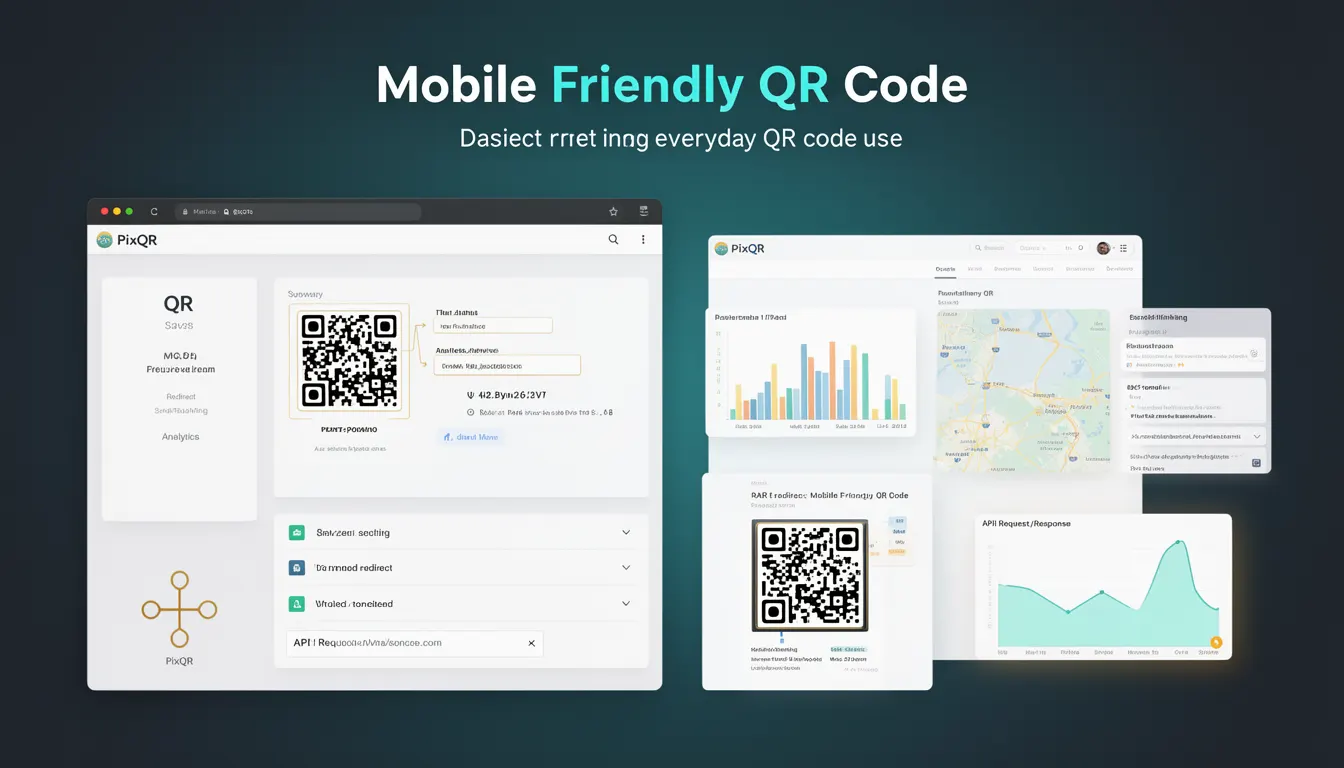
A Mobile Friendly QR Code refers to a QR code that is specifically optimized for scanning on mobile devices. It is designed to ensure that users can reliably scan the code using smartphone cameras, regardless of lighting conditions, angle, or device capabilities.
Mobile Friendly QR codes are critical in production environments where user experience and reliability are paramount. In PixQR, this optimization is applied during the code generation process to ensure that the QR code structure, size, and contrast are tailored for mobile scanning. This is especially important in print and digital marketing campaigns, where QR codes must function across a wide variety of devices and conditions.
Why It Matters
Mobile Friendly QR codes directly impact the success rate of QR code campaigns. Poorly optimized QR codes can fail to scan on mobile devices, leading to user frustration and campaign failure. In a PixQR context, this is particularly important for operational workflows, where reliability and analytics depend on successful scans.
For developers, understanding how to generate and manage mobile-friendly QR codes ensures that their systems are robust and user-centric. In environments where brand safety and privacy are key concerns, mobile-friendly QR codes also reduce the risk of mis-scanning or redirection to malicious content.
How It Works
Mobile Friendly QR codes are generated with specific parameters and design choices to ensure compatibility with mobile scanning technologies. These include:
- High contrast between black and white modules to improve readability on low-resolution screens.
- Appropriate error correction levels (typically M or H) to withstand partial damage or scanning interference.
- Optimal size and spacing to accommodate mobile camera focus and zoom capabilities.
- Stable geometric structure that does not rely on specific orientation or lighting conditions.
- Compatibility with standard QR code formats (such as QR Code Model 2) to ensure broad device support.
In PixQR, these parameters are applied automatically during code generation unless overridden by user configuration. The system ensures that generated codes meet minimum standards for mobile usability and scan reliability.
Quick Reference
| Item | Purpose | Notes |
|---|---|---|
| Error Correction Level | Ensures code integrity under partial damage | Use level M or H for mobile-friendly codes |
| Module Size | Controls scanability on mobile screens | Minimum 2px per module recommended |
| Contrast Ratio | Improves readability under various lighting | Ensure 10:1 or higher black-to-white ratio |
| Code Format | Standardizes compatibility | Use QR Code Model 2 for broad support |
| Print Resolution | Ensures clarity in physical formats | Minimum 300 DPI for print quality |
Basic Example
PixQR Example QR
This QR links directly to this glossary page, so printed notes, onboarding docs, and support material can bring scanners back to the current reference.
/glossary/qr-code-basics/qr-code-basics-mobile-friendly-qr-code

The following example demonstrates how a basic mobile-friendly QR code can be generated using a PixQR API endpoint. It uses a simple URL and applies default mobile-friendly settings.
POST /api/v1/qr/generate
Content-Type: application/json

{
  "url": "https://example.com",
  "mobile_friendly": true
}
This request tells PixQR to generate a QR code optimized for mobile scanning. The system applies default settings for error correction, contrast, and size.
Production Example
In a production environment, developers may need more control over how mobile-friendly QR codes are generated. The following example shows a more robust configuration that includes custom error correction, size, and contrast settings.
POST /api/v1/qr/generate
Content-Type: application/json

{
  "url": "https://secure.example.com/redirect",
  "mobile_friendly": true,
  "error_correction": "H",
  "module_size": 3,
  "foreground_color": "#000000",
  "background_color": "#FFFFFF",
  "margin": 1
}
This configuration ensures the QR code is highly resilient to damage and clearly visible on all devices. The margin and module size are explicitly defined to enhance scan reliability.
Common Mistakes
- Not enabling mobile-friendly settings when generating QR codes for user-facing applications, resulting in poor scan success rates.
- Using low error correction levels (L or M) in environments where codes may be damaged or scanned under poor lighting.
- Ignoring contrast ratios, which can cause codes to fail on low-quality displays or in poor lighting.
- Choosing a module size too small for mobile scanning, which can cause focus and resolution issues.
- Not testing QR codes on actual mobile devices, leading to assumptions about scanability that do not reflect real-world usage.
Security And Production Notes
- Always validate URLs before generating QR codes to prevent redirection to malicious domains.
- Use error correction levels of at least H to ensure codes are scannable even if partially damaged.
- Set module size to at least 2 pixels to ensure clarity on mobile screens and in print.
- Ensure that QR code generation APIs are protected with authentication and rate limiting to prevent abuse.
- Test QR codes on a variety of devices and in different lighting conditions to ensure consistent scan performance.
Related Concepts
Mobile Friendly QR Codes are closely related to several other QR code and web development concepts:
- QR Code Error Correction – The ability to recover data from damaged or partially obscured codes, which is essential for mobile usability.
- Dynamic Redirects – QR codes that point to URLs that can be changed or tracked, often used in mobile marketing campaigns.
- Scan Analytics – Tracking how often and where QR codes are scanned, which can help assess mobile-friendly performance.
- Print Quality Standards – Ensuring QR codes are readable in physical formats, which is critical for mobile users scanning printed materials.
- Brand Safety – Ensuring QR codes point to trusted domains and do not lead to harmful content, especially in mobile environments.