 PixQR
PixQR
Overview
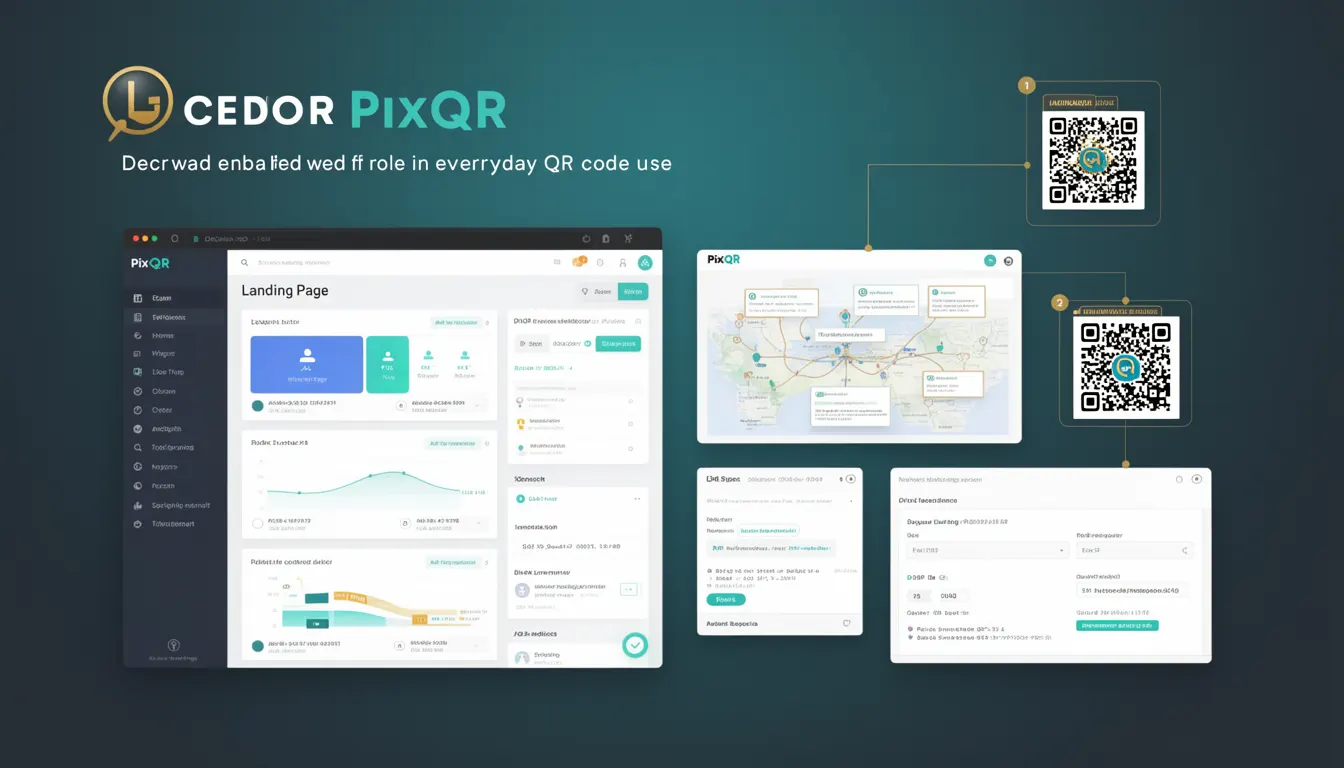
A Landing Page in the context of QR code technology refers to the specific web page or resource that a QR code redirects users to when scanned. It is the destination endpoint for any dynamic or static QR code generated through a platform like PixQR. When a user scans a QR code, their device follows the encoded URL to reach this page, which may be a product page, a sign-up form, a landing page for a campaign, or a redirect to another domain.
For developers working with PixQR, understanding how landing pages are defined, configured, and managed is essential for ensuring that QR codes function reliably, securely, and in alignment with business goals. The landing page must be accessible, fast, and optimized for both mobile and desktop devices, as QR code scans are often performed on mobile devices.
Why It Matters
Landing pages are critical to the success of QR code campaigns because they directly influence user behavior and conversion rates. If a landing page is slow, broken, or not mobile-optimized, users may abandon the experience, resulting in lost engagement or revenue. For PixQR, this is especially important because QR codes are used in physical environments such as product packaging, posters, or print media, where the user experience must be seamless and predictable.
From a security perspective, landing pages must be brand-safe and not host malicious content. PixQR ensures that landing pages are validated and monitored for compliance with platform policies. Additionally, developers must ensure that landing pages are accessible and support analytics tracking to measure QR code performance accurately.
How It Works
When a QR code is generated in PixQR, it encodes a URL that points to a specific landing page. The QR code itself does not contain the content of the page; it only contains a link. When scanned, the QR code reader resolves this URL and directs the user’s device to the landing page. The platform allows developers to configure the landing page URL, set up redirects, and define analytics tracking parameters.
- The landing page URL is defined at the time of QR code creation and can be updated post-generation for dynamic QR codes.
- PixQR supports both HTTP and HTTPS URLs, with a preference for HTTPS to ensure secure communication.
- Landing pages can be configured to track scan events, user location, and device type through integration with analytics platforms.
- For dynamic QR codes, the landing page can be changed without regenerating the QR code, enabling flexible campaign management.
- Landing pages must be responsive and compatible with mobile browsers, as most QR code scans occur on smartphones.
Quick Reference
| Item | Purpose | Notes |
|---|---|---|
| URL Configuration | Defines where the QR code redirects | Must be a valid HTTP or HTTPS endpoint |
| Dynamic Redirect | Allows URL change without regenerating QR code | Supported for dynamic QR codes only |
| Analytics Tracking | Measures scan behavior and user engagement | Integrates with third-party platforms |
| Mobile Optimization | Ensures compatibility with mobile browsers | Responsive design is required |
| Brand Safety | Ensures landing page content is compliant | Validated by PixQR platform |
Basic Example
PixQR Example QR
This QR links directly to this glossary page, so printed notes, onboarding docs, and support material can bring scanners back to the current reference.

This example shows how a basic QR code is configured to point to a landing page URL.
{
  "qr_code_id": "12345",
  "landing_page_url": "https://example.com/product-page",
  "type": "static"
}
This configuration defines a static QR code that redirects to a product page. The landing_page_url is the endpoint where users are directed after scanning the QR code. The type field specifies whether the QR code is static or dynamic.
Production Example
This example demonstrates a more robust configuration that includes validation, analytics, and dynamic URL handling.
{
  "qr_code_id": "abcde",
  "landing_page_url": "https://secure.example.com/landing",
  "analytics_enabled": true,
  "redirect_type": "302",
  "dynamic_url": true,
  "brand_safe": true
}
This configuration enables analytics tracking, uses a 302 redirect, supports dynamic updates, and ensures the landing page is brand-safe. It is suitable for production environments where reliability, security, and performance are essential.
Common Mistakes
- Using non-HTTPS URLs for landing pages, which can trigger browser warnings and reduce trust.
- Creating landing pages that are not mobile-optimized, leading to poor user experience on mobile devices.
- Not validating landing page URLs, which can result in broken QR codes or malicious redirects.
- Ignoring analytics integration, making it difficult to measure campaign success or user behavior.
- Setting up dynamic QR codes without proper access controls, allowing unauthorized updates to the landing page.
Security And Production Notes
- Landing pages must be served over HTTPS to ensure secure communication between the user and the server.
- Always validate the URL before assigning it to a QR code to prevent malicious redirects.
- Implement proper access controls for dynamic QR codes to prevent unauthorized changes to the landing page.
- Use responsive design for landing pages to ensure compatibility with mobile browsers and devices.
- Monitor landing page performance to avoid timeouts or slow load times that could impact user experience.
Related Concepts
Several concepts are closely related to landing pages in the context of QR code systems:
- Dynamic QR Codes: These allow the landing page to be updated without re-generating the QR code, which is useful for campaigns that need frequent updates.
- Redirects: The mechanism by which a QR code forwards a user to a landing page, which can be implemented via HTTP status codes like 301 or 302.
- Analytics: Tracking how many times a QR code is scanned and how users interact with the landing page is essential for campaign optimization.
- Scan Reliability: Ensuring that QR codes consistently scan and redirect to the correct landing page is key for user trust and platform performance.
- Brand Safety: Landing pages must align with brand guidelines and not contain inappropriate or malicious content to maintain platform integrity.