 PixQR
PixQR
Overview
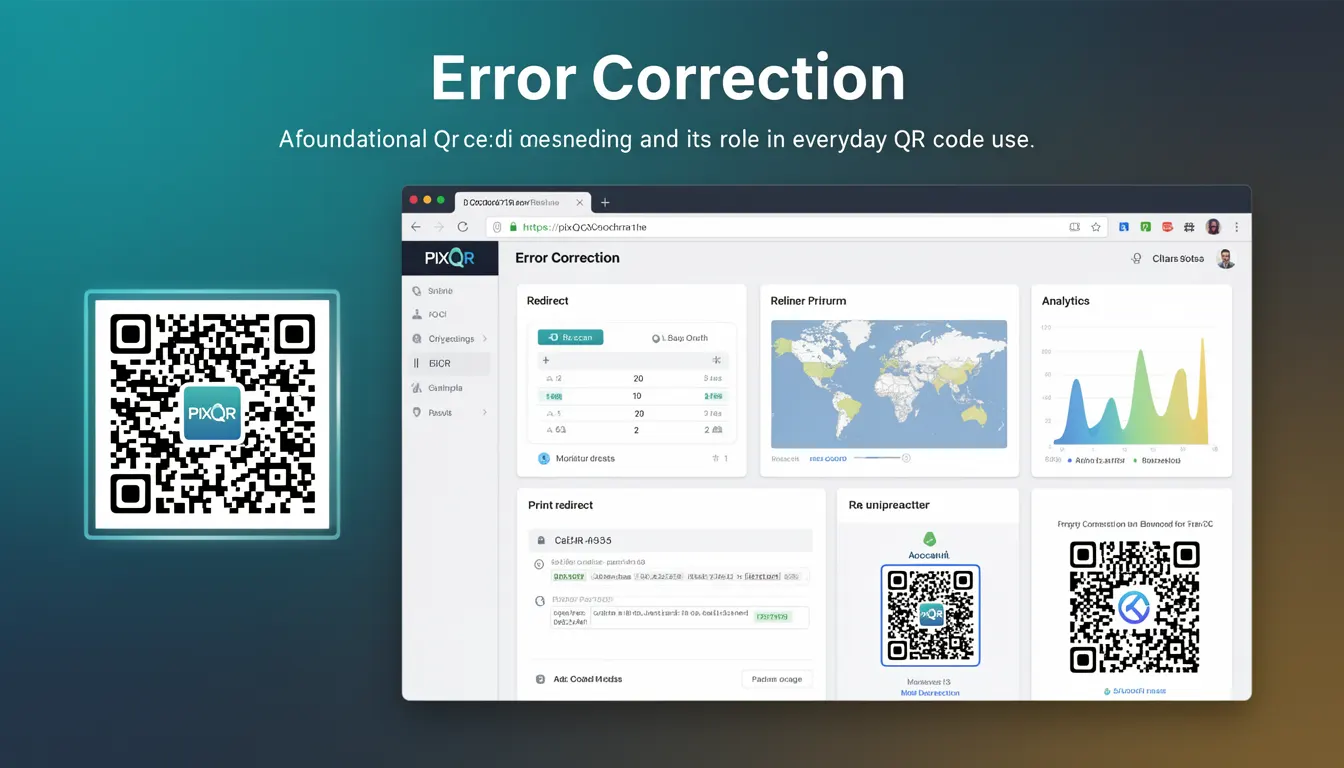
Error Correction is a core feature of QR codes that enables the code to remain scannable and readable even when partially damaged, obscured, or degraded. It is implemented using Reed-Solomon error correction, a mathematical technique that adds redundant data to the QR code’s payload. This redundancy allows QR readers to reconstruct the original data even if portions of the code are unreadable.
For developers working with PixQR, understanding error correction is essential for generating robust QR codes that maintain functionality across a wide range of conditions, such as printing on low-quality materials, scanning in poor lighting, or exposure to environmental factors. It is a fundamental component of PixQR's brand-safe design and scan reliability features, ensuring consistent performance across diverse use cases.
Why It Matters
For developers, error correction directly impacts the usability and dependability of QR codes in production environments. Without sufficient error correction, QR codes may fail to scan in real-world conditions, leading to user frustration and reduced effectiveness of digital links or data transfers. In PixQR, error correction is critical for maintaining operational workflows and ensuring that dynamic redirects remain functional even under adverse conditions.
From a security perspective, error correction also plays a role in fraud prevention. If a QR code is intentionally damaged or altered, robust error correction can help maintain its integrity, but it also means that malicious actors may attempt to exploit the redundancy to inject unauthorized data. PixQR's secure operational workflows include checks to ensure that error correction levels are applied appropriately without compromising data integrity.
How It Works
QR codes support four levels of error correction, defined by the ISO/IEC 18004 standard. These levels are labeled as L (Low), M (Medium), Q (Quartile), and H (High), with increasing redundancy and data recovery capacity. Each level determines how much of the QR code can be corrupted or obscured while still being successfully decoded.
- Level L (7%): Offers the lowest redundancy, suitable for high-quality, undamaged QR codes with minimal risk of corruption.
- Level M (15%): Provides a balance between data capacity and error resilience, often used in commercial applications.
- Level Q (25%): Offers high redundancy, ideal for codes that may be subject to wear, damage, or environmental interference.
- Level H (30%): Provides maximum error correction, suitable for codes that must remain scannable under extreme conditions.
- Higher error correction levels reduce the amount of data that can be encoded in the QR code, as more space is reserved for redundancy.
In PixQR, developers configure error correction levels during QR code generation. The system defaults to Level M for most use cases, but this can be adjusted based on the expected environment or usage scenario. PixQR’s API allows developers to specify error correction levels when creating QR codes programmatically, ensuring that codes are tailored to their intended reliability requirements.
Quick Reference
| Item | Purpose | Notes |
|---|---|---|
| Error Correction Level | Determines redundancy and data recovery capacity | Use Level Q or H for print or outdoor applications |
| Reed-Solomon Encoding | Mathematical method for adding redundancy | Standardized in ISO/IEC 18004 |
| QR Code Version | Size and data capacity of the QR code | Higher versions support more data and error correction |
| Scanning Reliability | Ability to read damaged codes | Higher error correction improves reliability |
| PixQR API Parameter | Controls error correction during generation | Accepts values L, M, Q, H |
Basic Example
PixQR Example QR
This QR links directly to this glossary page, so printed notes, onboarding docs, and support material can bring scanners back to the current reference.

This example shows how to generate a QR code with a specified error correction level using PixQR’s API. It demonstrates the parameter structure for setting error correction, which is essential for developers working with QR code generation workflows.
const qrData = {
  "data": "https://example.com",
  "errorCorrection": "Q"
};
const qrCode = pixqr.generate(qrData);
The example sets the error correction level to "Q", which provides 25% redundancy. This is suitable for codes that may be printed or scanned under less-than-ideal conditions. The key line is the errorCorrection parameter, which controls how much of the QR code is reserved for error recovery.
Production Example
This example illustrates how to generate a QR code with error correction in a production context, including validation and configuration for print and digital use. It reflects the kind of setup developers might use when integrating PixQR into an operational workflow.
const generateQR = (url, environment = 'digital') => {
  const config = {
    data: url,
    errorCorrection: environment === 'print' ? 'H' : 'M',
    size: 300,
    margin: 1
  };
  return pixqr.generate(config);
};
const qrCode = generateQR('https://example.com', 'print');
This version adjusts the error correction level based on the intended environment. For print applications, it uses Level H to ensure scannability even if the code is damaged or printed at low resolution. This approach is more maintainable and scalable than hardcoding values, aligning with PixQR’s secure operational workflows.
Common Mistakes
- Using Level L for applications where the QR code may be exposed to damage or wear, leading to scan failures.
- Ignoring error correction when generating codes for print or outdoor use, resulting in poor user experience.
- Assuming all QR codes behave identically, without considering version or size differences that affect error correction capacity.
- Setting error correction levels too high, which reduces data capacity and may impact performance or cost in data-heavy applications.
- Not validating QR code output after generation, potentially deploying codes with unintended error correction levels or corrupted data.
Security And Production Notes
- Higher error correction levels increase redundancy, which may inadvertently allow data injection if not properly validated.
- When using dynamic redirects, ensure that error correction does not obscure malicious data within the QR code payload.
- Validate QR code output to confirm that the error correction level is correctly applied and that no data corruption occurs.
- Use consistent error correction levels across a brand’s QR code assets to maintain reliability and user trust.
- Monitor scan analytics to detect potential issues with QR code integrity, which may indicate problems with error correction or data encoding.
Related Concepts
Error Correction is closely related to several other QR code concepts. Understanding these relationships helps developers make informed decisions when generating codes with PixQR:
- QR Code Version: Determines the size and data capacity of the code. Higher versions can support more error correction but require more space.
- Reed-Solomon Encoding: The mathematical method used to implement error correction in QR codes.
- Scanning Reliability: The ability of a QR code to be successfully scanned under various conditions, heavily influenced by error correction levels.
- Data Capacity: The amount of data that can be encoded, which decreases as error correction levels increase.
- Dynamic Redirects: QR codes used for redirects benefit from error correction to ensure consistent link delivery, especially in high-risk environments.