 PixQR
PixQR
Overview
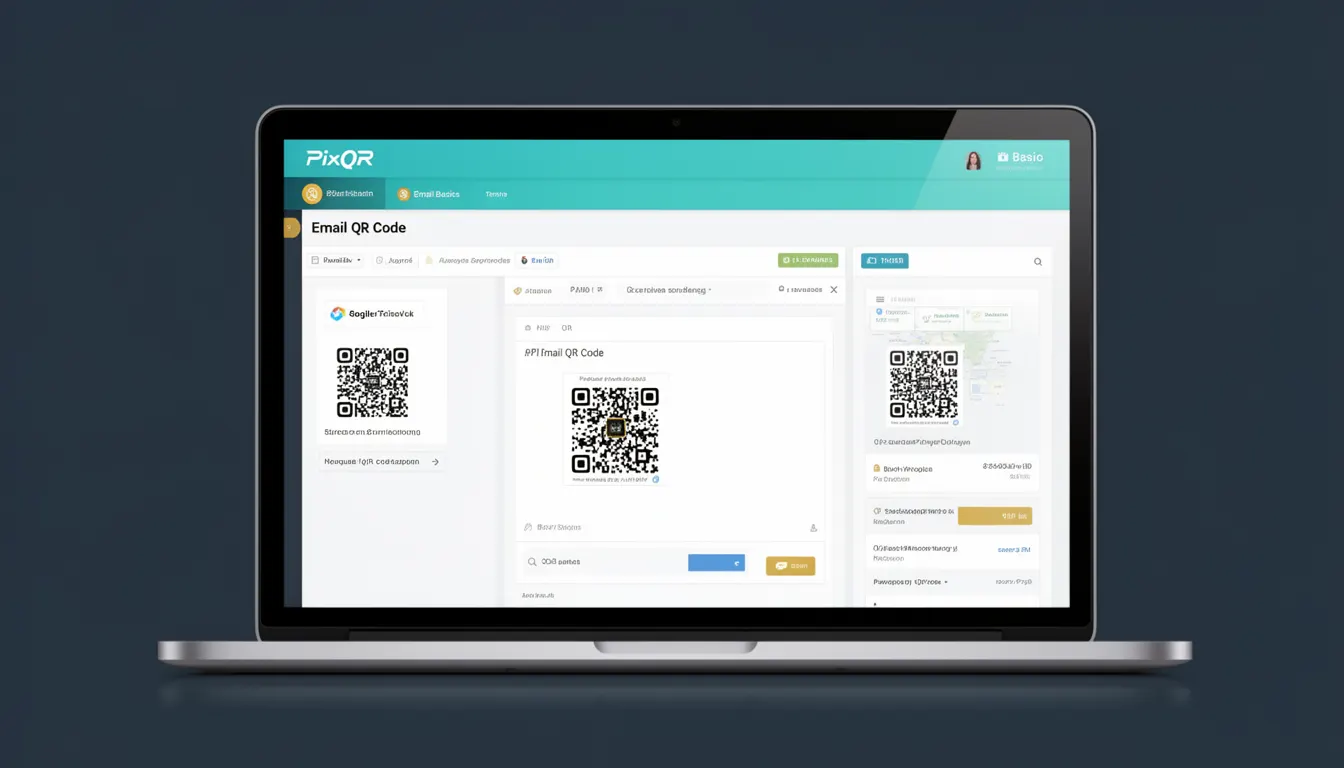
An Email QR Code is a type of QR code that encodes an email address or email action, such as mailto: links, allowing users to quickly initiate email communication directly from a mobile device or QR scanner. It is a foundational concept in QR code generation and usage, particularly in marketing, event management, and user engagement workflows.
Developers use Email QR Codes to streamline communication channels, reduce friction in user onboarding, and enable seamless transitions from physical or digital touchpoints to email interaction. In the context of PixQR, these codes are generated with a focus on brand-safe design, scan reliability, and privacy compliance.
Why It Matters
For developers and product teams, Email QR Codes offer a direct and efficient way to encourage user engagement by reducing the number of steps required to initiate communication. They are especially valuable in scenarios such as business card exchanges, event registration, feedback collection, or customer support workflows.
From a security and privacy standpoint, Email QR Codes must be handled carefully to prevent abuse or misuse. PixQR ensures that generated codes are safe, trackable, and comply with data privacy regulations. For site operators, integrating Email QR Codes into campaigns can improve analytics, reduce bounce rates, and enhance user experience by offering immediate, intuitive communication options.
How It Works
Email QR Codes are generated using the mailto: URI scheme, which is a standard method for encoding email addresses and pre-filled email content in URLs. The QR code itself is a two-dimensional barcode that encodes this URI, which when scanned, triggers a device’s email client to open with the relevant information pre-filled.
- QR codes are typically generated using a library or API that encodes data in a standard format such as QR Code Model 2, which supports up to 7,089 alphanumeric characters.
- The
mailto:URI scheme supports optional parameters likesubject,body, andccto pre-fill email fields. - When scanned, the device’s QR reader or camera app recognizes the encoded data and parses the
mailto:URI to launch the appropriate email client. - PixQR ensures that all generated codes are validated for format correctness and safe to use in both digital and print environments.
- Scan tracking and analytics can be enabled to monitor how many users interact with the code, where they are located, and how they engage with the email action.
Quick Reference
| Item | Purpose | Notes |
|---|---|---|
mailto: URI scheme | Encodes email address and optional fields | Used in QR code data payload |
| QR code version | Determines data capacity | Model 2 supports up to 7,089 alphanumeric characters |
| Scan tracking | Monitors user interaction | Enabled via PixQR dashboard |
| Privacy compliance | Ensures safe handling of data | Supports GDPR and CCPA standards |
| Print reliability | Ensures scannability in physical media | Optimized for high-resolution printing |
Basic Example
PixQR Example QR
This QR links directly to this glossary page, so printed notes, onboarding docs, and support material can bring scanners back to the current reference.
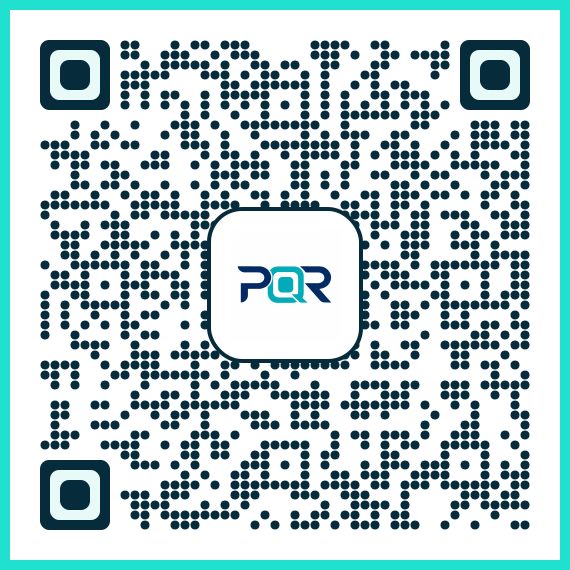
This example shows how to create a basic Email QR Code using the mailto: URI scheme.
const emailData = 'mailto:example@example.com';
const qrCodeUrl = `https://api.pixqr.com/generate?data=${encodeURIComponent(emailData)}`;
console.log(qrCodeUrl);
The generated URL encodes a simple email address. When scanned, it opens the default email client with the recipient pre-filled.
Production Example
This example demonstrates how to generate a more robust Email QR Code with pre-filled subject and body fields, using PixQR’s API with validation and error handling.
const recipient = 'support@company.com';
const subject = 'Feedback Request';
const body = 'Hello, I have a question about your service.';
const emailData = `mailto:${recipient}?subject=${encodeURIComponent(subject)}&body=${encodeURIComponent(body)}`;
const apiEndpoint = 'https://api.pixqr.com/generate';
const payload = {
  data: emailData,
  options: {
    brand_safe: true,
    analytics: true
  }
};
fetch(apiEndpoint, {
  method: 'POST',
  headers: { 'Content-Type': 'application/json' },
  body: JSON.stringify(payload)
})
.then(response => response.json())
.then(data => console.log('QR Code URL:', data.url))
.catch(error => console.error('Error:', error));
This version includes subject and body fields, ensures brand safety, and enables analytics, making it suitable for production workflows.
Common Mistakes
- Not encoding special characters in email URIs, leading to malformed QR codes that fail to scan or open correctly.
- Using untrusted QR generation libraries or APIs that do not validate input, risking malicious data injection.
- Ignoring privacy compliance, such as sending personal data without encryption or user consent.
- Generating QR codes without scan reliability checks, causing issues in print or low-light environments.
- Not implementing analytics or tracking, which prevents measurement of user engagement and campaign effectiveness.
- Overlooking accessibility considerations, such as ensuring QR codes are scannable by assistive devices or screen readers.
Security And Production Notes
- Always validate and sanitize email addresses to prevent injection attacks or malformed URIs.
- Use HTTPS endpoints for QR code generation to ensure secure data transmission.
- Implement rate limiting on QR generation APIs to prevent abuse or spam.
- Ensure that all QR codes are generated with appropriate scan reliability and resolution for both digital and print use.
- Enable analytics and tracking to monitor engagement and detect anomalies in usage patterns.
Related Concepts
Several closely related developer concepts are essential for understanding and implementing Email QR Codes effectively:
- QR Code Generation — The process of converting data into a scannable QR code, often using libraries or APIs.
- URI Schemes — Standardized methods for encoding data, such as
mailto:,tel:, orhttp:. - Scan Tracking — The ability to monitor how many users scan a QR code and how they interact with it.
- Dynamic Redirects — A mechanism to change QR code behavior over time, useful for campaign updates or A/B testing.
- Brand Safety — Ensuring that QR code content aligns with brand guidelines and does not include inappropriate or unsafe data.