 PixQR
PixQR
Overview
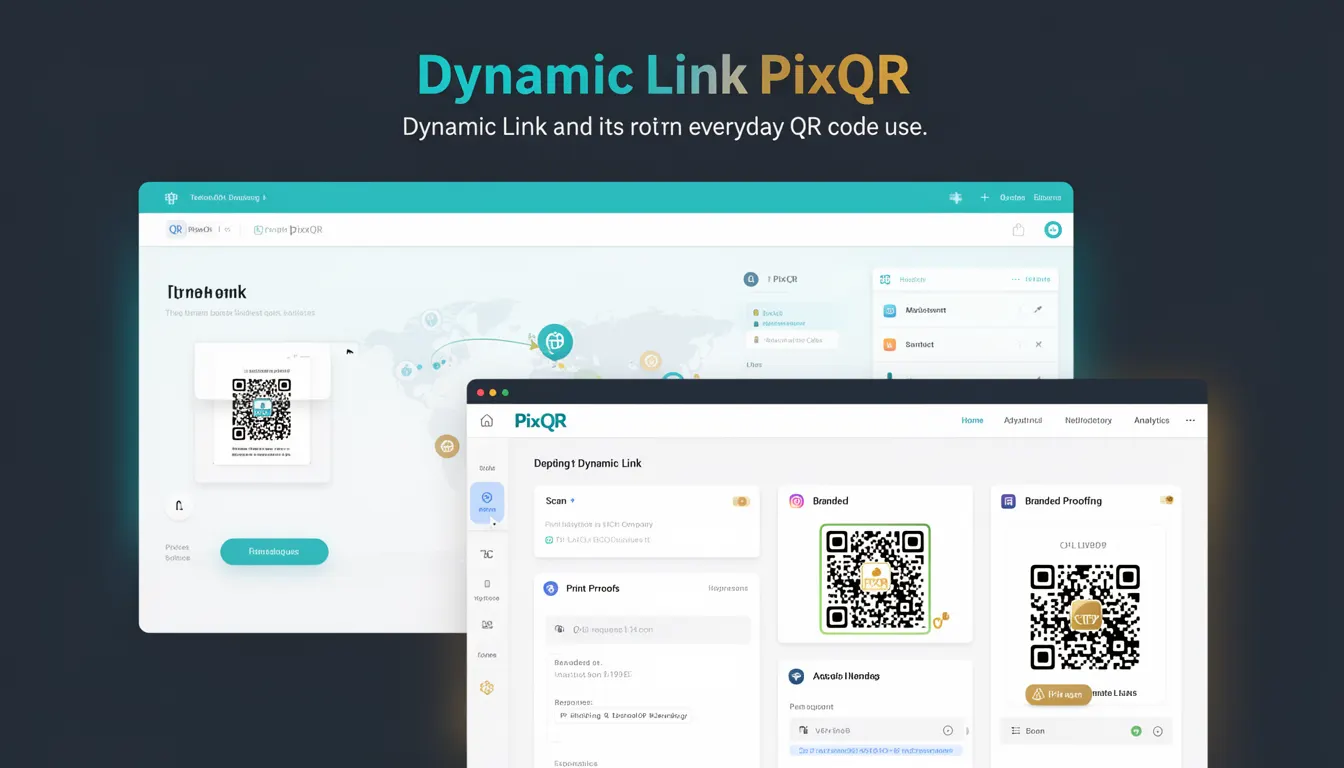
A Dynamic Link in the context of PixQR refers to a QR code that points to a URL which can be modified or redirected after the QR code is generated. Unlike static QR codes that encode a fixed URL, dynamic links allow for changes to the destination without re-printing or re-generating the QR code itself.
Dynamic links are commonly used in marketing campaigns, event management, and digital asset distribution where the target URL may change over time or needs to be updated based on user behavior or campaign performance. In PixQR, this functionality is supported through API endpoints and dashboard controls that enable real-time updates to link destinations.
Why It Matters
For developers and operations teams managing QR code systems, dynamic links provide significant flexibility and control. They allow for A/B testing of landing pages, real-time campaign adjustments, and centralized link management without requiring physical reprints. This is especially valuable in environments where campaign effectiveness depends on immediate response or where link destinations need to be updated frequently.
From a security perspective, dynamic links in PixQR can be configured with access controls and audit logs to track who made changes and when. This is critical for maintaining brand integrity and ensuring that only authorized personnel can modify critical link destinations. Additionally, dynamic links support analytics integration, allowing developers to monitor performance metrics and optimize campaigns in real time.
How It Works
Dynamic links in PixQR operate by storing a mapping between a unique identifier (such as a UUID or short token) and a target URL. When a user scans a QR code, the PixQR scanning infrastructure resolves the identifier to the current destination URL. This process allows for real-time updates to the target URL without altering the QR code image itself.
- Each dynamic link is associated with a unique identifier that remains constant even when the destination changes.
- Updates to the destination URL are handled through PixQR's API or dashboard interface.
- Scan tracking and analytics are enabled through backend systems that log each interaction with the dynamic link.
- Link destinations can be updated programmatically or manually via PixQR’s management interface.
- Dynamic links support both HTTP and HTTPS protocols, with automatic validation to prevent malformed URLs.
Quick Reference
| Item | Purpose | Notes |
|---|---|---|
| Link Identifier | Uniquely identifies a dynamic link | Immutable after creation |
| Target URL | Destination the QR code points to | Can be updated without re-generating QR code |
| Scan Analytics | Tracks QR code scans | Available through PixQR API |
| Access Control | Manages who can update links | Configurable per link |
| Redirect Type | HTTP or HTTPS redirect | Enforced by PixQR backend |
Basic Example
PixQR Example QR
This QR links directly to this glossary page, so printed notes, onboarding docs, and support material can bring scanners back to the current reference.

This example shows how a basic dynamic link is created using PixQR’s API. It demonstrates the structure of a request to generate a new dynamic link with an initial destination URL.
{
  "name": "Campaign Link",
  "target_url": "https://example.com/campaign",
  "expires_at": "2025-12-31T23:59:59Z"
}
The example creates a link named "Campaign Link" with a target URL pointing to a campaign landing page. The optional expires_at field defines when the link becomes inactive. This is a minimal configuration that sets up a dynamic link ready for scanning and tracking.
Production Example
In a production environment, dynamic link management involves validation, error handling, and integration with analytics systems. This example shows a more complete workflow for updating a dynamic link with proper validation and error handling.
{
  "link_id": "a1b2c3d4-e5f6-7890-abcd-ef1234567890",
  "target_url": "https://example.com/updated-campaign",
  "is_active": true,
  "tags": ["marketing", "event-2025"],
  "analytics_enabled": true
}
This version includes additional fields such as link_id for identification, is_active to control visibility, tags for categorization, and analytics_enabled to toggle tracking. It reflects a production-ready configuration that supports team workflows and audit logging.
Common Mistakes
- Not validating URLs before assigning them to dynamic links, which can lead to broken or malicious redirects.
- Using generic or untagged links, making it difficult to track or manage multiple campaigns.
- Ignoring access control settings, resulting in unauthorized changes to critical links.
- Failing to implement expiration dates for links, leading to outdated or irrelevant destinations.
- Not integrating analytics or tracking systems, which prevents optimization of link performance.
Security And Production Notes
- Always validate URLs to ensure they conform to expected formats and do not point to malicious domains.
- Implement access controls to restrict who can modify dynamic links, especially for high-traffic or brand-critical destinations.
- Enable analytics and logging to monitor usage and detect anomalies or unauthorized changes.
- Use HTTPS for all target URLs to ensure secure communication between users and destinations.
- Regularly audit link configurations and expiration settings to maintain operational integrity.
Related Concepts
Dynamic links are closely related to several core concepts in QR code management and web development. Static links are their direct counterpart, offering no flexibility once generated. API integrations allow for automated link creation and updates. Analytics systems provide insights into link performance. Access control mechanisms ensure secure management. Finally, scan reliability and print quality are essential for ensuring dynamic links function as intended in real-world deployments.