 PixQR
PixQR
Overview
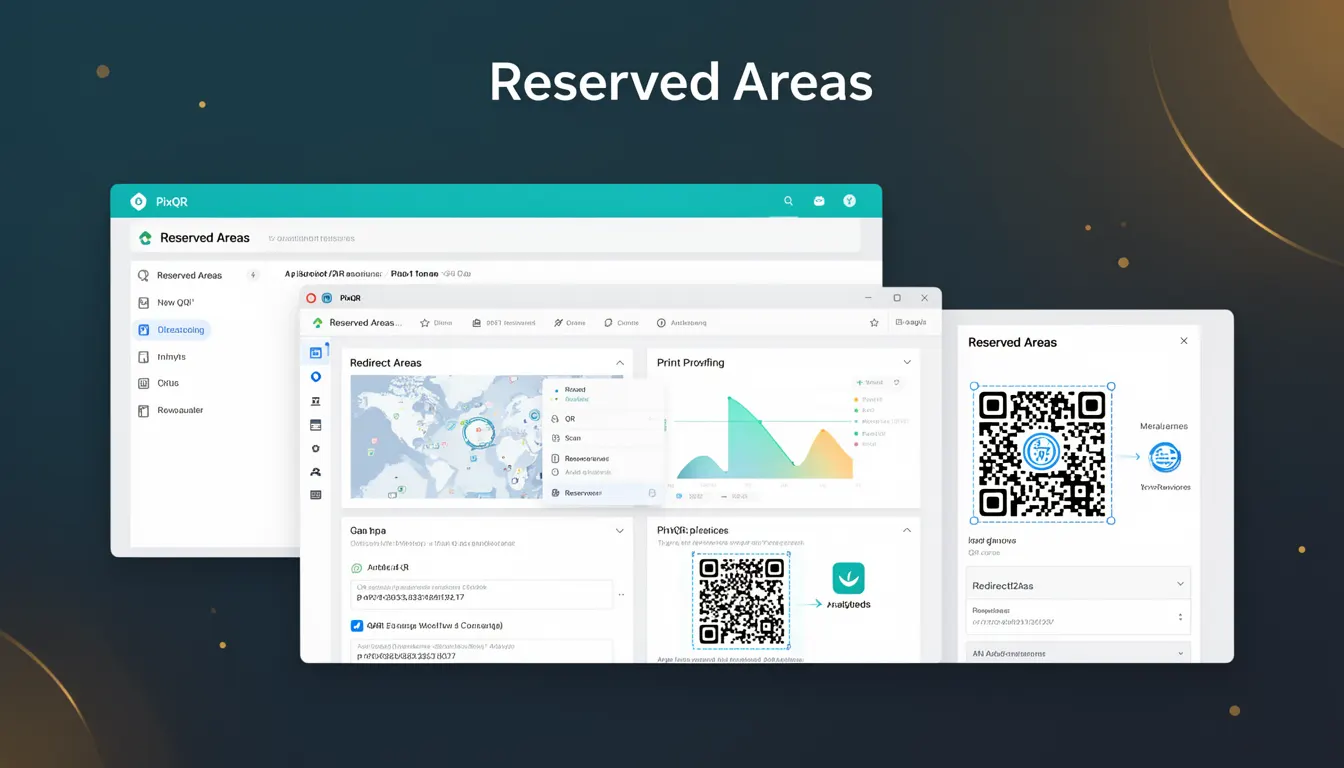
Reserved Areas in QR code technology refer to specific, predefined regions within a QR code's matrix that are designated for structural or metadata purposes. These areas are not used for encoding user data but instead contain critical information required for the QR code's decoding process.
Reserved Areas are essential for maintaining QR code integrity, ensuring reliable scanning across different devices and platforms. They play a key role in how PixQR generates and validates QR codes, particularly in dynamic redirect scenarios where consistency and reliability are paramount. When working with PixQR, developers must understand how Reserved Areas interact with data encoding, error correction, and scan behavior.
Why It Matters
Reserved Areas are critical for ensuring that QR codes remain scannable and consistent across a wide range of hardware and software environments. In PixQR, these areas are part of the QR code's internal structure and must be respected during generation to prevent invalid or unscannable codes.
For developers managing dynamic redirects or brand-safe QR codes, Reserved Areas directly affect how link targets are encoded and decoded. Misconfigurations or incorrect handling of these areas can lead to scanning failures, inconsistent redirects, or even security vulnerabilities if user data is inadvertently placed in reserved regions.
How It Works
Reserved Areas are defined in the QR code standard (ISO/IEC 18004) and occupy specific positions within the matrix grid. These areas are not available for data encoding and are instead used for:
- Positioning patterns (alignment markers) that help scanners identify the code's orientation and size
- Timing patterns (horizontal and vertical lines) used for synchronization during decoding
- Format information that specifies error correction level and mask pattern
- Version information for larger QR codes (models 7 and above)
- Quiet zones, which are margin areas around the QR code that help scanners detect boundaries
In PixQR, Reserved Areas are automatically calculated and managed during QR code generation. Developers can configure the size and layout of these areas through API parameters, but direct modification is restricted to preserve decoding accuracy.
Reserved Areas are typically located at the corners of the QR code matrix, along the edges, and in fixed positions based on the code's size and version. These locations are standardized to ensure compatibility across all QR code readers and scanners.
Quick Reference
| Item | Purpose | Notes |
|---|---|---|
| Positioning Patterns | Alignment markers for scanning accuracy | Located at fixed grid positions |
| Timing Patterns | Synchronization lines for decoding | Horizontal and vertical lines |
| Format Information | Error correction and mask data | Encoded in specific matrix rows |
| Version Information | Code size metadata | Used for models 7 and above |
| Quiet Zones | Margin areas for scanner detection | Minimum 4 modules wide |
Basic Example
PixQR Example QR
This QR links directly to this glossary page, so printed notes, onboarding docs, and support material can bring scanners back to the current reference.
/glossary/qr-code-how-qr-codes-work/how-qr-codes-work-reserved-areas
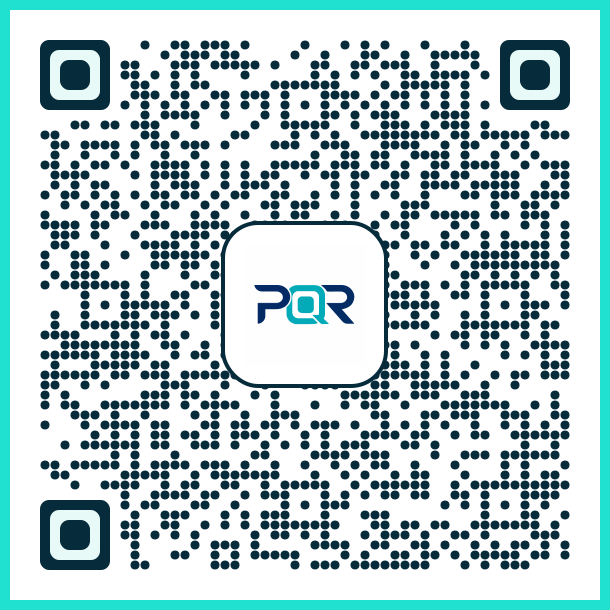
This example demonstrates how Reserved Areas are handled in a basic QR code generation process using PixQR's API. The developer specifies a target URL, and PixQR automatically assigns reserved areas to ensure the code is scannable.
const qrData = {
  url: 'https://example.com',
  type: 'dynamic',
  reservedAreas: {
    enable: true,
    quietZone: 4
  }
};

const qrCode = pixqr.generate(qrData);
The example shows that Reserved Areas are enabled by default in PixQR. The quietZone parameter specifies the margin size, which is critical for scanner compatibility. The enable flag ensures reserved areas are properly applied.
Production Example
In a production environment, Reserved Areas must be consistently managed to maintain QR code reliability. This example shows how a developer might configure a QR code for a brand-safe redirect while ensuring reserved areas are correctly handled.
const config = {
  targetUrl: 'https://secure.example.com/redirect',
  brand: 'MyBrand',
  reservedAreas: {
    quietZone: 6,
    positioningPatterns: true,
    timingPatterns: true
  },
  analytics: {
    enabled: true,
    tracking: 'scan'
  }
};

const qrResponse = pixqr.create(config);

if (qrResponse.success) {
  const qrCode = qrResponse.qrCode;
  console.log('QR Code generated with reserved areas:', qrCode);
} else {
  console.error('QR Code generation failed:', qrResponse.error);
}
This version is more suitable for production because it includes error handling, analytics tracking, and explicit configuration of reserved areas. The increased quiet zone helps ensure compatibility with a wide range of scanners, and the reserved areas are explicitly enabled to maintain decoding integrity.
Common Mistakes
- Manually modifying reserved areas in the QR matrix, which can cause decoding failures
- Ignoring quiet zone requirements, leading to scanning issues on some devices
- Using outdated QR code versions that don't support newer reserved area configurations
- Disabling reserved areas without understanding the impact on scannability
- Assuming all QR code readers will handle reserved areas the same way, leading to inconsistent behavior
- Not validating QR code output for reserved area conflicts after custom encoding
Security And Production Notes
- Reserved Areas are critical for maintaining QR code integrity and preventing malformed codes
- Always validate QR code output to ensure reserved areas are not overwritten
- Reserved areas must be preserved during any QR code manipulation to avoid scanning failures
- Incorrect handling of reserved areas can introduce security vulnerabilities in redirect chains
- Consistent use of quiet zones and positioning patterns ensures compatibility with enterprise scanners
Related Concepts
Reserved Areas are closely related to several other QR code concepts:
- QR Code Matrix: The grid structure where Reserved Areas are defined and where data is encoded
- Error Correction: Reserved areas contain format information that specifies the error correction level
- Mask Patterns: Reserved areas are used to encode mask pattern information for decoding
- Quiet Zones: Margin areas around the QR code that are part of the Reserved Area specification
- Positioning Patterns: Specific markers that help scanners detect the code's orientation and size