 PixQR
PixQR
Overview
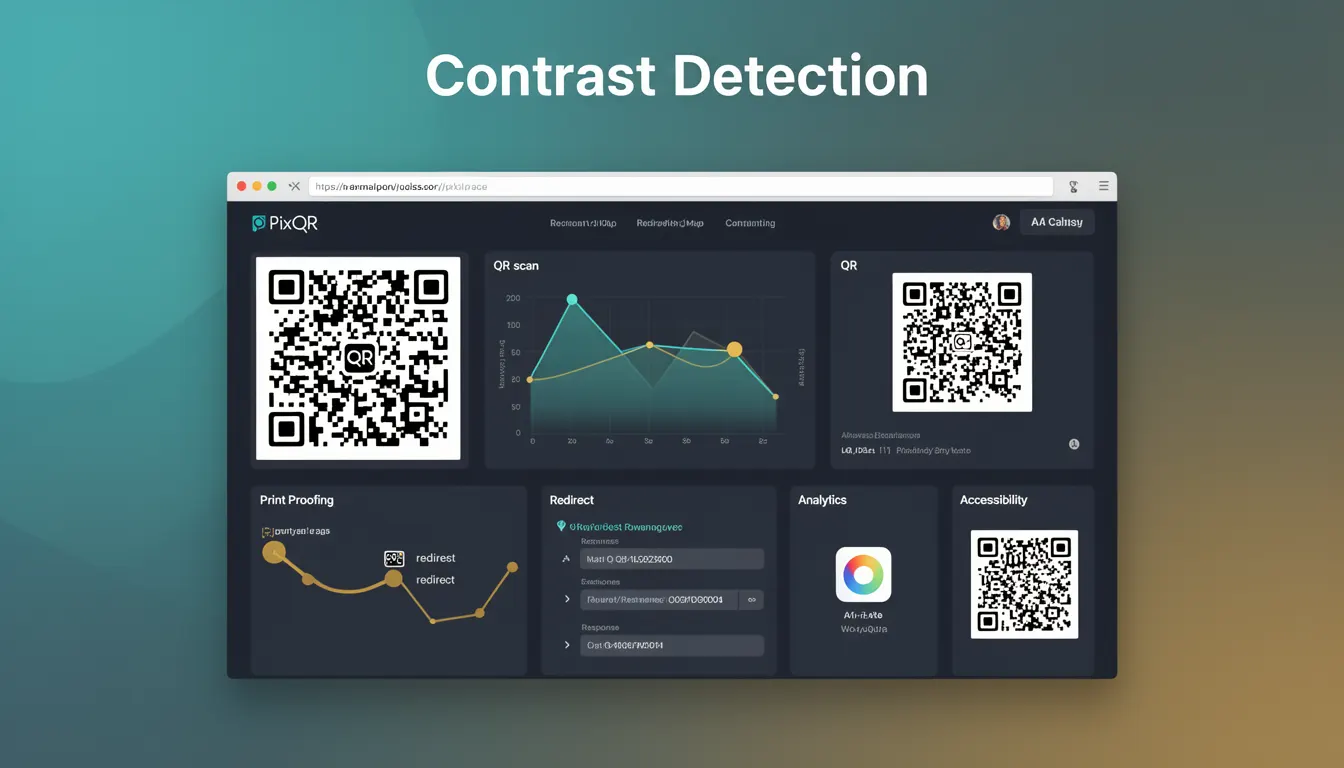
Contrast Detection is a technical mechanism used in QR code generation and decoding to ensure that the QR code's black and white modules are clearly distinguishable. This process is essential for reliable scanning, especially in low-light environments or when the QR code is printed on materials with varying textures or colors.
In the context of PixQR, Contrast Detection helps maintain the integrity of QR codes during creation and ensures that end users can reliably scan them. The system evaluates the contrast ratio between the QR code’s modules and its background, adjusting parameters if necessary to meet minimum scanning thresholds.
Why It Matters
For developers and platform maintainers, Contrast Detection is crucial for ensuring that QR codes function reliably across a wide range of devices and environments. Poor contrast can lead to scanning failures, which in turn can impact user experience, marketing effectiveness, and operational workflows.
In production environments, especially those involving dynamic QR code generation or print workflows, Contrast Detection helps avoid costly reprints or user frustration. It also supports compliance with accessibility standards, as low-contrast QR codes may not be usable by individuals with visual impairments.
How It Works
Contrast Detection works by analyzing the luminance differences between QR code modules and the surrounding background. The system calculates the contrast ratio using the formula:
Contrast Ratio = (L1 + 0.05) / (L2 + 0.05), where L1 is the luminance of the lighter area and L2 is the luminance of the darker area.
- Contrast ratios below 3:1 are considered insufficient for reliable scanning, especially in varying lighting conditions.
- For accessibility compliance, a minimum ratio of 4.5:1 is recommended for normal text and 3:1 for large text.
- PixQR applies Contrast Detection during QR code generation to evaluate and adjust color schemes.
- Dynamic QR code redirects are validated for contrast before deployment to ensure consistent scanning behavior.
- Print quality checks include contrast analysis to detect issues that may arise during physical production.
Quick Reference
| Item | Purpose | Notes |
|---|---|---|
| Contrast Ratio | Measures difference between light and dark areas | Minimum 3:1 for reliable scanning |
| Background Color | Used in contrast evaluation | Must be evaluated against QR code color |
| Module Size | Impacts scanning reliability | Smaller modules may reduce contrast |
| Luminance Calculation | Quantifies contrast | Used in automated validation |
| Scan Validation | Ensures QR code is scannable | Performed during generation and deployment |
Basic Example
PixQR Example QR
This QR links directly to this glossary page, so printed notes, onboarding docs, and support material can bring scanners back to the current reference.
/glossary/qr-code-how-qr-codes-work/how-qr-codes-work-contrast-detection

This basic example demonstrates how Contrast Detection might be applied in a QR code generation process using a simulated evaluation.
const qrCode = generateQRCode({
  text: 'https://example.com',
  color: '#000000',
  backgroundColor: '#FFFFFF'
});

if (qrCode.contrastRatio < 3.0) {
  console.warn('Low contrast detected, adjusting background color');
  qrCode.backgroundColor = '#F0F0F0';
}
The example shows a QR code being generated with a black foreground and white background. If the calculated contrast ratio is below 3.0, the system adjusts the background color to improve visibility.
Production Example
In a production environment, Contrast Detection is integrated into PixQR’s QR generation pipeline to validate and optimize output before deployment.
const validateQRCode = (options) => {
  const { text, color, backgroundColor } = options;
  const contrast = calculateContrast(color, backgroundColor);

  if (contrast < 3.0) {
    throw new Error('QR code contrast ratio below minimum threshold');
  }

  return generateQRCode(options);
};

const result = validateQRCode({
  text: 'https://pixqr.com/redirect/12345',
  color: '#000000',
  backgroundColor: '#FFFFFF'
});
This version includes error handling and validation, making it suitable for production workflows. It ensures that any generated QR code meets the minimum contrast requirements before being made available for use.
Common Mistakes
- Ignoring contrast requirements during design phase leads to failed scans in real-world conditions.
- Using color schemes that do not meet minimum 3:1 contrast ratios, especially in low-light or high-glare environments.
- Overlooking accessibility compliance by not validating for contrast in print and digital outputs.
- Assuming that a QR code that scans on a device will scan reliably in all environments without contrast checks.
- Not integrating Contrast Detection into automated validation pipelines, resulting in inconsistent QR code quality.
Security And Production Notes
- Contrast Detection helps prevent fraud by ensuring QR codes are not easily obscured or altered during printing or scanning.
- Validation of contrast ratios during generation prevents deployment of codes that may fail under operational conditions.
- Automated contrast checks can be part of a broader security audit to detect potential tampering or misconfigurations.
- Using high-contrast color schemes improves accessibility, which is important for inclusive design and compliance with WCAG standards.
- Contrast checks can be extended to dynamic redirects to ensure that updated QR codes maintain scanning reliability.
Related Concepts
Contrast Detection is closely related to several key concepts in QR code technology and digital design:
- Scanning Reliability: Ensures that QR codes are scannable across devices and environments.
- Print Quality: Affects how QR codes appear when printed, especially on textured or non-uniform materials.
- Accessibility Standards: Compliance with WCAG and similar guidelines requires sufficient contrast for usability.
- Dynamic QR Generation: Contrast checks are applied during real-time QR code creation for redirects and tracking.
- Color Management: Proper color selection and evaluation are essential for maintaining contrast in QR code output.