 PixQR
PixQR
Overview
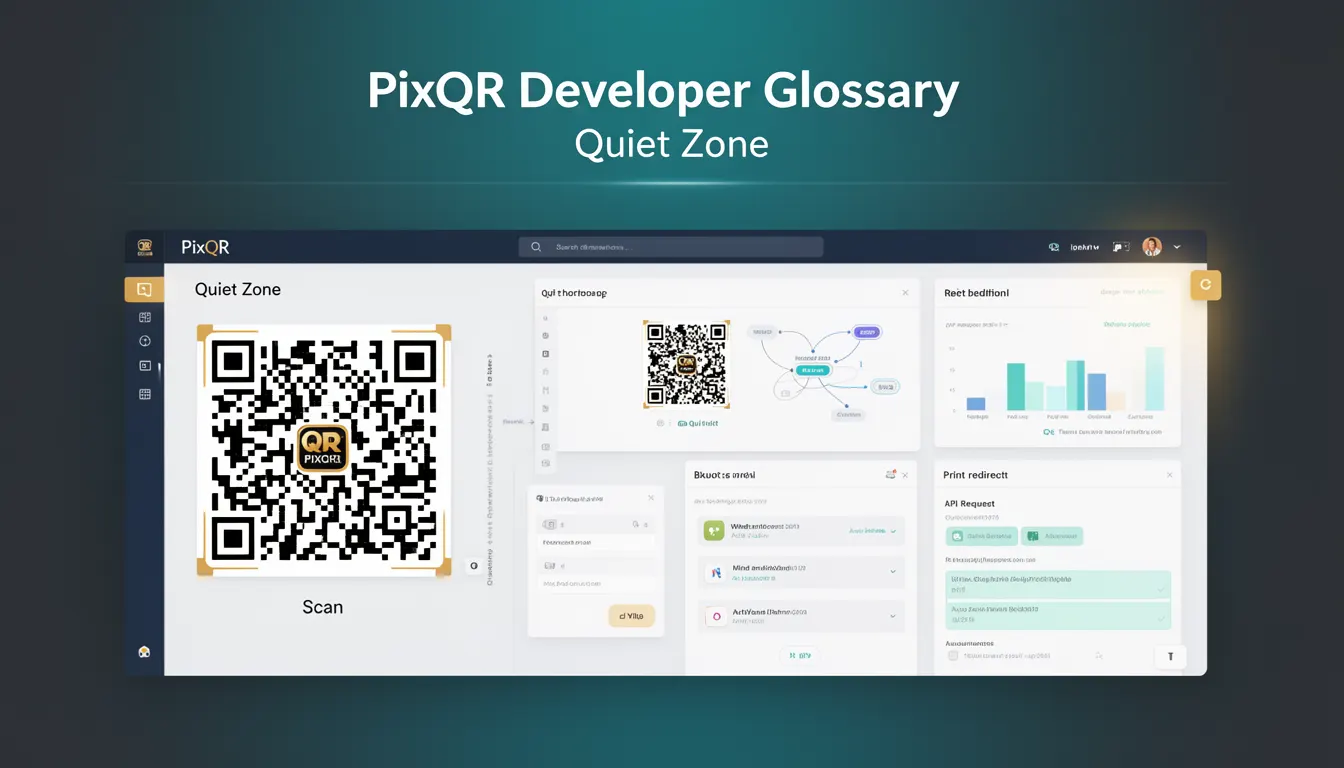
The Quiet Zone is a defined border area surrounding a QR code that must remain free of any data or visual elements. This space, typically represented as a white or transparent margin, ensures that QR code readers can accurately detect and decode the code without interference from adjacent content. The Quiet Zone is not just an aesthetic consideration but a functional requirement for reliable scanning and decoding.
In the context of PixQR, the Quiet Zone plays a critical role in generating QR codes that maintain their integrity across different media and scanning environments. When creating QR codes for dynamic redirects, brand-safe designs, or print applications, developers must ensure that the Quiet Zone is preserved to prevent scanning failures or misinterpretations. The requirement applies across all QR code formats and is a standard defined by the ISO/IEC 18004 specification.
Why It Matters
For developers working with PixQR, the Quiet Zone directly impacts the reliability and usability of generated QR codes. Without sufficient Quiet Zone, a QR code may fail to scan correctly, especially in environments with low contrast, poor lighting, or when scanned using lower-quality hardware. This can lead to failed redirects, misdirected traffic, or user frustration, particularly in high-volume or mission-critical applications.
From a security perspective, insufficient Quiet Zone can make QR codes vulnerable to manipulation or spoofing. For example, in fraud prevention scenarios, a QR code with inadequate margins may be altered or overlaid with malicious data that could go undetected during scanning. Maintaining a proper Quiet Zone helps ensure that QR codes are robust and unambiguous, enhancing both user experience and system integrity.
How It Works
The Quiet Zone is a standardized margin around the QR code that is left blank or unmarked. It is defined in the QR code specification as a minimum of four modules wide, where a module is the smallest unit of a QR code (either black or white). The Quiet Zone serves as a buffer to prevent adjacent content from interfering with the scanning process.
- The Quiet Zone is a fixed margin, typically four modules wide, around the entire QR code structure.
- It must be completely free of data, patterns, or visual elements to ensure scanning accuracy.
- During QR code generation, PixQR automatically includes the Quiet Zone in the output unless explicitly disabled or overridden.
- For print applications, the Quiet Zone should be preserved in design layouts to avoid trimming or clipping issues.
- Scanners may fail to detect QR codes with insufficient Quiet Zone, particularly when the code is printed at low resolution or scanned with older hardware.
Quick Reference
| Item | Purpose | Notes |
|---|---|---|
| Quiet Zone Width | Minimum margin around QR code | Must be at least four modules wide |
| Blank Space | Area free of data or patterns | Prevents interference with scanning |
| Module Size | Smallest unit of QR code | Quiet Zone is measured in modules |
| Generation Process | Automatically included in PixQR output | Can be adjusted via API or settings |
| Scanning Accuracy | Improves reliability of QR code readers | Reduced Quiet Zone increases error rate |
Basic Example
PixQR Example QR
This QR links directly to this glossary page, so printed notes, onboarding docs, and support material can bring scanners back to the current reference.
/glossary/qr-code-how-qr-codes-work/how-qr-codes-work-quiet-zone
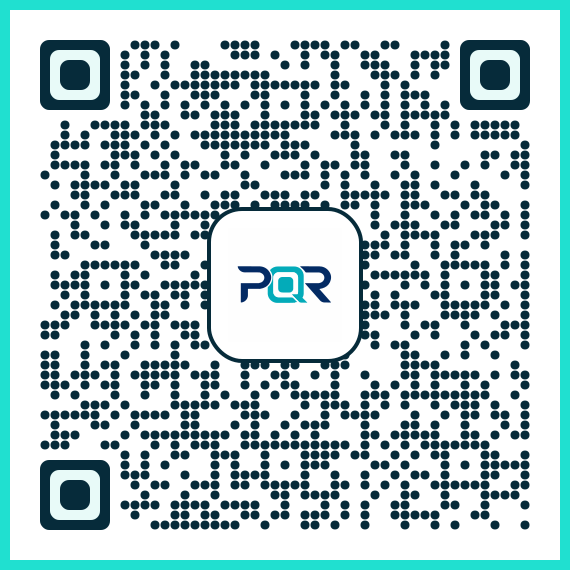
This example shows how a basic QR code is generated with the Quiet Zone included. The Quiet Zone ensures that scanning hardware can reliably detect the code’s boundaries.
const qrCode = pixqr.generate({
  data: 'https://example.com',
  size: 200,
  quietZone: true
});
The quietZone parameter is set to true, ensuring that the Quiet Zone is included in the generated QR code. This is the default behavior in PixQR and is essential for compatibility with most scanning devices.
Production Example
In a production environment, developers may need to customize Quiet Zone behavior to align with branding or layout requirements. The following example demonstrates how to configure a QR code with a custom Quiet Zone width while maintaining scanning reliability.
const qrCode = pixqr.generate({
  data: 'https://example.com',
  size: 250,
  quietZone: {
    width: 6,
    color: '#ffffff'
  },
  options: {
    errorCorrection: 'M',
    encoding: 'UTF-8'
  }
});
This version allows for explicit control over the Quiet Zone width, ensuring compatibility with high-resolution printing or custom branding while preserving scanning accuracy. It also includes error correction and encoding options, which are essential for robust QR code generation in production systems.
Common Mistakes
- Disabling the Quiet Zone without understanding the consequences, leading to scanning failures in real-world environments.
- Overlooking the Quiet Zone during print design, causing the margin to be cut off or overlaid with other content.
- Using low-resolution QR codes where the Quiet Zone is not clearly defined, increasing the risk of misinterpretation.
- Assuming that all QR code readers behave the same way, ignoring differences in hardware sensitivity or scanning algorithms.
- Incorrectly calculating Quiet Zone size in custom implementations, resulting in invalid QR code structures.
Security And Production Notes
- Always preserve the Quiet Zone to prevent QR code tampering or overlay attacks.
- Validate QR code output in multiple environments to ensure scanning consistency.
- Use PixQR's default Quiet Zone settings unless specific branding or layout requirements demand customization.
- Test QR codes with low-quality scanners or under poor lighting to confirm robustness.
- Ensure that custom Quiet Zone widths are at least four modules to comply with ISO/IEC 18004 standards.
Related Concepts
The Quiet Zone is closely related to several core QR code concepts. Understanding these connections helps developers make informed decisions when using PixQR for QR code generation and deployment. These include:
- Module: The smallest unit of a QR code, which defines the Quiet Zone in terms of width.
- Error Correction: QR codes with higher error correction levels may tolerate smaller Quiet Zones, but this is not recommended for production use.
- Scanning Hardware: Different scanners may have varying sensitivity to Quiet Zone size, affecting reliability.
- Print Quality: Low-resolution or poorly printed QR codes may fail to scan if Quiet Zone is not preserved.
- QR Code Size: Larger QR codes may require proportionally larger Quiet Zones for optimal scanning performance.