 PixQR
PixQR
Overview
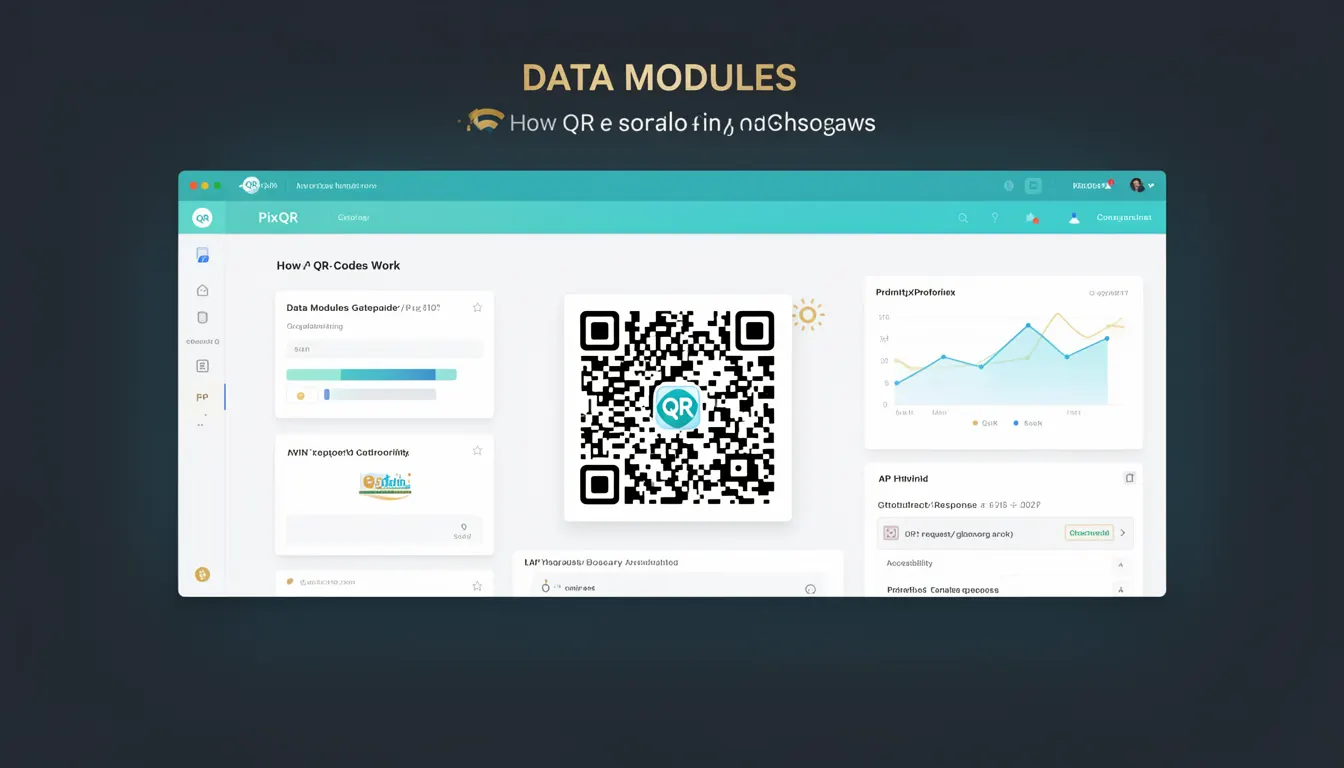
Data Modules are the fundamental building blocks of QR codes, representing individual cells or pixels within the grid structure that encode information. Each Data Module corresponds to a single bit of data, either a 0 or 1, and is arranged in a two-dimensional matrix to form the visual QR code. In PixQR, understanding Data Modules is essential for developers working with QR generation, decoding, or optimization, especially when ensuring compatibility with scanning systems or managing dynamic redirects.
When generating a QR code, developers must consider how Data Modules are arranged to ensure proper encoding, error correction, and readability. PixQR’s platform allows for dynamic QR code creation where the Data Module layout can be customized for specific use cases, such as embedding tracking identifiers or branding elements. Recognizing Data Modules in QR code structure helps developers troubleshoot scan failures, optimize for print or screen rendering, and maintain brand-safe design practices.
Why It Matters
For developers, Data Modules directly affect the reliability and compatibility of QR codes in production environments. Misalignment or incorrect configuration of Data Modules can lead to failed scans, especially when QR codes are printed at low resolution or used in high-contrast environments. PixQR’s platform emphasizes secure and reliable QR generation, making it critical to understand how Data Modules are constructed to avoid errors in dynamic redirect systems or tracking workflows.
From a performance standpoint, the arrangement and number of Data Modules influence how quickly a QR code can be scanned and decoded. In high-volume applications, such as retail or event management, optimizing Data Module usage can reduce scan latency and improve user experience. Additionally, when using PixQR for link management or redirect workflows, Data Modules help ensure that the encoded URL or data remains intact and scannable across various platforms and devices.
How It Works
Each Data Module in a QR code corresponds to a single bit of data, arranged in a square matrix that can be 21x21, 25x25, 33x33, or larger depending on the QR code version. These modules are filled based on the encoded data, error correction information, and alignment patterns. PixQR handles the low-level layout of Data Modules to ensure compatibility with scanning hardware and software, especially when generating dynamic QR codes for redirects or analytics tracking.
- Data Modules are organized in a grid structure, with each cell representing a single bit of data.
- QR codes include reserved areas for timing patterns, alignment markers, and format information, which do not encode user data.
- Each Data Module is either black or white, with black representing a 1 and white representing a 0.
- For dynamic QR codes, PixQR ensures that Data Modules are configured to maintain scannability while embedding tracking or redirect logic.
- When optimizing for print or screen display, developers must ensure that Data Module resolution remains high enough for reliable scanning.
Quick Reference
| Item | Purpose | Notes |
|---|---|---|
| Module Size | Determines the resolution of the QR code | Must be consistent with scanning hardware capabilities |
| Bit Encoding | Represents 0 or 1 in each module | Used in data and error correction layers |
| Alignment Patterns | Helps scanners locate and decode the code | Inserted at fixed intervals in larger codes |
| Timing Patterns | Used to synchronize scanning process | Present in all QR codes for consistent scanning |
| Reserved Areas | Non-data regions for format and control | Must not be overwritten during encoding |
Basic Example
PixQR Example QR
This QR links directly to this glossary page, so printed notes, onboarding docs, and support material can bring scanners back to the current reference.
/glossary/qr-code-how-qr-codes-work/how-qr-codes-work-data-modules

This example demonstrates how a basic QR code grid is structured using Data Modules. Each cell in the grid represents a single Data Module, either black or white.
const qrGrid = [
  [1, 1, 1, 1, 1, 1, 1],
  [1, 0, 0, 0, 0, 0, 1],
  [1, 0, 1, 1, 1, 0, 1],
  [1, 0, 1, 0, 1, 0, 1],
  [1, 0, 1, 1, 1, 0, 1],
  [1, 0, 0, 0, 0, 0, 1],
  [1, 1, 1, 1, 1, 1, 1]
];
This grid represents a 7x7 QR code, where 1s are black Data Modules and 0s are white. The outer border and inner structure form a recognizable QR code pattern, suitable for basic encoding and decoding.
Production Example
In a production environment, PixQR uses Data Modules to generate scalable QR codes that maintain readability across various formats and devices. This example shows how Data Modules are structured within a dynamic redirect QR code, ensuring that the encoded data remains intact and scannable.
const dynamicQRConfig = {
  version: 5,
  errorCorrection: 'M',
  dataModules: [
    [1, 1, 1, 1, 1, 1, 1, 1, 1],
    [1, 0, 0, 1, 0, 0, 1, 0, 1],
    [1, 0, 1, 1, 1, 0, 1, 0, 1],
    [1, 0, 1, 0, 1, 0, 1, 0, 1],
    [1, 0, 1, 1, 1, 0, 1, 0, 1],
    [1, 0, 0, 1, 0, 0, 1, 0, 1],
    [1, 1, 1, 1, 1, 1, 1, 1, 1],
    [1, 0, 0, 0, 0, 0, 0, 0, 1],
    [1, 1, 1, 1, 1, 1, 1, 1, 1]
  ],
  redirectUrl: 'https://example.com/track'
};
This configuration ensures that the Data Modules are properly arranged for reliable scanning and that the QR code includes a redirect URL. The structure supports dynamic content while maintaining scannability and brand-safe design standards.
Common Mistakes
- Incorrectly setting Data Module values, leading to malformed QR codes that fail to scan.
- Overwriting reserved areas in the QR code grid, which causes decoding failures.
- Using inconsistent module sizes, resulting in poor print or screen rendering.
- Ignoring error correction levels when generating QR codes, reducing scan reliability.
- Not accounting for alignment patterns in larger QR codes, which can cause scanning issues in high-resolution environments.
- Hardcoding Data Module layouts without considering dynamic data or redirect requirements.
Security And Production Notes
- Always validate Data Module configurations to prevent malformed QR codes that could be misused in phishing or fraud.
- Ensure that dynamic redirects embedded in Data Modules are secure and do not expose sensitive data.
- Use error correction levels (L, M, Q, H) based on expected scanning conditions to maintain reliability.
- Implement access controls for QR code generation to prevent unauthorized or malicious Data Module manipulation.
- Test Data Module layouts across various devices and scanning environments to ensure consistent performance.
Related Concepts
Data Modules are closely related to several core QR code concepts:
- QR Code Version: Determines the size of the Data Module grid, influencing how many modules are available for encoding.
- Error Correction: Uses Data Modules to store redundancy information, allowing codes to be read even when partially damaged.
- Encoding Modes: Define how Data Modules store different types of data, such as numeric or alphanumeric characters.
- Alignment Patterns: Help scanners locate the correct Data Module layout, especially in larger codes.
- Timing Patterns: Provide synchronization for Data Module scanning, ensuring correct decoding.