 PixQR
PixQR
Overview
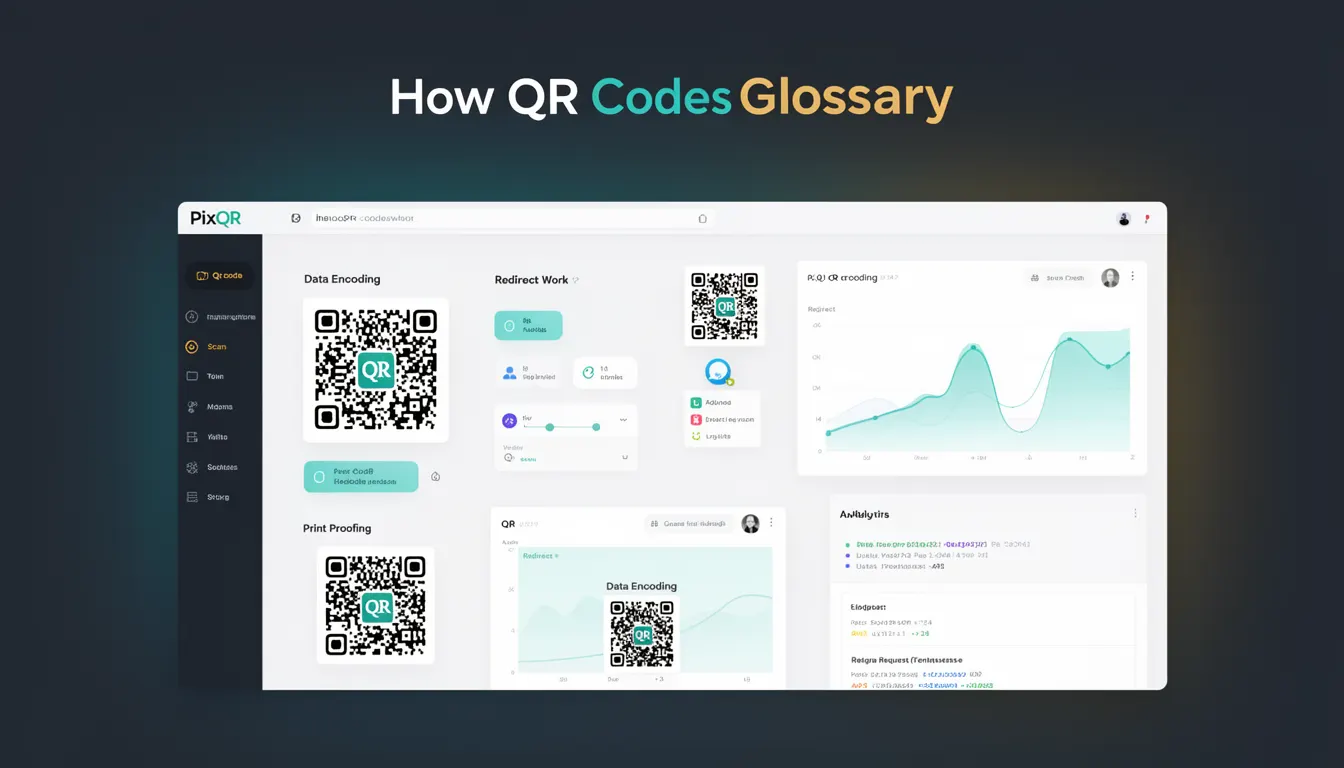
Data Encoding is the process of converting raw information into a format suitable for inclusion in a QR code. It defines how text, numbers, URLs, or binary data are structured and represented within the QR code's data matrix to ensure reliable scanning and decoding.
In PixQR, data encoding directly impacts how QR codes are generated and how they behave when scanned. It determines whether a QR code will correctly redirect to a URL, display a message, or carry structured data like contact information or payment details. Developers must understand data encoding to avoid issues like malformed links, incorrect character sets, or compatibility problems across scanning platforms.
Why It Matters
For developers working with PixQR, data encoding is foundational to ensuring that QR codes function as intended. Incorrect encoding can lead to failed scans, broken redirects, or data corruption, especially when dealing with international characters, special symbols, or dynamic content.
Security and privacy are also influenced by encoding choices. For example, improper encoding of sensitive URLs or redirect targets can expose systems to misuse or misdirection. Properly encoded data also improves performance by reducing errors during scan processing and minimizing fallbacks or retries.
How It Works
Data encoding in QR codes follows a defined set of standards and modes. The QR code specification supports several encoding modes, each optimized for different types of data. The process begins with identifying the appropriate encoding mode, followed by converting the data into a sequence of bits that fit within the QR code's structure.
- Mode 0 (Numeric) encodes sequences of digits (0–9) using 3 bits per 3 digits, ideal for phone numbers or IDs.
- Mode 1 (Alphanumeric) encodes uppercase letters (A–Z), digits (0–9), and special characters like $, %, *, +, -, ., /, :, with 6 bits per 2 characters.
- Mode 2 (Byte/8-bit) encodes binary or character data using 8 bits per character, suitable for UTF-8 content or mixed character sets.
- Mode 3 (Kanji) encodes Japanese characters using 13 bits per character, used primarily in Japanese QR codes.
- The encoding mode is selected automatically by most QR generation libraries, but developers can override this for performance or compatibility.
Quick Reference
| Item | Purpose | Notes |
|---|---|---|
| Encoding Mode | Selects how data is represented in QR code bits | Automatically selected unless specified |
| Character Set | Defines supported characters in data | UTF-8 preferred for international content |
| Data Length | Tracks size of encoded data | Must fit within QR code capacity |
| Bit Conversion | Translates data into binary format | Mode-specific bit patterns apply |
| EC Level | Controls error correction | Higher levels allow more data corruption |
Basic Example
PixQR Example QR
This QR links directly to this glossary page, so printed notes, onboarding docs, and support material can bring scanners back to the current reference.
/glossary/qr-code-how-qr-codes-work/how-qr-codes-work-data-encoding
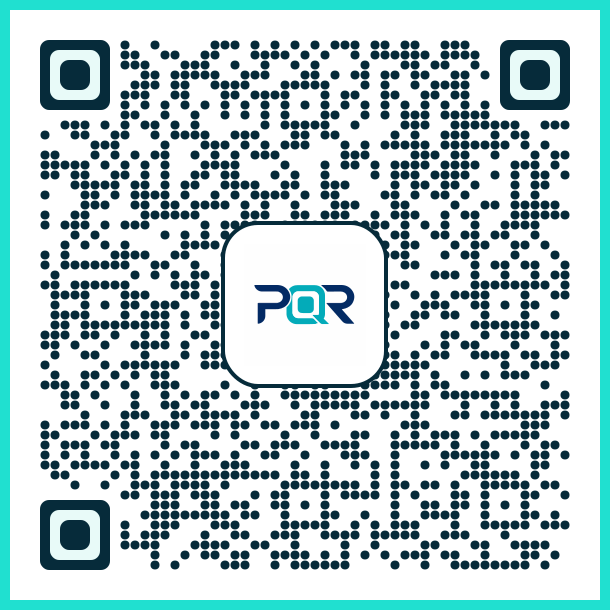
The following example demonstrates how a simple URL is encoded into a QR code using a standard encoding mode:
const url = "https://pixqr.com";
const encoded = encodeURI(url);
console.log(encoded); // https%3A%2F%2Fpixqr.com
This shows basic URL encoding, which ensures that special characters like : and / are correctly represented for QR code compatibility. The encoded string can then be passed to a QR generation function.
Production Example
In a production PixQR setup, developers must handle encoding carefully to support international characters and dynamic data. Here is an example of how to encode a multilingual message:
const message = "Visit https://pixqr.com/привет";
const encoded = encodeURIComponent(message);
const qrData = `http://pixqr.com/redirect?target=${encoded}`;
// QR code generated with 'qrData' will correctly handle UTF-8 characters
This version ensures that the URL and any non-ASCII characters are safely encoded for cross-platform scanning. It also prepares the data for dynamic redirect handling in PixQR, where the target URL is parsed and validated before redirection.
Common Mistakes
- Not encoding special characters in URLs, leading to malformed links or scan failures.
- Using the wrong encoding mode for data type, which can cause oversized QR codes or incorrect data interpretation.
- Ignoring character set limitations, resulting in data loss or corruption when scanned on different platforms.
- Skipping validation of encoded data, which may introduce security vulnerabilities or unexpected behavior.
- Assuming automatic encoding selection works in all environments, which may fail with edge cases or legacy systems.
Security And Production Notes
- Always validate encoded data before QR generation to prevent injection attacks or unexpected redirects.
- Use UTF-8 encoding for international content to ensure broad compatibility with scanning devices.
- Implement character escaping for dynamic content to avoid unintended URL parsing or redirection.
- Test encoding with edge cases like long strings, special symbols, or binary data to ensure robustness.
- Log encoding errors or failures for debugging and monitoring, especially in high-volume systems.
Related Concepts
Data Encoding is closely related to several other QR code concepts:
- QR Code Structure: The layout and bit arrangement of a QR code relies on correct encoding to store data efficiently.
- Redirect Safety: Encoded data must be validated to prevent malicious redirects in PixQR systems.
- Scan Reliability: Incorrect encoding can cause scanning failures or misinterpretation of data.
- Dynamic QR Code Generation: Encoding is a core step when generating QR codes with variable content.
- Privacy Controls: Proper encoding helps maintain privacy by ensuring sensitive data is correctly formatted and not exposed.