 PixQR
PixQR
Overview
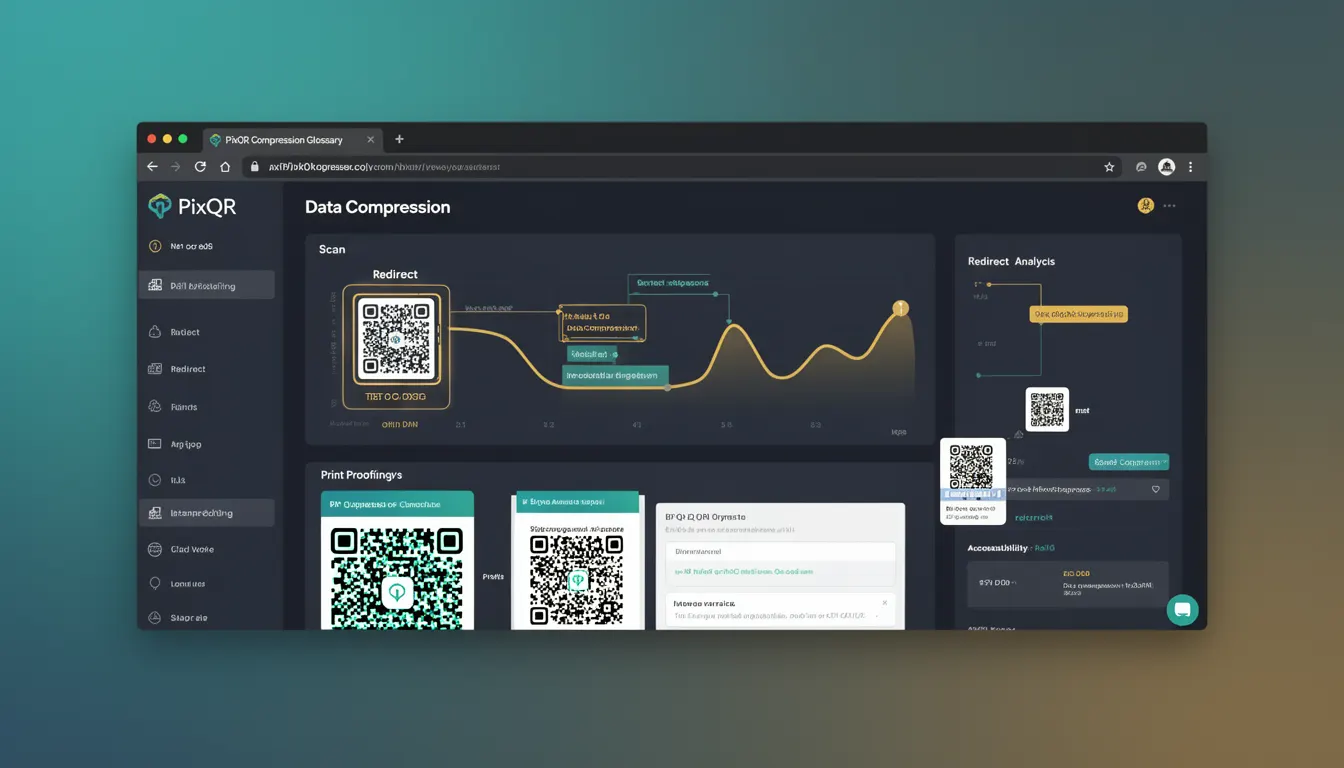
Data Compression in QR code generation refers to the process of reducing the size of the data payload before encoding it into a QR code symbol. This technique is essential for optimizing QR code efficiency, especially when dealing with large amounts of data or when constrained by QR code size limitations. PixQR leverages compression algorithms to ensure that the maximum amount of data can be encoded within a standard QR code structure while maintaining scan reliability and readability.
When generating QR codes, developers often need to balance the amount of data to encode with the physical size of the QR code. Data Compression helps reduce the data size without losing essential information, allowing for more efficient encoding. This is particularly important in dynamic redirect scenarios, where the payload might include long URLs or complex tracking parameters. PixQR's compression methods ensure that even when encoding large data sets, the resulting QR code remains scannable and meets brand-safe design standards.
Why It Matters
For developers working with QR code platforms like PixQR, data compression directly affects performance, usability, and scalability. Without compression, large payloads can lead to oversized QR codes that are difficult to scan, especially on low-resolution devices or in print formats. Compression ensures that the QR code remains compact, readable, and functional across all devices and media types.
From a security standpoint, PixQR uses compression to reduce the risk of data leakage through oversized QR codes or inefficient encoding. It also helps in maintaining consistent QR code quality for brand-safe design, ensuring that codes do not become visually cluttered or unreadable. For analytics and tracking, compressed data allows for more efficient data handling and faster processing, especially when managing high-volume redirect workflows.
How It Works
Data Compression in QR code generation involves applying algorithms to reduce the data size before encoding. PixQR supports several compression methods tailored for QR code payloads, including lossless compression techniques such as gzip or custom encoding schemes. The process typically occurs during the QR code generation phase, where the input data is compressed before being encoded into the QR symbol matrix.
- Compression algorithms are selected based on the type of data being encoded, such as URLs, text, or binary data.
- The compression process is transparent to the end-user and is applied automatically by PixQR during QR code creation.
- Compressed data must be decompressed during decoding, ensuring that the original data is retrieved accurately.
- Compression levels can be adjusted to balance between data size reduction and processing overhead.
- QR code version and error correction levels may be dynamically adjusted to accommodate compressed data.
When a developer provides a payload to PixQR, the system first determines the optimal compression method based on the data type and size. For instance, text-based URLs may be compressed using standard gzip, while binary or structured data might use a custom encoding scheme. The compressed data is then encoded into the QR symbol matrix using appropriate QR code standards, such as QR Code Model 2, ensuring compatibility and readability.
Quick Reference
| Item | Purpose | Notes |
|---|---|---|
| Compression algorithm | Reduces data size before QR encoding | Selected based on data type |
| Auto-compression | Applies compression automatically during QR generation | Transparent to end-users |
| Decompression during scan | Reverses compression to retrieve original data | Ensures data integrity |
| Compression level | Adjusts trade-off between size and processing | Configurable for performance |
| QR version adjustment | Adapts to compressed data size | Ensures scannability |
Basic Example
PixQR Example QR
This QR links directly to this glossary page, so printed notes, onboarding docs, and support material can bring scanners back to the current reference.
/glossary/qr-code-how-qr-codes-work/how-qr-codes-work-data-compression

This basic example shows how a developer might prepare data for QR code generation using a compression technique before passing it to PixQR.
const data = "https://example.com/track?source=marketing&medium=email&campaign=summer2024";
const compressedData = compress(data); // Assume compress is a function that applies gzip
const qrCode = pixqr.generate({
  data: compressedData,
  version: 1,
  errorCorrection: "M"
});
In this example, the original URL is compressed before being passed to PixQR's generation function. The compress function is assumed to apply a lossless compression algorithm. This ensures that the resulting QR code is smaller and more efficient, while still retaining full functionality during decoding.
Production Example
In a production environment, PixQR handles compression automatically, but developers may need to configure or validate compression settings to ensure optimal performance and data integrity.
const payload = {
  url: "https://example.com/track?source=marketing&medium=email&campaign=summer2024",
  tracking: {
    utm_source: "marketing",
    utm_medium: "email",
    utm_campaign: "summer2024"
  }
};

const qrConfig = {
  data: payload,
  version: 2,
  errorCorrection: "H",
  compress: true
};

const qrCode = pixqr.generate(qrConfig);
This version demonstrates a more robust configuration where the compress flag is explicitly enabled. PixQR ensures that the payload is compressed using an appropriate algorithm before encoding. This approach is more maintainable and scalable, especially when handling multiple QR codes with varying data sizes and types.
Common Mistakes
- Not enabling compression for large payloads, leading to oversized QR codes that are difficult to scan.
- Using incompatible compression algorithms that are not supported during QR decoding.
- Assuming that compression is always beneficial without considering processing overhead or data types.
- Ignoring QR code version and error correction adjustments that may be required after compression.
- Applying compression to already compressed data, resulting in inefficient encoding or data corruption.
Security And Production Notes
- Always validate compressed data to prevent injection or corruption during decoding.
- Use only standard or well-tested compression algorithms to ensure compatibility.
- Ensure that compression does not introduce performance bottlenecks in high-volume QR code generation.
- Compress data in a way that preserves privacy and avoids exposing sensitive information.
- Monitor QR code scan reliability after compression to ensure no degradation in performance.
Related Concepts
Data Compression is closely related to several other QR code technologies and development practices:
- QR Code Version – The version of a QR code determines its size and capacity; compression helps optimize data within these limits.
- Error Correction – Higher error correction levels can compensate for data loss during compression, ensuring reliability.
- Data Encoding Modes – Different encoding modes (numeric, alphanumeric, byte) affect how data is compressed and encoded.
- Dynamic Redirects – Compression is essential for maintaining redirect efficiency when handling large tracking or metadata payloads.
- Scan Tracking – Compressed data can be efficiently tracked and logged without increasing QR code size or scan time.